
Installing and setting up your new TV properly
A poorly set-up TV can lose half its quality. Good news: ten minutes is enough to get it right, and we show you exactly what to adjust.
- The centre of the screen should be eye level : roughly 1 m to 1.10 m from the floor
- Fashion Filmmaker or Cinema rather than “Vivid”
- Reduced motion smoothing for films
- OLED: never cut the power at the socket
Positioning your TV
The right height
The centre of the screen should sit at eye level when you're seated, so roughly 1 m to 1.10 m from the floor for a standard sofa. Too high and you'll strain your neck; too low and you'll be looking down at the floor.
Above a fireplace, the screen is almost always too high: plan for a tilting bracket that tilts downwards, and sit a little further back.
Facing the light
Avoid letting a window reflect in the screen. If that's impossible, choose a model with good anti-glare treatment, and close the curtains for films.
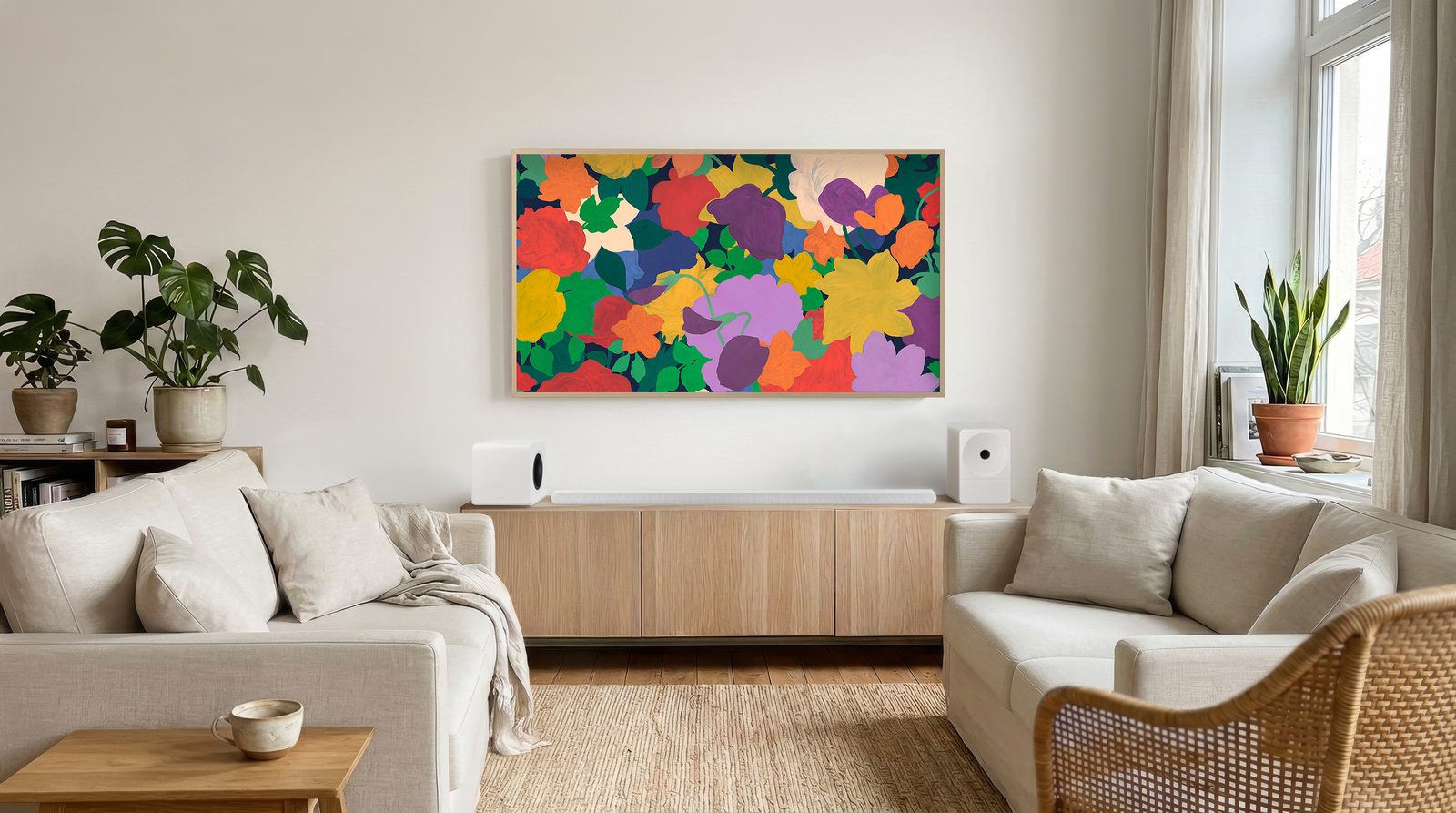
Mounting the TV on the wall
| Mount type | Best for |
|---|---|
| Fixed (flat) | The most discreet option: the TV sits almost flush against the wall. Ideal if the screen is at the right height and facing the sofa. |
| Tilting | For a screen mounted a little high (above a fireplace, in a bedroom): it tilts downwards. |
| Full-motion (arm) | For a TV in a corner, or watched from two spots (living room and open-plan kitchen). |
- The VESA standard : the distance between the holes on the back of the TV (100 × 100, 300 × 300, 400 × 300 mm…). The bracket must match this spacing and and to the weight of the TV.
- The wall : use wall plugs suited to brick, concrete or plasterboard (expansion plugs or fixing to a stud).
- Cables : plan for a power socket and a conduit behind the screen to hide the wires.
Our mounts are in the TV mounts.
Connections
- Internet : Ethernet cable if possible, otherwise Wi-Fi 5 GHz.
- Operator's set-top box (Proximus, Telenet, VOO, Orange): on a standard HDMI socket.
- Games console : on an HDMI 2.1 port (often marked 4K 120 Hz).
- Soundbar : on the eARC HDMI port.
- Aerial (DTT) (Wallonia and Brussels): on the aerial input to pick up La Une, Tipik and La Trois for free.
The five settings that make all the difference
Picture mode
Choose Filmmaker, Cinema or Expert. The 'Vivid' or 'Dynamic' mode is designed for shops lit by neon.
Motion smoothing
Reduce or switch off motion smoothing for films. Keep it at a low setting for sport if you like smooth movement.
The light sensor
Switch it on (Eco, Adaptive, IQ): the TV adjusts to the room's lighting and uses less power.
Sound
Turn on the 'Clear Voice' mode if dialogue is hard to follow, or switch to a soundbar.
Updates
Automatic updates switched on: they fix bugs and add features.
Settings are often stored per source: adjust the picture once on the set-top box, once in Netflix and once on the console. And if the TV offers a 'Netflix Calibrated' or 'Filmmaker' mode, that is the one filmmakers themselves recommend.
Setting names by brand
| Setting | LG | Samsung | Sony | Philips |
|---|---|---|---|---|
| Motion smoothing | TruMotion | Auto Motion Plus | Motionflow | Motion style |
| HDMI control | SIMPLINK | Anynet+ | Bravia Sync | EasyLink |
| Accurate mode | Filmmaker | Filmmaker | Professional / Netflix Calibrated | Filmmaker |
Good habits with an OLED
- Leave the TV plugged in : the panel's automatic maintenance runs in standby.
- Vary what you watch: avoid a news channel with a static logo left on for ten hours a day, every day.
- Keep the protections switched on (pixel shift, logo dimming).
Frequently asked questions
Why does my TV picture look like a soap opera?
It's motion smoothing (TruMotion, Auto Motion Plus, Motionflow, Natural Motion…). It invents intermediate frames. Reduce or switch it off for films. Filmmaker mode turns it off automatically.
Should I switch off an OLED TV at the wall?
No. In standby, the OLED runs short maintenance cycles that prevent burn-in. Switch it off with the remote and leave it plugged in.
Wi-Fi or network cable?
Ethernet is more stable for 4K HDR and online gaming. On Wi-Fi, place the router as close as possible and use the 5 GHz band.
What happens to my old TV?
When you buy a new TV, the shop takes back your old one free of charge ('one-for-one' principle of Recupel, whose fee is included in the price). You can also drop it off at the recycling centre.
Come and compare the screens in person
At our Temploux shop, we switch on TVs side by side with your content. Or ask our expert salesperson online, right now.
Read next
 Buying guideWhich TV size for your living room?The question we're asked most often in store. Good news: there's a very simple rule, and it almost always leads to a bigger screen than you had in mind.3 min read
 Buying guideYour TV's sound: do you need a soundbar?TVs have never been so slim, and that's exactly what hurts the sound. Muffled dialogue, missing bass: don't worry, there's a simple fix, and it doesn't necessarily cost much.2 min read
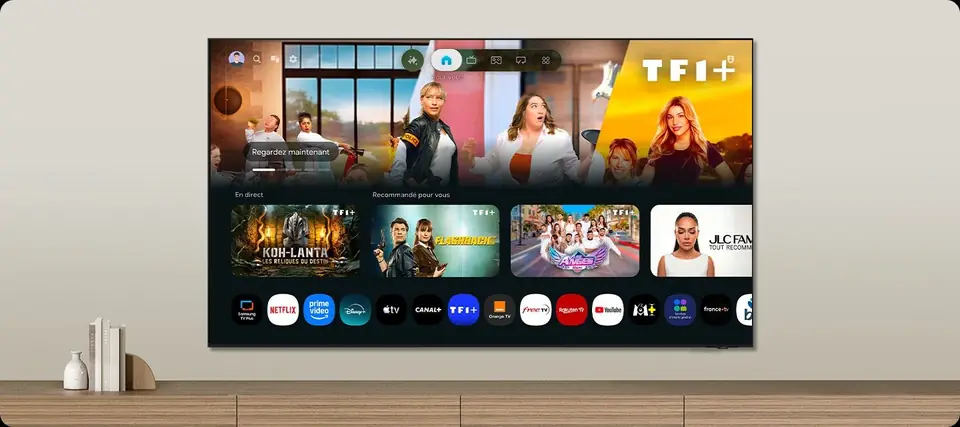 TechnologySmart TVs and Belgian apps: which system for Auvio, VRT MAX, Play or Pickx?The Smart TV system is your television's brain: menus, apps, updates. In Belgium, it also decides whether you can watch Auvio, VRT MAX or your operator's app without a box. Here's our comparison of the six 2026 systems, with a table of Belgian apps checked against the official help pages.7 min read