
Your TV is watching what you watch: switching off data collection
Most smart TVs analyse what appears on screen to offer content and targeted advertising. It's legal and disclosed in the terms of use, but you can switch it off. Here's how, brand by brand.
- The technology is called ACR : automatic content recognition
- It is mainly used for targeted advertising
- You can switch it off without losing your apps
- Also check personalised ads and the microphone
What the TV does
Automatic content recognition (ACR) regularly compares small samples of the picture or sound with a database. The TV can thus tell which programme, film or advert you are watching, even from a set-top box or console. This data is used to recommend programmes and target advertising. In Europe, GDPR requires your consent: you often gave it when setting up the TV, by accepting everything.
How to switch it off
Viewing information
Settings › General and privacy › Terms and privacy › untick Viewing information services and Interest-based advertising.
Live Plus
Settings › General › System › Additional settings › switch off Live Plus. Under User Agreements, also decline personalised ads.
Samba Interactive TV
In Settings › Privacy, switch off Samba Interactive TV (if present) and in your Google account, Ad personalisation.
Privacy
Look for Privacy or Terms of use and untick the viewing or recommendation options.
Menu names often change after an update. If you can't find it, search for ‘privacy' in the settings.
Other settings to check
- The remote's microphone : it only listens when you press the button, but you can switch off the voice assistant if you don't use it.
- The advertising ID : reset it or switch it off in the privacy settings.
- Apps : only install the ones you need.
No. Netflix, YouTube, Auvio and other apps work just the same. You will only see less personalised recommendations on the home screen.
Frequently asked questions
Does switching off ACR stop updates?
No. System and app updates carry on as normal.
Can the TV film me?
Most TVs sold today don't have a built-in camera. Some accept an optional camera for video calls: unplug it if you're not using it.
Can you refuse all of this during setup?
Yes. During the first setup, take the time to read each consent screen and tick only what's essential.
Come and compare the screens in person
At our Temploux shop, we switch on TVs side by side with your content. Or ask our expert salesperson online, right now.
Read next
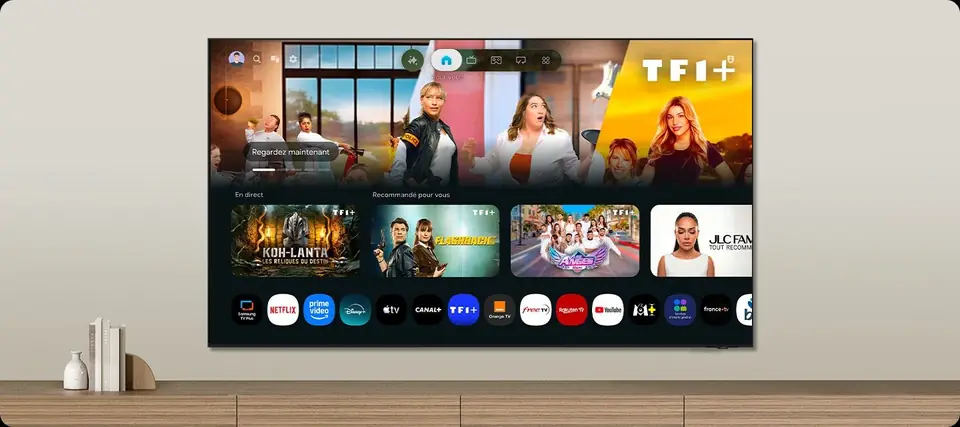 TechnologySmart TVs and Belgian apps: which system for Auvio, VRT MAX, Play or Pickx?The Smart TV system is your television's brain: menus, apps, updates. In Belgium, it also decides whether you can watch Auvio, VRT MAX or your operator's app without a box. Here's our comparison of the six 2026 systems, with a table of Belgian apps checked against the official help pages.7 min read
 PracticalInstalling and setting up your new TV properlyA poorly set-up TV can lose half its quality. Good news: ten minutes is enough to get it right, and we show you exactly what to adjust.3 min read
 Frequently asked questionsTV: the questions our customers ask mostAt the Temploux store, certain questions come up every day. We have gathered them here, with short, honest answers tailored to Belgium: choosing, picture, OLED, gaming, sound, apps, reception, installation, warranty.8 min read