
Connecting a Bluetooth speaker or headphones to your TV
Most recent TVs accept a speaker, soundbar or Bluetooth headphones. Here's how to do it on LG, Samsung, Sony, Philips, TCL and Hisense, and when to prefer an HDMI cable.
- Put the speaker into pairing mode
- On the TV: Sound > Audio output > Bluetooth
- For a soundbar: the HDMI eARC is still better
- A slight audio/video delay can be adjusted
Short answer: put the speaker into pairing mode (hold the Bluetooth button), then on the TV go to Settings > Sound > Audio output and choose Bluetooth. Select the speaker from the list. For a soundbar, the cable HDMI eARC gives better sound, without any delay.
Depending on the brand
- LG (webOS): Settings > Sound > Audio output > Bluetooth.
- Samsung (Tizen): Settings > Sound > Sound output > Bluetooth speaker list.
- Sony, Philips, TCL, Hisense on Google TV: Settings > Remotes and accessories > Pair accessory, then choose the audio output.
Bluetooth or HDMI?
Bluetooth is convenient for headphones or a small speaker. For a soundbar, the HDMI eARC passes Dolby Atmos through and controls the volume with the TV remote. See our guide TV sound and soundbars.
Is the sound lagging behind the picture?
This is common with Bluetooth. Look for “AV sync” or “Audio delay” in the TV's sound settings, or switch to a cable.
Written by the TV team at the Nimestore shop in Temploux (Namur), who advise on and install televisions every day. Updated 5 November 2026.
Frequently asked questions
How do I connect a Bluetooth speaker to my TV?
Put the speaker into pairing mode, then on the TV: Settings, Sound, Audio output, Bluetooth, and choose the speaker.
My TV doesn't have Bluetooth, what can I do?
Use a small Bluetooth transmitter plugged into the TV's optical or headphone output.
Can you connect two Bluetooth headphones to the TV?
Some Samsung and LG TVs allow it; otherwise, a dual Bluetooth transmitter will do the job.
Come and compare the screens in person
At our Temploux shop, we switch on TVs side by side with your content. Or ask our expert salesperson online, right now.
Read next
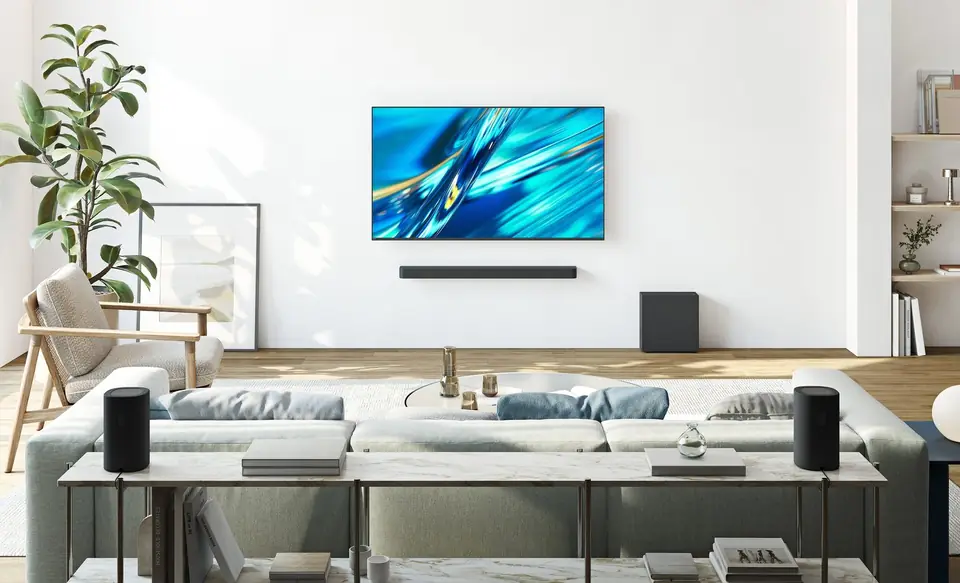 Buying guideYour TV's sound: do you need a soundbar?TVs have never been so slim, and that's exactly what hurts the sound. Muffled dialogue, missing bass: don't worry, there's a simple fix, and it doesn't necessarily cost much.2 min read
 PracticalInstalling and setting up your new TV properlyA poorly set-up TV can lose half its quality. Good news: ten minutes is enough to get it right, and we show you exactly what to adjust.3 min read
 Frequently asked questionsTV: the questions our customers ask mostAt the Temploux store, certain questions come up every day. We have gathered them here, with short, honest answers tailored to Belgium: choosing, picture, OLED, gaming, sound, apps, reception, installation, warranty.8 min read