
Wall-mounting your TV: VESA, bracket type, height and cables
A wall-mounted TV means more space, more elegance and often a better viewing position, provided you choose the right bracket and height and think about cables before drilling. Here's our salesperson's method, step by step.
- Check theVESA spacing and the weight of the TV
- Fixed, tilting or swivelling : depending on the room
- The upper third of the screen at eye level
- Allow a socket and conduit behind the screen
VESA standard and weight first
Almost all TVs have four threaded holes on the back, arranged in a square or rectangle. Their spacing follows the standard VESA, expressed in millimetres, width then height: 100 × 100 for a small screen, 300 × 300 or 400 × 300 for 50 to 65 inches, up to 600 × 400 and more for very large sizes. The bracket must meet two conditions :
- accept the VESA spacingVESA spacing of your TV (the bracket's spec sheet gives the accepted range);
- bear the weight weight of the screen without its stand, with a safety margin.
| Example | VESA spacing | Weight without stand |
|---|---|---|
| Telefunken 32-inch | 75 × 75 | Light |
| Radiola RA32A3 (32 inches) | 100 × 100 | Light |
| Samsung TU43M74H (43 inches) | See product page | 6.7 kg |
| TCL 50P79L (50 inches) | 300 × 300 | 8.7 kg |
| Hisense 50U7SE (50 inches) | 400 × 300 | See product page |
| TCL 65C89L (65 inches) | See product page | 21.1 kg |
| Sony Bravia 3 II 85 inches | See product page | 36.4 kg |
Figures taken from manufacturers' and retailers' spec sheets. Always check the VESA spacing and weight on the spec sheet for your exact model.
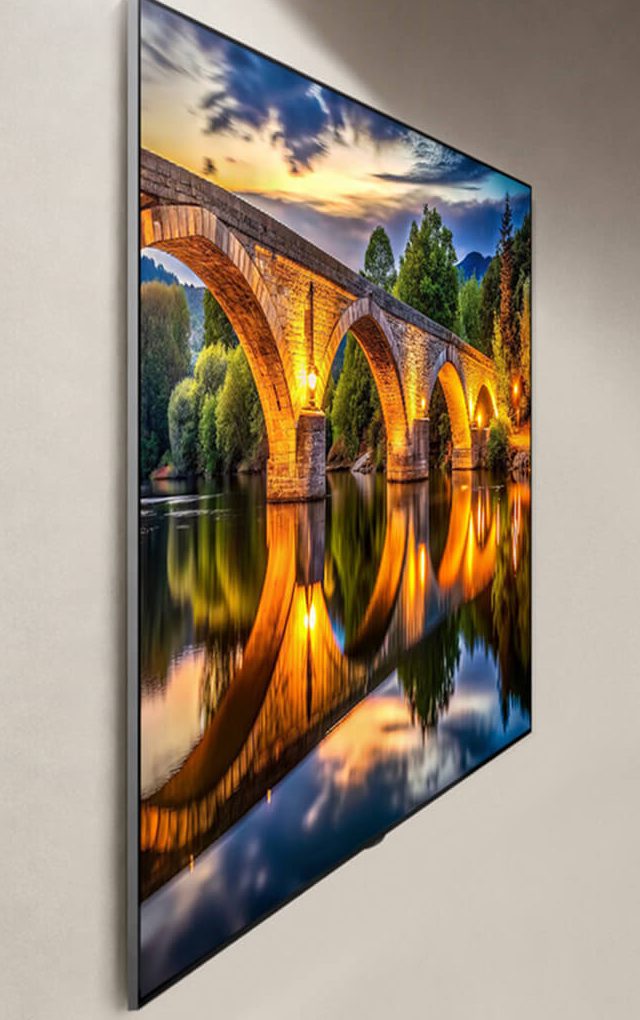
Fixed, tilting or swivelling: which bracket to choose?
Fixed bracket (ultra-slim)
The TV sits a few centimetres from the wall. Discreet, very stable and the cheapest option. Ideal when the screen faces the sofa at the right height.
Tilting bracket
The screen tilts a few degrees downwards. Useful above a tall unit, a fireplace or in a bedroom, and for reducing lamp reflections.
Full-motion bracket (articulating arm)
The screen swivels, pulls away from the wall and turns towards the viewing area. Perfect for a corner of the room or for access to sockets. More conspicuous and more demanding on the wall.
Floor stand or pedestal
The TV is held by a floor-standing pole, sometimes with a shelf for the set-top box. A solution for renters or fragile walls.
You'll find our selection of wall brackets (Erard, PMB, Audac…) in the TV brackets section at Nimestore. Check the VESA range and maximum accepted weight on each spec sheet.
The right height
The most common mistake is mounting the screen too high. HelloTV's method: measure the height of your eyes when seated in your usual position, then place the top third of the screen at that height. The simpler common rule: the centre of the screen about 1 m to 1.10 m from the floor for a standard sofa.
| Diagonal | Screen height (approx.) | Portion above eye level |
|---|---|---|
| 55 inches | 71 cm | 24 cm |
| 65 inches | 83 cm | 28 cm |
| 75 inches | 96 cm | 32 cm |
In a bedroom, where you watch lying down, you can mount the screen higher and tilt it. To choose the screen size for your viewing distance, read what size TV to choose.
The wall: what to check before drilling
- Solid wall (concrete, brick, block) : the simplest option, using wall plugs suited to the material and the weight.
- Plasterboard partition : plasterboard fixings (expansion or toggle type) rated for enough load or, better still, screws into the studs. A large screen on a full-motion arm is not recommended here without reinforcement.
- Pipes and electrical cables : check with a detector before drilling, especially above and below sockets.
- With two people : a screen of 55 inches or more needs two people to hang. Never hold an OLED by the edges of the panel, which are very thin: grip it by the chassis.
The cables: plan ahead before fixing
That's what separates a neat installation from a makeshift one.
- A power socket behind the screen, at TV height, if you are redoing the wiring or decorating. Have it fitted by an electrician.
- A concealed conduit or trunking painted in the colour of the wall, to run the HDMI and aerial cables down to the unit.
- Spare cables : run one more HDMI cable than you need. The day you add a console, you won't have to reopen the wall.
- The right cable : an Ultra High Speed certified HDMI for a 120 Hz console, and an active optical cable for long runs (see HDMI and connections).
- Access to sockets : on an ultra-slim fixed bracket, plug everything in before hanging. Side-facing sockets are easier to reach than those facing the wall.
For a truly clean wall, look at models that move their sockets elsewhere. The Samsung S95H (65 inches, €2,999.99) has a One Connect box: a single thin cable runs up to the screen. The LG OLED W6 Wallpaper (77 inches, €4,999.99) goes further with a wireless box that can be placed up to 10 metres away. And the wall-mount LG G6 (OLED65G64LW, €3,599.99) is designed to sit flush against the wall.
TVs designed for the wall
 OLED TV LG OLED65G64LW€2,614.00
 OLED TV LG OLED77W69LA.AEU€4,999.00
 OLED TV SAMSUNG TQ65S95H€2,415.00
 TV QLED SAMSUNG TQ65LS03HA€1,470.00
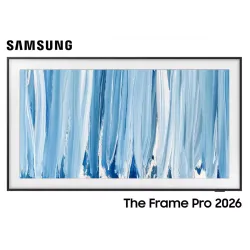 TV QLED SAMSUNG TQ65LS03HW€1,755.00
 OLED TV LG OLED65C64LA€1,919.00
 QLED TV TCL 65C89L€1,799.00
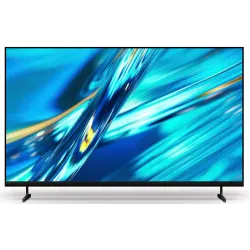 LED TV SONY K65XR35M2PB€1,107.00
TVs designed for the wall
| Model | Best for the wall | Public price |
|---|---|---|
| LG OLED65G64LW (G6, 65 inches) | Wall version (W = wall), flush against the wall. In Belgium: references G67LW or G68LW. Stand version: G66LS | 3 599,99 € |
| LG OLED77W69LA (W6 Wallpaper, 77 inches) | 9.95 mm panel, Zero Connect wireless box | 4 999,99 € |
| Samsung TQ65S95H (S95H, 65 inches) | Wired One Connect box included | 2 999,99 € |
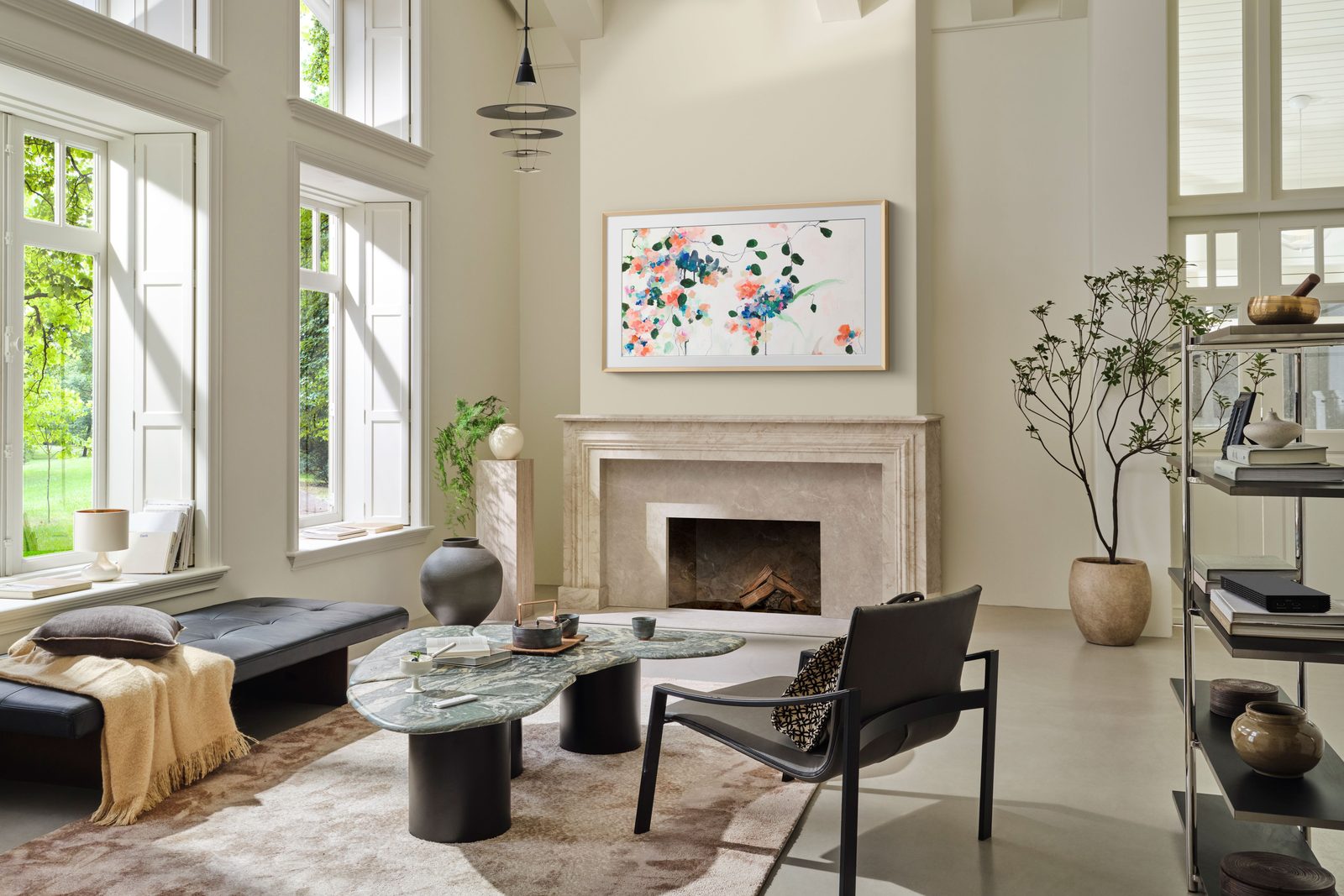
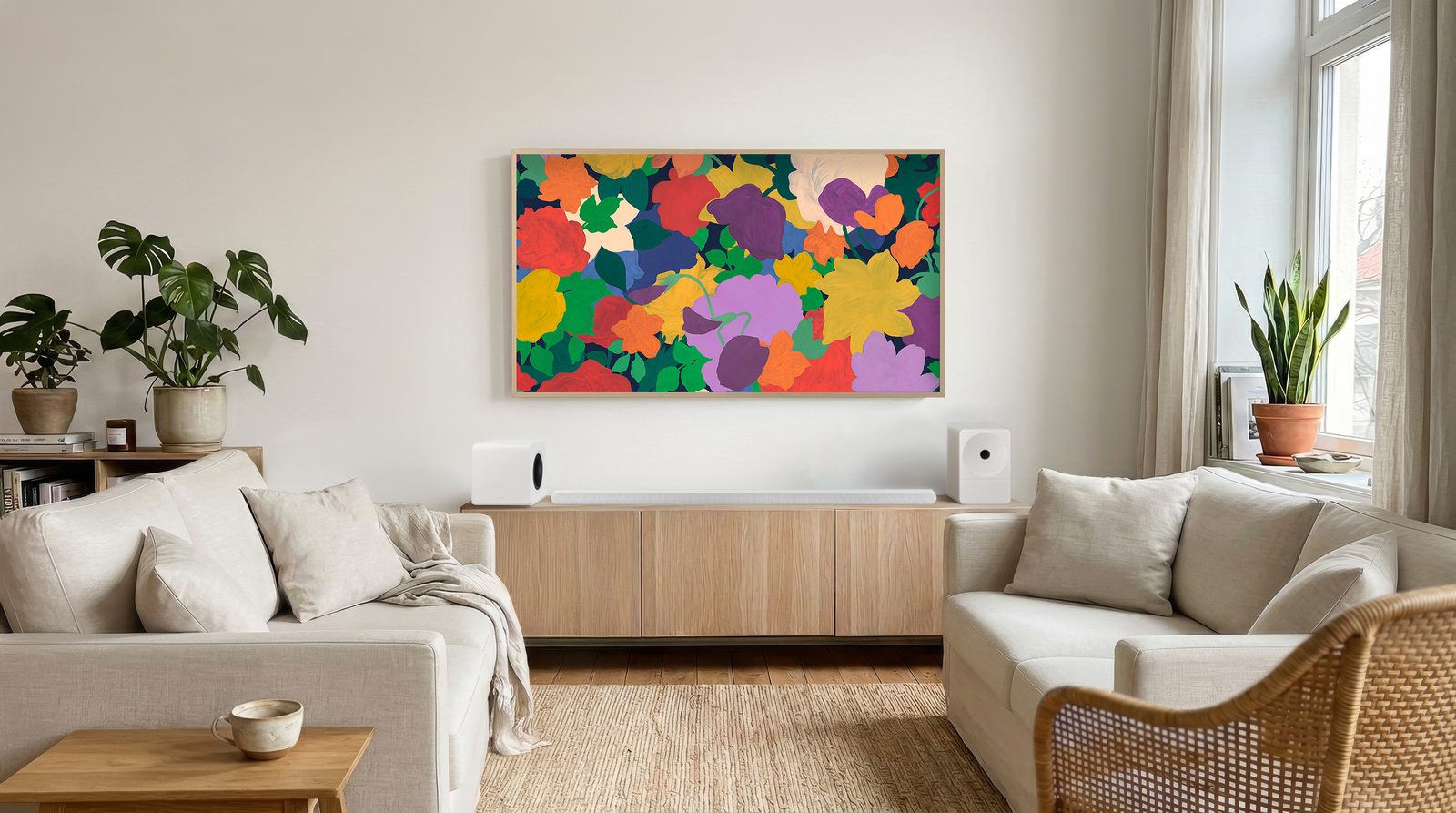
| Samsung The Frame TQ65LS03HA (65 inches) | Art Mode and interchangeable frames: designed to be hung like a picture | 1 699,99 € |
| Samsung The Frame Pro TQ65LS03HW (65 inches) | Mini LED, wireless One Connect box | 1 999,99 € |
For a wall-mounted version, check with us what is included in the box (wall bracket, stand optional) before ordering.
Rather on a unit?
Wall mounting isn't compulsory. A good TV unit has its advantages too: no drilling, easy access to sockets, room for the box and soundbar.
- Width : many TVs have feet set apart at the ends. The unit should be at least as wide as the gap between the feet, ideally wider than the screen.
- Central stand : some models (the Philips OLED811 and 851, for example) have a central stand that fits on a narrower unit.
- Soundbar : check that it doesn't hide the bottom of the screen or the remote sensor. Some stands are height-adjustable, such as the one on the Sony Bravia 6, to let a soundbar fit underneath.
- Height : a low unit of 40 to 50 cm generally suits a 55 to 65 inch screen opposite a sofa.
- Security : with young children, fix the TV to the wall with an anti-tip strap.
Your old TV? In Belgium, the shop takes back your old appliance free of charge when you buy an equivalent new one ('one-for-one' principle of Recupel, the recycling fee is already included in the price).
Prices checked on nimestore.com on 15 October 2026. The product sheet prevails. Nimesclub members often benefit from a reduced price.
Frequently asked questions
How do I find my TV's VESA spacing?
It is listed in the technical specifications and in the manual, for example 300 × 300 or 400 × 300 mm. You can also measure, centre to centre, the horizontal then vertical distance between the four threaded holes on the back of the screen.
At what height should I mount a TV on the wall?
Position the top third of the screen at eye level when seated. In practice, the centre of the screen is often around 1 m to 1.10 m from the floor for a standard sofa.
Can a TV be mounted on a plasterboard partition?
Yes for a lightweight screen, using plasterboard fixings rated for the weight, or better still by screwing into the metal or timber studs. For a large screen on an articulating arm, a solid wall (concrete, brick) is much preferable.
Do I need an articulating bracket?
Only if you watch from several places, if the TV is in a corner, or if you need to reach the sockets often. Otherwise, a fixed ultra-slim bracket is more discreet and more stable.
Come and compare the screens in person
At our Temploux shop, we switch on TVs side by side with your content. Or ask our expert salesperson online, right now.
Read next
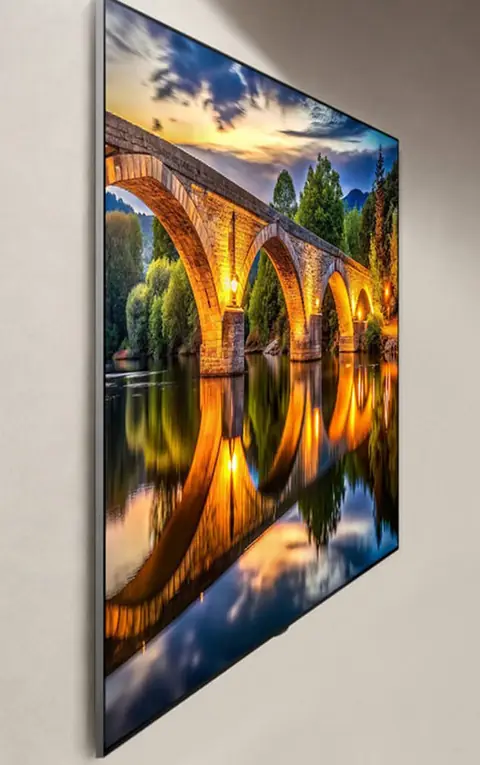 PracticalInstalling and setting up your new TV properlyA poorly set-up TV can lose half its quality. Good news: ten minutes is enough to get it right, and we show you exactly what to adjust.3 min read
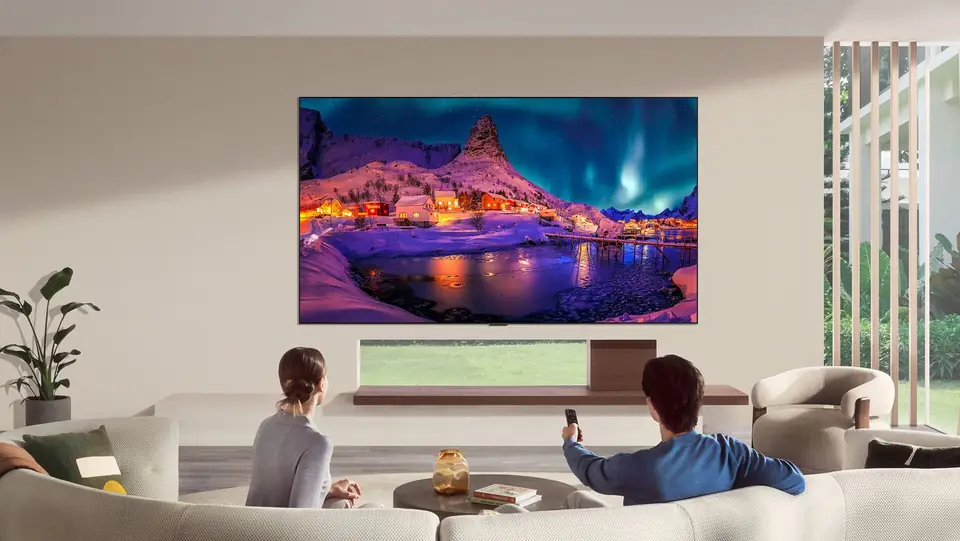 Buying guideWhich TV size for your living room?The question we're asked most often in store. Good news: there's a very simple rule, and it almost always leads to a bigger screen than you had in mind.3 min read
 PracticalHDMI, eARC and TV connections: the guide to plugging everything in correctlyA console that won't output 120 Hz, a soundbar that won't play Dolby Atmos, a picture that cuts out: nine times out of ten, it's a matter of port or cable. Here's how to read the connections on a 2026 TV and plug everything in correctly.7 min read