
HDMI, eARC and TV connections: the guide to plugging everything in correctly
A console that won't output 120 Hz, a soundbar that won't play Dolby Atmos, a picture that cuts out: nine times out of ten, it's a matter of port or cable. Here's how to read the connections on a 2026 TV and plug everything in correctly.
- HDMI 2.1 : useful for PS5, Xbox and PC in 4K 120 Hz
- eARC : the port to reserve for the soundbar
- The number of HDMI 2.1 ports varies by brand
- Certified cable Ultra High Speed for 120 Hz
HDMI 2.0 or HDMI 2.1: what really changes
All HDMI ports look alike, but they don't have the same capabilities. The HDMI 2.0 (18 Gbit/s) carries 4K up to 60 frames per second, with HDR: that's more than enough for a set-top box, an Apple TV, a streaming stick or a UHD Blu-ray player. The HDMI 2.1 (48 Gbit/s) goes up to 4K at 120 Hz and beyond, and brings the gaming features: VRR (no screen tearing), ALLM (auto low latency mode) and theeARC.
| Device | Port required | Why |
|---|---|---|
| Proximus, Telenet, VOO, Orange set-top box | HDMI 2.0 | HD or 4K image at 50/60 frames per second |
| Apple TV, Google TV Streamer, Fire TV | HDMI 2.0 | 4K HDR at 60 frames per second maximum |
| UHD Blu-ray player | HDMI 2.0 | 4K at 24 frames per second |
| PS5, PS5 Pro, Xbox Series X | HDMI 2.1 | 4K 120 Hz, VRR and ALLM |
| PC with a recent graphics card | HDMI 2.1 | 4K 120 to 165 Hz, G-Sync or FreeSync |
| Dolby Atmos soundbar | HDMI eARC | High-quality sound sent back by the TV |
And the HDMI 2.2 ? The standard exists (96 Gbit/s), but no TV has it in 2026 and the first devices are expected in 2027. That's no reason to wait: HDMI 2.1 is enough for all current consoles.
How many HDMI 2.1 ports by brand
This is the point gamers most often overlook. A PS5, an Xbox and an eARC soundbar in practice require three ‘full' ports. Here is what we found on the official spec sheets of the 2026 ranges.
| Brand and series | HDMI ports | Key takeaway |
|---|---|---|
| LG OLED B6, C6, G6, W6 | 4 HDMI 4K 120 Hz (165 Hz on C6 and G6) | The benchmark for gamers. The W6 moves them to a wireless box |
| LG QNED85 | 4 HDMI 4K 120 Hz | The QNED82 has 3, the QNED72 and QNED81 stay at 60 Hz |
| Samsung OLED S85H to S99H, Micro RGB, QN80H | 4 HDMI 4K 120 to 165 Hz | The S95H groups its ports in the One Connect box |
| Samsung M80H | 3 HDMI 4K 144 Hz | The QN70H and M70H/M74H are limited to 4K 60 Hz |
| Sony Bravia 6 and Bravia 3 II | 4 HDMI 2.1, VRR on all 4 | Paradox: better equipped than Sony's high end |
| Sony Bravia 9 II, 7 II, 8 II | 4 HDMI, including 2 HDMI 2.1 (ports 3 and 4) | Port 3 also handles eARC: with a soundbar, only one 4K 120 port remains free |
| Philips OLED811, 851, 911, 951 and PQS9001 | 4 HDMI 2.1 | The PQS8601 and PQS7801 don't have 4K 120 |
| TCL C89L (65 inches and up) | 4 HDMI 2.1 | HDMI 2.1 port count to check on the C79L and the 55-inch C89L, as the spec sheets contradict each other |
| Hisense U7S Pro and U7SE | 4 HDMI 2.1 | On the U7SE, VRR only works on ports 3 and 4 |
| Thomson 55MG7C15 | 4 HDMI, including 2 HDMI 2.1 | Enough for one console and one soundbar |
Compiled from manufacturers' official spec sheets as of 15 October 2026. Features sometimes vary by screen size: the product spec sheet is the reference.

ARC, eARC and HDMI-CEC: connecting your soundbar
The ARC (Audio Return Channel) sends the TV's sound back to the soundbar over the HDMI cable. It is limited to compressed audio, such as Dolby Digital Plus. The port eARC, its improved version, carries lossless audio: full Dolby Atmos, Dolby TrueHD and DTS:X depending on the model. It is essential if your sources (console, Apple TV, TV apps) go through the TV.
- Find the port marked eARC (or ARC) and reserve it for the soundbar.
- Turn on HDMI-CEC in the settings: Anynet+ on Samsung, SimpLink on LG, Bravia Sync on Sony, EasyLink on Philips. The TV remote then controls the soundbar volume.
- Set the TV's audio output to the soundbar, and the format to ‘Auto' or ‘Passthrough' to pass through Dolby Atmos.
More details on choosing a soundbar in our TV sound guide.
Which HDMI cable should you choose?
The HDMI signal is digital: a cable either works perfectly or causes dropouts, and there is no ‘better picture' with a more expensive cable. What matters is the certification printed on the packaging.
| Certification | Bandwidth | What for |
|---|---|---|
| High Speed | 10 Gbit/s | Full HD, 4K at 30 frames per second: old cables to replace |
| Premium High Speed | 18 Gbit/s | 4K 60 HDR: set-top box, Apple TV, Blu-ray |
| Ultra High Speed | 48 Gbit/s | 4K 120 Hz and above, VRR, eARC: consoles and PC |
- Length : keep it short where possible. For a long run inside a wall, beyond a few metres, an active optical HDMI cable is safer (it has a designated direction).
- The console cable : the one supplied with the PS5 or Xbox Series X is fine for 120 Hz. Keep it.
- Dropouts or black screen : first try another certified cable and another socket before suspecting the TV.
Before buying, make a list of everything you'll connect: set-top box, console, soundbar, Apple TV. If you have two recent consoles and an Atmos soundbar, choose a model with four HDMI 2.1 ports. And remember to enable the 'enhanced signal' option (or 'Ultra HD Deep Colour', 'Input Signal Plus' depending on the brand) on the console's port: without it, there's no 120 Hz.
TVs with four HDMI 2.1 ports
 OLED TV LG OLED65C64LA€1,919.00
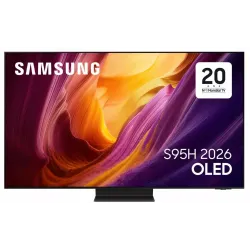 OLED TV SAMSUNG TQ65S95H€2,415.00
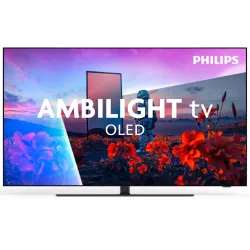 OLED TV PHILIPS 55OLED851/12€1,544.00
 QLED TV TCL 65C89L€1,799.00
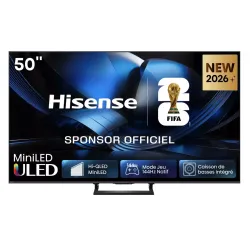 Mini LED TV HISENSE 50U7SE€595.00
 LED TV SONY K65XR35M2PB€1,107.00
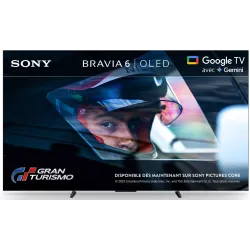 OLED TV SONY K55A65PB€1,193.00
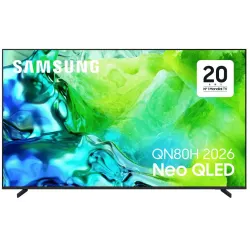 TV QLED SAMSUNG TQ65QN80H€961.00
Other ports to know
Optical output (Toslink)
It carries stereo sound and Dolby Digital 5.1 to an older soundbar or amplifier. It does not pass full Dolby Atmos or high-resolution audio, and it doesn't let you control the soundbar's volume with the TV remote. Useful for troubleshooting, not for a new installation.
USB ports
They let you play photos, videos and music from a USB stick, power a small streaming stick, and sometimes record TV to a hard drive. This recording function depends on the brand, model and country: check it in store if it matters to you.
Aerial, cable, satellite and CI+
The coaxial 'aerial' socket receives terrestrial TV (DVB-T2) and cable (DVB-C). The satellite socket (F connector) receives DVB-S2 with a dish. The slot CI+ takes a module and an operator card. Everything is explained in receiving TV in Belgium.
Wi-Fi or Ethernet cable
Wi-Fi 5 is enough for 4K if the box isn't too far away. High-end models move to Wi-Fi 6 or 6E (LG G6 and C6, TCL C89L). But nothing beats an Ethernet cable : no dropouts, faster start-up, and ideal for cloud gaming. 4K streaming needs about 15 Mbit/s: even a network port limited to 100 Mbit/s, common on TVs, is more than enough.
Bluetooth
For a wireless headset (handy in the evening or for someone with hearing loss), a speaker, a cloud gaming controller or certain soundbars. A slight delay between picture and sound is possible with some headsets: most TVs offer an audio sync adjustment.
Headphone socket
Increasingly rare, especially on very large sizes. If you need one, check the spec sheet or plan for a Bluetooth headset.
Remote boxes: a single cable to the screen
Some models group all the sockets in a separate box, placed in the cabinet. The screen only receives a thin cable, or even no signal cable at all:
- Samsung One Connect : wired box included with the OLED S95H and the 55-inch The Frame 2026. Wireless version on The Frame Pro, optional on the S99H and Micro RGB R95H.
- LG Zero Connect : wireless box of the OLED W6 Wallpaper, placed up to 10 metres from the screen.
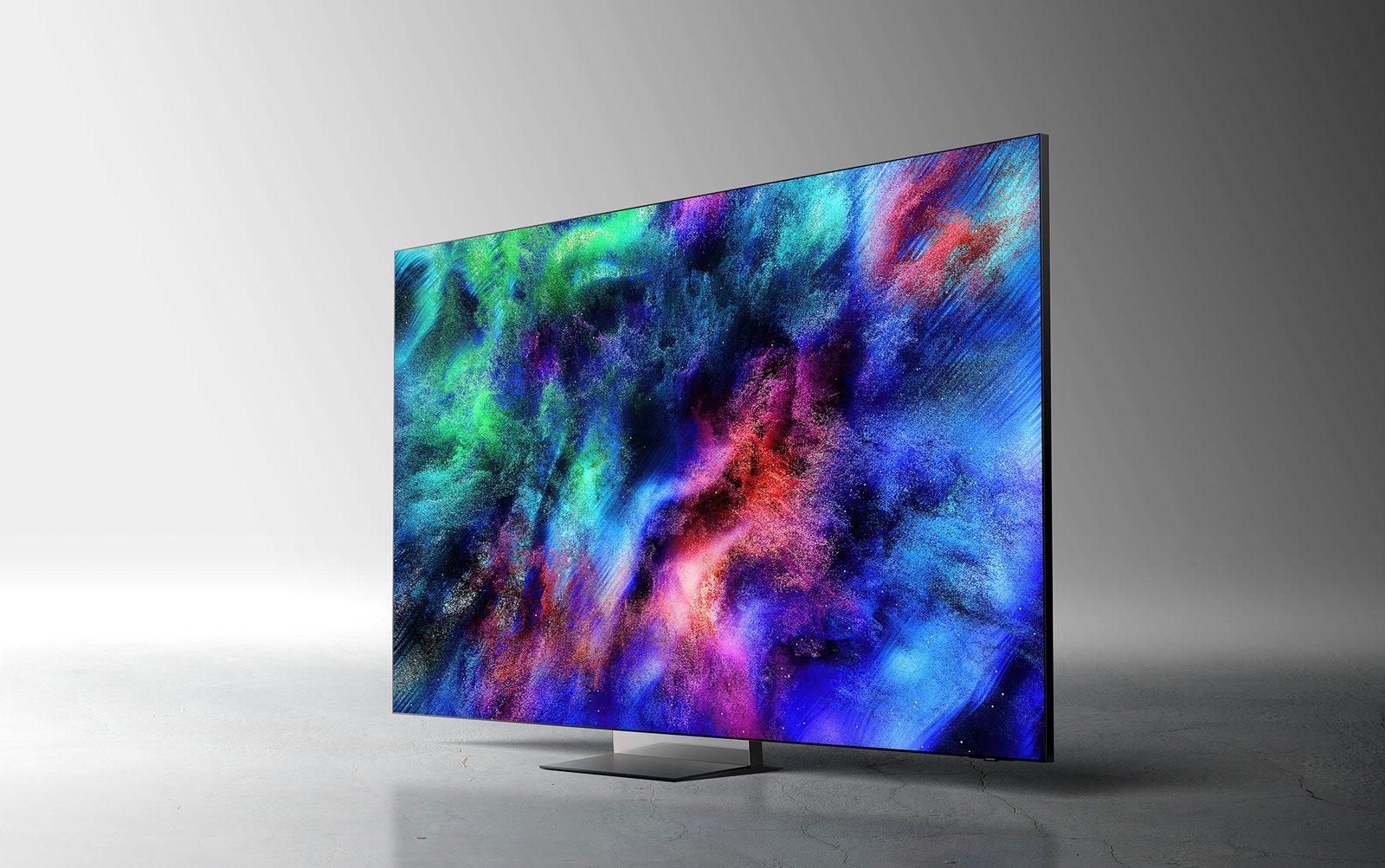
For a wall-mounted TV, it's a real convenience. Our installation advice is in mounting your TV on the wall.
Frequently asked questions
Which HDMI port should I connect my soundbar to?
Use the port marked ARC or eARC, with an HDMI cable, and enable HDMI-CEC in the TV settings. If the soundbar has its own HDMI input, you can plug a player into it, but the simplest option is still to connect everything to the TV.
Does an expensive HDMI cable give a better picture?
No. The signal is digital: a cable either works or it doesn't. What matters is certification. For 4K 120 Hz, choose a certified Ultra High Speed cable; paying more adds nothing.
Why won't my PS5 switch to 120 Hz?
Check three things: the console is plugged into an HDMI 2.1 port (often port 3 or 4), the enhanced signal option is enabled for that port in the TV settings, and the cable is a genuine Ultra High Speed one. The game must also offer a 120 Hz mode.
Do you still need the optical port?
Only for an older soundbar or amplifier without HDMI. Optical carries Dolby Digital 5.1, but neither full Dolby Atmos nor high-resolution audio.
Come and compare the screens in person
At our Temploux shop, we switch on TVs side by side with your content. Or ask our expert salesperson online, right now.
Read next
 Buying guideWhich TV for gaming on PS5, Xbox or PC?A next-gen console deserves a TV to match. Good news: in 2026 you no longer need to go high-end to game in 4K 120 Hz. Here's what really matters, and what's just marketing.3 min read
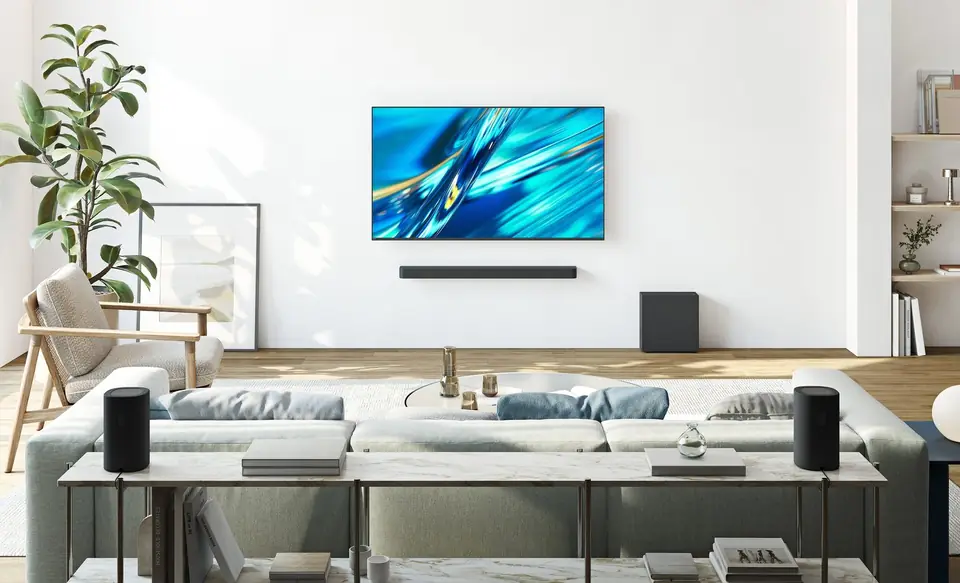 Buying guideYour TV's sound: do you need a soundbar?TVs have never been so slim, and that's exactly what hurts the sound. Muffled dialogue, missing bass: don't worry, there's a simple fix, and it doesn't necessarily cost much.2 min read
 Technology50, 100, 120 or 165 Hz: TV refresh rate explained100 Hz, 120 Hz, 165 Hz, and even 'Motion Rate 400': refresh rate is the most misunderstood figure on a spec sheet. Here's what it really changes for sport, films and gaming, and how to avoid the traps of European spec sheets.6 min read