
Which TV for gaming on PS5, Xbox or PC?
A next-gen console deserves a TV to match. Good news: in 2026 you no longer need to go high-end to game in 4K 120 Hz. Here's what really matters, and what's just marketing.
- For the PS5 and Xbox: HDMI 2.1, 4K 120 Hz, VRR and ALLM
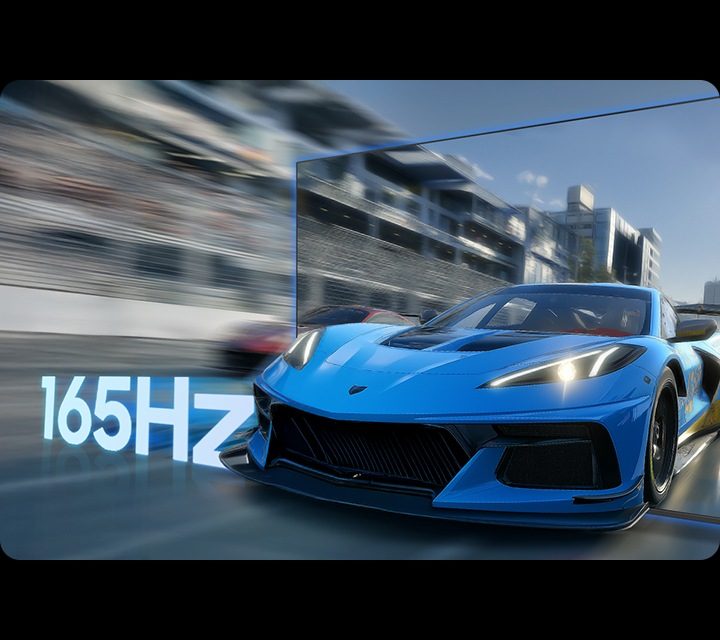
- Anything above 120 Hz (144, 165 Hz) only matters for PC
- TheOLED remains the king of responsiveness
- HDMI 2.2 won't arrive on TVs before 2027: no need to wait
The four criteria that really matter
HDMI 2.1
The port that carries 4K at 120 frames per second. Count the HDMI 2.1 ports: one per console.
Native 120 Hz
The panel must display 120 frames per second for real. Beware of '200 Hz' or 'Motion Rate': these are simulated values.
VRR
The TV follows the console's frame rate in real time: no tearing or stuttering when the game slows down.
ALLM
Game mode switches on automatically when the console starts: input lag drops to a minimum.
What each console can do
| Device | Maximum | What the TV needs |
|---|---|---|
| PS5 and PS5 Pro | 4K 120 Hz, VRR, HDR10 | HDMI 2.1, 120 Hz, VRR (HDMI Forum) |
| Xbox Series X | 4K 120 Hz, VRR, Dolby Vision and Dolby Atmos in games | HDMI 2.1, 120 Hz, VRR; Dolby Vision to get the most out of it (not on Samsung) |
| Xbox Series S | 1440p 120 Hz, 4K upscaling | 120 Hz recommended |
| Nintendo Switch 2 | 4K in TV mode (depending on the game) | A good 4K TV with a responsive Game mode |
| Gaming PC | Up to 144, 165 Hz and beyond | 144 or 165 Hz, G-Sync Compatible or FreeSync Premium Pro |
OLED or Mini LED for gaming?
OLED: the reference
Each pixel lights up and switches off in an instant: near-zero response time, sharp motion, perfect blacks in dark games. In 2026, the LG C6 and G6 and the Philips OLED811 go up to 165 Hz, with four HDMI 2.1 ports. The choice of demanding gamers.
Mini LED: for gaming in daytime
Brighter, with no risk of burn-in, and often larger for the same price. Ideal in a very bright living room or for a player who spends hours on the same game with a fixed interface. The TCL C8 (C89L) and Hisense U7 run at 144 Hz with FreeSync Premium Pro.
For a console gamer, a 120 Hz TV with two HDMI 2.1 ports is more than enough. 144 or 165 Hz is only a real advantage if you also connect a PC. Keep part of the budget for a soundbar: in games, sound matters as much as picture.
Our favourite TVs for gaming in 2026
LG OLED C6
- 4K up to 165 Hz
- 4 HDMI 2.1 ports
- G-Sync, FreeSync, Dolby Vision in games
From 42 to 83 inches
Philips OLED811
- Up to 165 Hz, 4 HDMI 2.1
- 3-sided Ambilight, very immersive
42, 48, 55, 65 and 77 inches
Samsung S95H / S92H
- Up to 165 Hz
- Gaming Hub (cloud gaming)
- No Dolby Vision
High end
TCL C89L
- Mini LED 144 Hz
- 4 HDMI 2.1 ports
- Very bright
65, 75 and 85 inches
Sony Bravia models have excellent picture processing but often only two HDMI 2.1 ports on high-end models, one shared with the soundbar: worth knowing if you have two consoles.
Our favourite TVs for gamers
 TV OLED LG OLED42C64LA€1,120.00
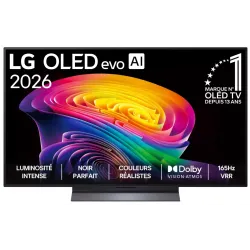 OLED TV LG OLED55C64LA€1,438.00
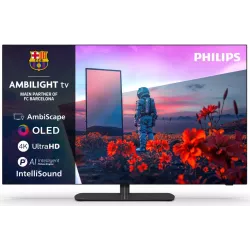 OLED TV PHILIPS 42OLED811/12€1,262.00
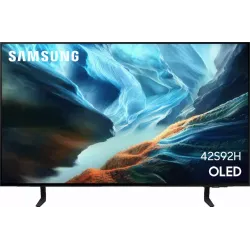 OLED TV SAMSUNG TQ42S92H€1,048.00
 QLED TV TCL 65C89L€1,799.00
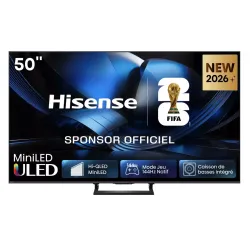 Mini LED TV HISENSE 50U7SE€595.00
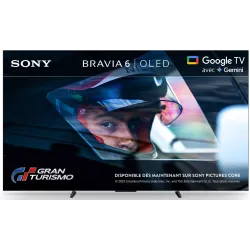 OLED TV SONY K55A65PB€1,193.00
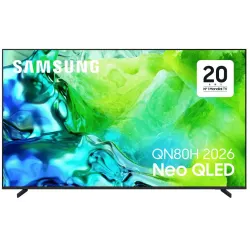 TV QLED SAMSUNG TQ65QN80H€961.00
The right settings for gaming
- Connect the console to a port HDMI 2.1 (often marked “4K 120 Hz” or “Game”).
- Enable the Enhanced HDMI format (or “Input Signal Plus”, “HDMI UHD Color”) for this port in the TV settings.
- Check that the VRR and theALLM are enabled on both the TV and the console.
- Run theHDR calibration on the console.
- Turn off motion smoothing and noise reduction in Game mode.
Frequently asked questions
Is a 60 Hz TV enough for the PS5?
It works, but only at 4K 60 frames per second at most, and without VRR in most cases. To enjoy the performance modes at 120 frames per second, you need a native 100/120 Hz panel with HDMI 2.1.
How many HDMI 2.1 ports do you need?
One per console or PC for 4K 120 Hz, plus a soundbar with eARC if it's connected to the TV. Watch out: on some brands, the eARC port is also one of the two HDMI 2.1 ports.
Is burn-in a risk for gamers on OLED?
The risk exists with static elements displayed for hundreds of hours (health bar, minimap). By varying games and thanks to the protection features on 2026 TVs, it is low. A player who spends 6 hours a day on the same game may prefer a Mini LED.
Which HDMI cable should I use?
A cable certified “Ultra High Speed” (48 Gbps) will do, and the one supplied with the console is fine. Older cables can cause black screens at 4K 120 Hz.
Does the Nintendo Switch 2 benefit from a 120 Hz TV?
Not much: in TV mode, it mostly runs at 4K 60 or 1080p up to 120 frames per second depending on the game. A good 4K TV is enough; Game mode responsiveness matters more than the refresh rate.
Come and compare the screens in person
At our Temploux shop, we switch on TVs side by side with your content. Or ask our expert salesperson online, right now.
Read next
 TechnologyOLED explained simply (WOLED, QD-OLED, Tandem)Perfect blacks, infinite contrast, a picture that still looks great from the side: OLED is a dream. But how does it work, what's the difference between WOLED and QD-OLED, and what about the famous burn-in: myth or reality? We tell you everything.3 min read
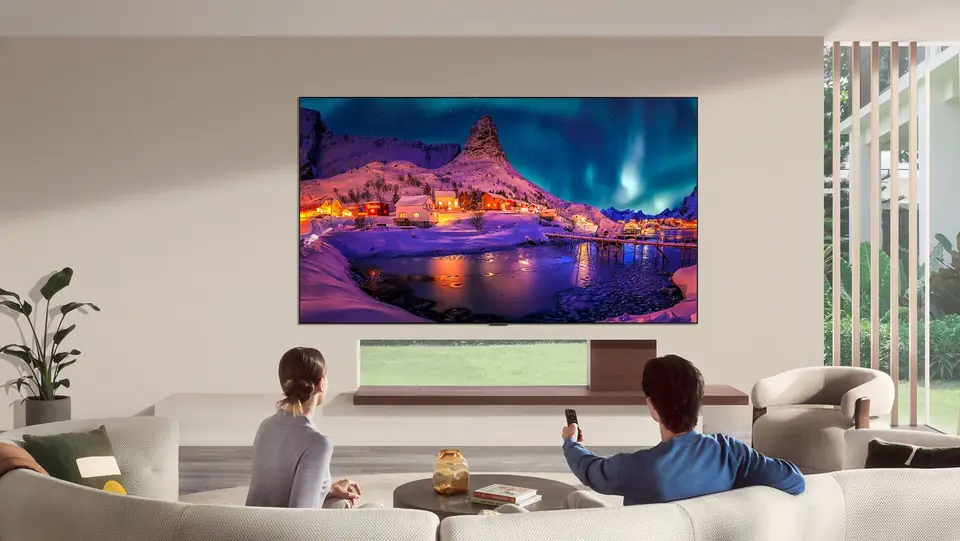 Comparison2026 OLED comparison: LG, Samsung, Sony or Philips?Ten OLED series are competing for your living room in 2026, from €1,199.99 to over €5,000. They all have perfect blacks; what sets them apart is brightness, anti-reflection, HDR format, gaming, sound and system. Here's our full comparison, with store prices and a clear verdict for each type of viewer.7 min read
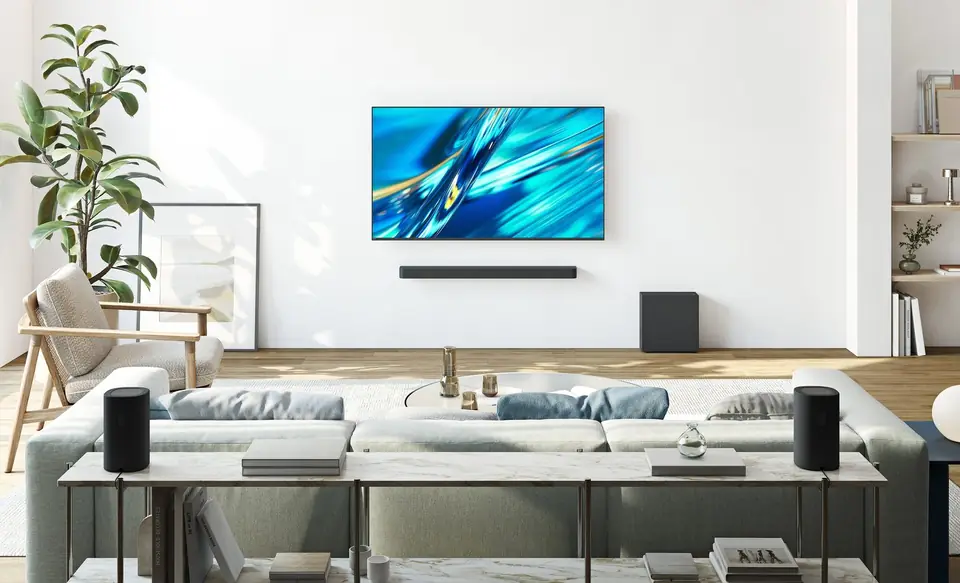 Buying guideYour TV's sound: do you need a soundbar?TVs have never been so slim, and that's exactly what hurts the sound. Muffled dialogue, missing bass: don't worry, there's a simple fix, and it doesn't necessarily cost much.2 min read