
50, 100, 120 or 165 Hz: TV refresh rate explained
100 Hz, 120 Hz, 165 Hz, and even 'Motion Rate 400': refresh rate is the most misunderstood figure on a spec sheet. Here's what it really changes for sport, films and gaming, and how to avoid the traps of European spec sheets.
- 100/120 Hz native : the right choice for sport and consoles
- In Europe, “50 Hz” on a spec sheet = 60 Hz panel
- 144 to 180 Hz : a bonus mainly for PCs
- Turn off the motion smoothing for films: no more soap opera effect
What exactly is refresh rate?
Refresh rate, expressed in hertz (Hz), indicates how many times per second the panel can refresh the image. A panel 60 Hz displays up to 60 frames per second, a panel 120 Hz up to 120. The higher the refresh rate, the sharper fast movement stays: a ball crossing the pitch, a tracking shot, a race in a video game.
But the panel's refresh rate isn't everything. What you're watching also has its own frame rate:
| Source | Frames per second | What you need |
|---|---|---|
| Cinema, Netflix series, Blu-ray | 24 | A 120 Hz panel shows it without uneven judder (120 = 5 × 24) |
| Live TV in Europe (RTBF, VRT, RTL) | 25 or 50 | Good motion processing, especially for sport |
| YouTube, web content | 25 to 60 | Nothing special |
| PS5, PS5 Pro, Xbox Series X | Up to 120 | 120 Hz panel and HDMI 2.1 |
| Gaming PC | Up to 144 and beyond | 144 to 165 Hz panel, G-Sync or FreeSync |
50, 60, 100, 120, 144, 165 Hz: what to choose?
50/60 Hz
Good enough for the news, box sets, a bedroom or a kitchen. Fast movement is a little less sharp, and the console stays limited to 60 frames per second.
LG QNED72, Samsung M74H and QN70H, TCL P79L, Sony Bravia 2 II
100/120 Hz native
Sharper sport, 4K 120 Hz for the PS5 and Xbox, judder-free cinema. This is the step we recommend as soon as the budget allows.
Sony Bravia 3 II from €799.99 (43 inches), Philips PQS9001, LG C6
144 to 180 Hz
Only useful with a powerful gaming PC. For TV and consoles, it makes no visible difference.
LG C6 and G6 (165 Hz), Samsung S92H and S95H (165 Hz), Hisense UR8S (180 Hz)
Many TVs sold as '144 Hz' are in fact 120 Hz panels that can reach 144 Hz with VRR for PC. That is not a flaw: for TV and consoles, it is the 120 Hz that matters.

The trap of European spec sheets
For historical reasons (mains electricity and European television run at 50 Hz), many European spec sheets express the refresh rate using the '50 Hz convention'. As a result, the same TV is advertised as 50 Hz in Europe and 60 Hz elsewhere.
| What the spec sheet says | What it means |
|---|---|
| '50 Hz' (Samsung France spec sheets) | 60 Hz panel: no 4K 120 for consoles |
| '100 Hz native' | 120 Hz panel: ideal for sport and consoles |
| 'Motionflow XR 400/480 Hz (100/120 Hz native)' at Sony | 100/120 Hz panel; the first figure is a processing index |
| 'Motion Rate 200', '200 Hz PQI', 'effective Hz' | Marketing figure: check the native refresh rate |
| '240 Hz' or '288 Hz' with DLG | Doubled rate achieved by halving vertical resolution: reserved for a few PC games |
| '144 Hz VRR' or '165 Hz VRR' | Maximum gaming frequency, often on a 120 Hz panel |
VRR, ALLM and gaming
In games, the frame rate constantly changes: 120 in a corridor, 80 during an explosion. Without sync, the picture 'tears' or stutters. The VRR (variable refresh rate) sets the panel to the exact rhythm of the console or PC. It comes in three flavours: HDMI Forum VRR (PS5, Xbox), AMD FreeSync (Xbox, AMD PC) and NVIDIA G-Sync Compatible (NVIDIA PC, especially LG and Philips OLEDs).
TheALLM switches the TV to Game Mode as soon as the console starts. Game Mode switches off image processing to reduce input lag: under 10 ms is excellent, which most mid-range and high-end 2026 TVs achieve. For everything else, read our gaming TV guide.
Motion processing and the soap opera effect
To smooth out a 24, 25 or 50 frames-per-second source, the TV can invent intermediate frames : this is motion smoothing (also called interpolation or MEMC). Each brand gives it a name, which sometimes changes from year to year: TruMotion at LG, Picture Clarity at Samsung, Motionflow at Sony, Natural Motion at Philips, AI MotionMaster at TCL, Smooth Motion at Hisense.
- For sport : light or medium smoothing makes the ball sharper. This is where it is most useful.
- For films and box sets : smoothing gives an image that is too smooth, like a soap opera shot on video. This is thesoap opera effect (also known as the 'soap opera effect'). Switch it off or set it to the minimum.
- The simplest : use the Filmmaker or Cinema mode that turns it off for you. Keep a separate Sport mode for matches.
- Black frame insertion : some TVs offer an option that inserts black frames for extra sharpness. It darkens the picture: worth trying, but no obligation.
If you watch a lot of sport or play on a console, make native 100/120 Hz a non-negotiable criterion, even before the panel technology. And on installation day, set up two modes: Filmmaker for films, light smoothing for football. You'll notice the difference from the first match.
120 Hz TVs and above in store
 TV OLED LG OLED42C64LA€1,120.00
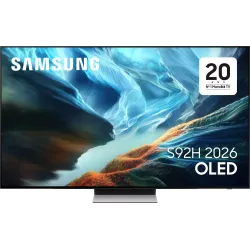 OLED TV SAMSUNG TQ65S92H€1,816.00
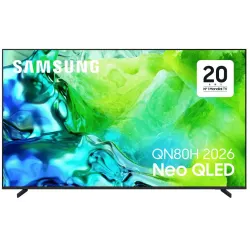 TV QLED SAMSUNG TQ65QN80H€961.00
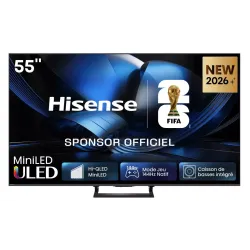 Mini LED TV HISENSE 55U7SE€700.00
 QLED TV TCL 65C89L€1,799.00
 LED TV SONY K65XR35M2PB€1,107.00
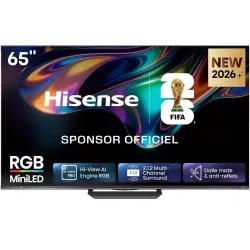 MINILED TV HISENSE 65UR8S€1,481.00
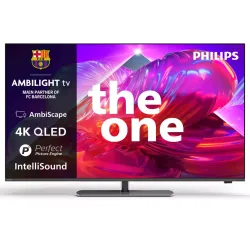 TV QLED PHILIPS 65PQS9001/12€907.00
And what about OLED?
An OLED responds almost instantly: motion blur then comes less from the panel than from the way the eye tracks the image. On a 24 frames-per-second film, an OLED can even look a little judder-prone during slow pans, precisely because it is so fast. Smoothing at its lowest level (often called 'judder reduction') fixes this without the soap opera effect. A Mini LED has slightly longer persistence, which naturally 'softens' motion.
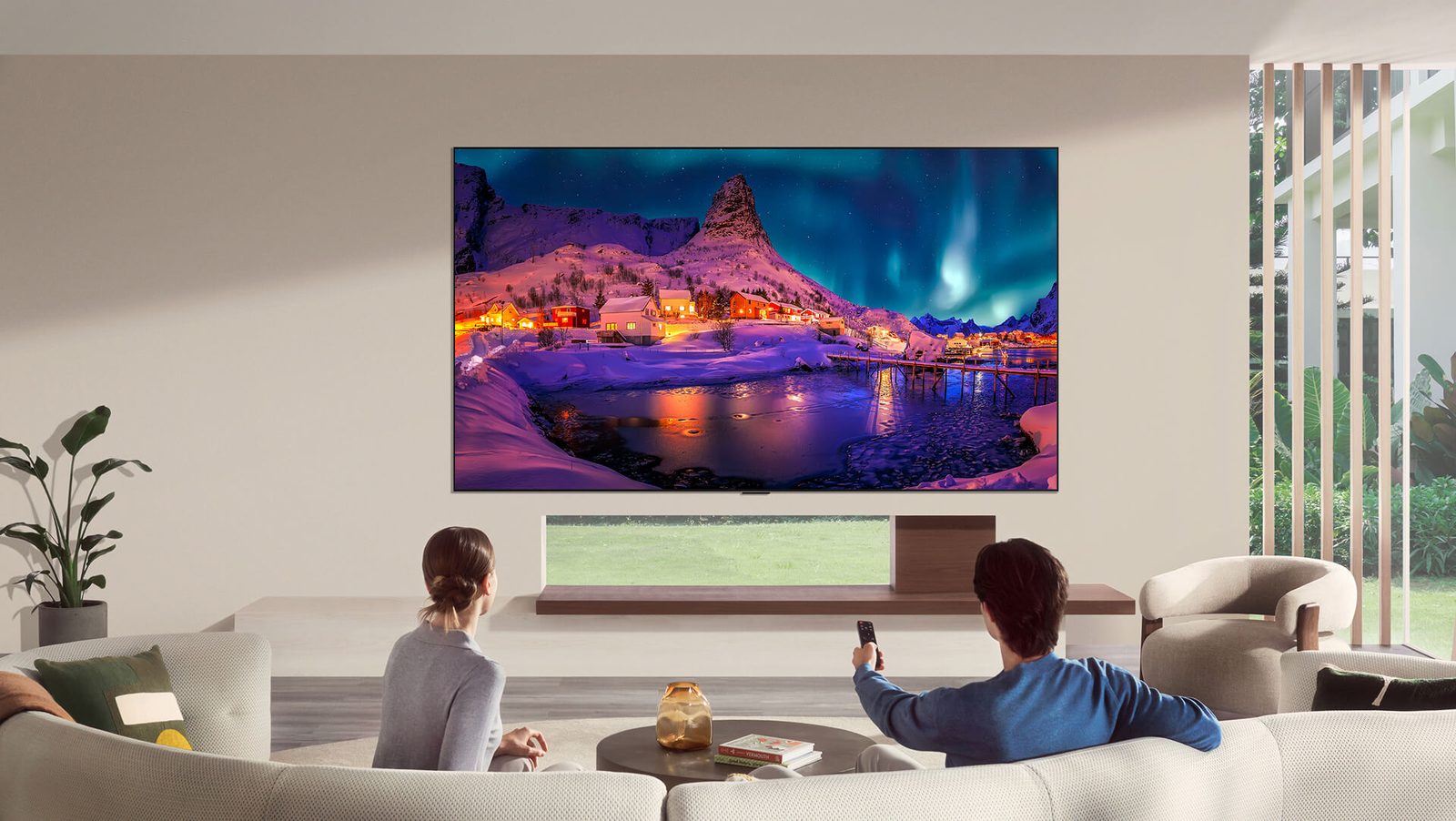
How to check a television's refresh rate
- Look for the word 'native' on the spec sheet: '100/120 Hz native' is the right answer for sport and consoles.
- Check the ports : a '4K 120 Hz' or '4K 144 Hz' label next to the HDMI ports confirms a fast panel. A simple 'HDMI 2.1' mention is not enough (see HDMI and connections).
- Beware of big numbers : 200, 400 or 480 Hz are processing indices, never the panel's refresh rate.
- Check the exact size : at some brands, the smaller sizes in a range stay at 60 Hz while the larger ones move up to 120 Hz.
- If in doubt, ask us : we check the manufacturer's official spec sheet.
In short
- Bedroom, kitchen, secondary TV: a 50/60 Hz set will do.
- Living room, sport, console: aim for 100/120 Hz native with HDMI 2.1.
- Gaming PC: 144 to 165 Hz with G-Sync or FreeSync.
- Always read the refresh rate native, never the marketing figure.
Prices recorded on nimestore.com on 15 October 2026. Prices change: the product page is the reference. Nimesclub members often benefit from a reduced price.
Frequently asked questions
Is a 60 Hz TV good enough for football?
It works, but a native 100/120 Hz makes fast movement sharper, especially on a large screen. For a sports fan, it is the first criterion after size.
Does the PS5 need a 144 or 165 Hz TV?
No. The PS5 and Xbox Series X go up to 120 Hz at most. A 120 Hz TV with HDMI 2.1 and VRR is enough. 144 to 180 Hz only matters for a gaming PC.
Why does my film look like a soap opera?
It's motion smoothing that invents intermediate frames. Turn it off or set it to minimum, or switch to Filmmaker or Cinema mode, which disables it.
What do Motion Rate 200 or Motionflow XR 400 mean?
These are picture processing figures, not the panel's real refresh rate. Look for the word ‘native': 50/60 Hz or 100/120 Hz.
Come and compare the screens in person
At our Temploux shop, we switch on TVs side by side with your content. Or ask our expert salesperson online, right now.
Read next
 Buying guideWhich TV for gaming on PS5, Xbox or PC?A next-gen console deserves a TV to match. Good news: in 2026 you no longer need to go high-end to game in 4K 120 Hz. Here's what really matters, and what's just marketing.3 min read
 PracticalHDMI, eARC and TV connections: the guide to plugging everything in correctlyA console that won't output 120 Hz, a soundbar that won't play Dolby Atmos, a picture that cuts out: nine times out of ten, it's a matter of port or cable. Here's how to read the connections on a 2026 TV and plug everything in correctly.7 min read
 PracticalInstalling and setting up your new TV properlyA poorly set-up TV can lose half its quality. Good news: ten minutes is enough to get it right, and we show you exactly what to adjust.3 min read