
Should you update your TV?
An update has changed your menu, or you've read that it can 'throttle' a TV? Updates mainly fix bugs and security flaws. Here's why you should install them, and how to avoid nasty surprises.
- Updates fix bugs and security flaws
- They keep apps compatible
- Switch on automatic updates in standby
- A setting change? Check your picture mode after the update
Why bother?
- Security : a smart TV is connected to the Internet. Updates fix security holes, just like on a phone.
- Apps : Netflix, YouTube or Auvio evolve. Without a system update, some of them eventually stop working.
- The fixes : picture bugs, HDMI problems with consoles, new features such as VRR or new HDR formats.
The real limits
An update can sometimes change the menu layout, reset a setting to its default or add adverts to the home screen. More rarely, it introduces a bug, which is then fixed by a new version. These drawbacks remain far less serious than keeping a TV without security fixes.
How to proceed
- Turn on automatic update in Settings › Support, System or About, depending on the brand.
- Leave the TV in standby (switched off with the remote): this is often where it updates.
- After a major update, check your picture mode and any settings you had changed.
- During a manual update, never unplug the TV.
Unplug the TV for a minute to do a proper restart. If the problem persists, contact us: the brand often publishes a fix within the following weeks.
Frequently asked questions
Can an update make the TV worse?
Very rarely. If a picture setting seems to have changed, set it up again. A real bug is generally fixed by the next update.
How long does a TV receive updates?
It depends on the brands and ranges: often several years. Apps, however, sometimes continue for longer.
Can I refuse updates?
Yes, by turning off automatic updates. We advise against it, for security and app compatibility.
Come and compare the screens in person
At our Temploux shop, we switch on TVs side by side with your content. Or ask our expert salesperson online, right now.
Read next
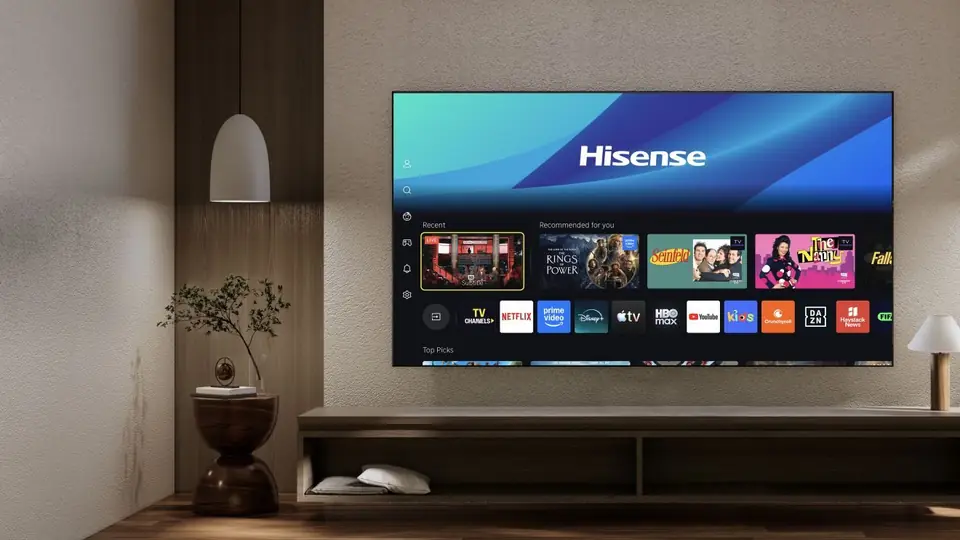 Step by stepMy smart TV is lagging or glitching: the fixes that workSlow menus, apps crashing, screen freezing: before calling customer service, a few simple steps solve the vast majority of problems. The most effective one takes ten seconds.2 min read
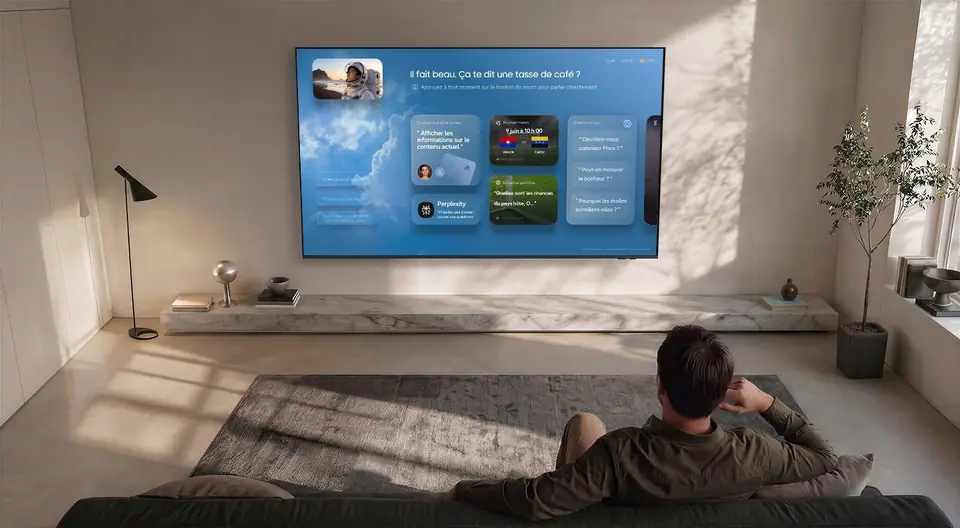 Step by stepYour TV is watching what you watch: switching off data collectionMost smart TVs analyse what appears on screen to offer content and targeted advertising. It's legal and disclosed in the terms of use, but you can switch it off. Here's how, brand by brand.2 min read
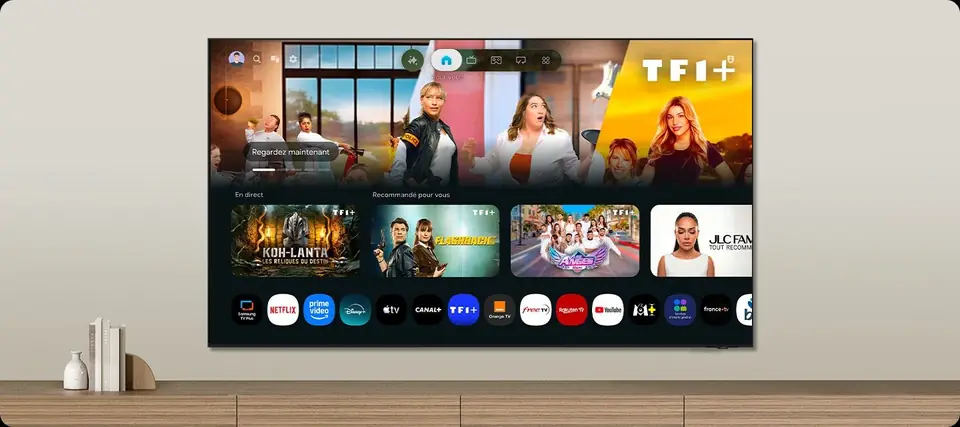 TechnologySmart TVs and Belgian apps: which system for Auvio, VRT MAX, Play or Pickx?The Smart TV system is your television's brain: menus, apps, updates. In Belgium, it also decides whether you can watch Auvio, VRT MAX or your operator's app without a box. Here's our comparison of the six 2026 systems, with a table of Belgian apps checked against the official help pages.7 min read