
My smart TV is lagging or glitching: the fixes that work
Slow menus, apps crashing, screen freezing: before calling customer service, a few simple steps solve the vast majority of problems. The most effective one takes ten seconds.
- The full restart fixes most slowdowns
- Delete the unnecessary apps and clear the cache
- Install the updates system and app updates
- As a last resort: the factory reset
Why your TV slows down
When you switch it off with the remote, most smart TVs don't really turn off: they go into standby so they can start up faster. Over the weeks, memory fills up and apps pile up. The system eventually slows down, like a phone that's never been restarted.
The steps, from simplest to most drastic
- The full restart. Hold the power button on the remote until the TV restarts (about 5 seconds on many models), or unplug it from the socket for a minute. A proper restart clears the memory.
- Clearing out the apps. Delete the ones you don't use and, on Google TV, clear the cache of the heaviest ones (Settings › Apps).
- Updates. Check for a TV software update in Settings › Support or System, and for app updates.
- The connection. If only the apps are lagging, test your speed and move the box closer or switch to a wired network connection.
- The factory reset. If nothing else works, it restores the TV to how it was on day one. You'll then need to reinstall the channels and sign back in to your apps.
Unplug the TV for a minute once a month. This simple step prevents most slowdowns and bugs.
When should you worry?
If the TV restarts in a loop, if the picture cuts out while the sound carries on, or if the bugs return after a factory reset, it may be a hardware fault. Bring us your receipt: we'll check it and, if needed, arrange repair under warranty.
Frequently asked questions
Does a factory reset delete my channels?
Yes, it erases all settings, channels and accounts. Write down your login details beforehand.
Can an external box make an old TV faster?
Yes. If your TV is more than six or seven years old and its apps are no longer supported, a Google TV or Apple TV box can give it a new lease of life.
Should I switch the TV off at the socket every evening?
That's not necessary. An occasional proper restart is enough.
Come and compare the screens in person
At our Temploux shop, we switch on TVs side by side with your content. Or ask our expert salesperson online, right now.
Read next
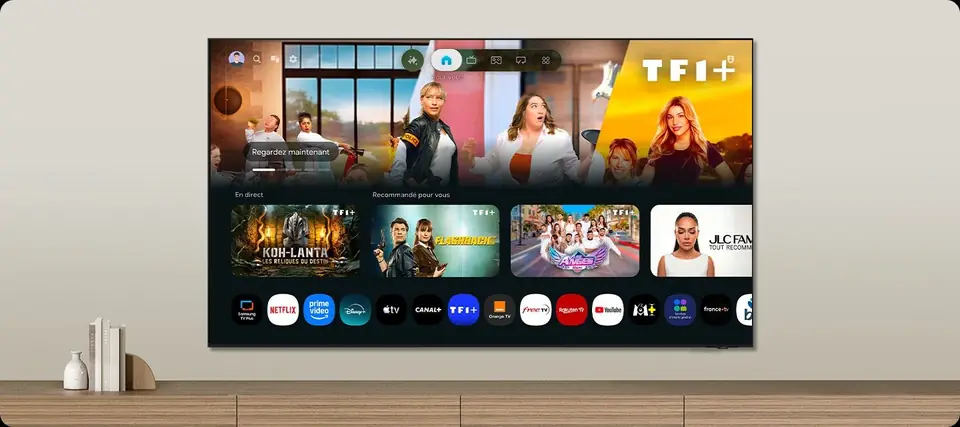 TechnologySmart TVs and Belgian apps: which system for Auvio, VRT MAX, Play or Pickx?The Smart TV system is your television's brain: menus, apps, updates. In Belgium, it also decides whether you can watch Auvio, VRT MAX or your operator's app without a box. Here's our comparison of the six 2026 systems, with a table of Belgian apps checked against the official help pages.7 min read
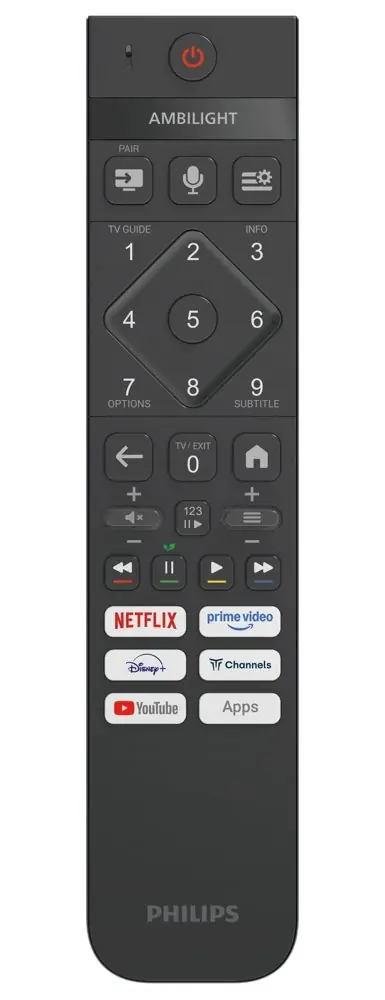 The expert's adviceShould you update your TV?An update has changed your menu, or you've read that it can 'throttle' a TV? Updates mainly fix bugs and security flaws. Here's why you should install them, and how to avoid nasty surprises.2 min read
 The expert's adviceWi-Fi or network cable: why streaming loses qualityStreaming platforms adjust picture quality to your connection, without warning you. Weak Wi-Fi can turn a 4K film into HD, or even lower. Here's how to tell whether your connection is holding back your TV, and how to fix it.2 min read