
Projector or TV for gaming: which to choose?
Playing GTA VI or Mario Kart on a three-metre image is tempting. But a projector isn't in the same league as a TV when it comes to brightness, responsiveness and HDR. Here is our honest comparison, and our verdict.
- Projector : the giant picture, but in a dark room
- TV : brighter, more responsive, much better HDR
- Very large TVs (85 to 100 inches) close the size gap
- Our take: the TV for everyday gaming
The comparison at a glance
| Criterion | Projector | TV | Advantage |
|---|---|---|---|
| Picture size | 100 to 150 inches and more | Up to 100 inches (and more at the very top end) | Projector |
| Brightness | Fine in the dark, washed out in daylight | Bright even in broad daylight | TV |
| HDR | Limited by brightness and contrast | Excellent on OLED and Mini LED | TV |
| Input lag in Game mode | Very good to average depending on the model | Often under 10 to 15 ms in 2026 | TV |
| 4K 120 Hz and VRR | Rare | Common from the mid-range upwards | TV |
| Noise | Audible fan | Silent | TV |
| Installation | Screen, viewing distance, mounting, long cable | Set it up, plug it in | TV |
| Sound | Often weak, soundbar or amp needed | Decent, soundbar recommended | TV |
| Price per inch | Unbeatable in very large sizes | Very large TVs remain expensive | Projector |
The projector: its real strengths
Nothing beats a three-metre-wide picture for a Mario Kart race with friends or exploring an open world. The projector packs away, frees up the wall when not in use, and often costs less per inch than a giant TV.
- Best for : a dedicated room or a living room you can plunge into darkness, for occasional game or movie nights.
- Gaming models : some projectors have a low-latency Game mode and reach 120 Hz or more at 1080p. Ultra-short-throw projectors sit right in front of the wall, with no ceiling mount.
Its limits for gaming
- Light : in daylight the picture loses a lot of contrast. Dark games become unreadable.
- HDR : a home projector doesn't reach a TV's brightness. HDR is listed on the spec sheet, but it's far less impressive.
- Responsiveness : input lag varies hugely from one model to another, and it often increases in 4K. VRR and 4K 120 Hz remain rare.
- Comfort : fan noise, and the lamp or laser light source to keep an eye on; a long HDMI cable (active or optical) to reach the console.
The TV: queen of the controller
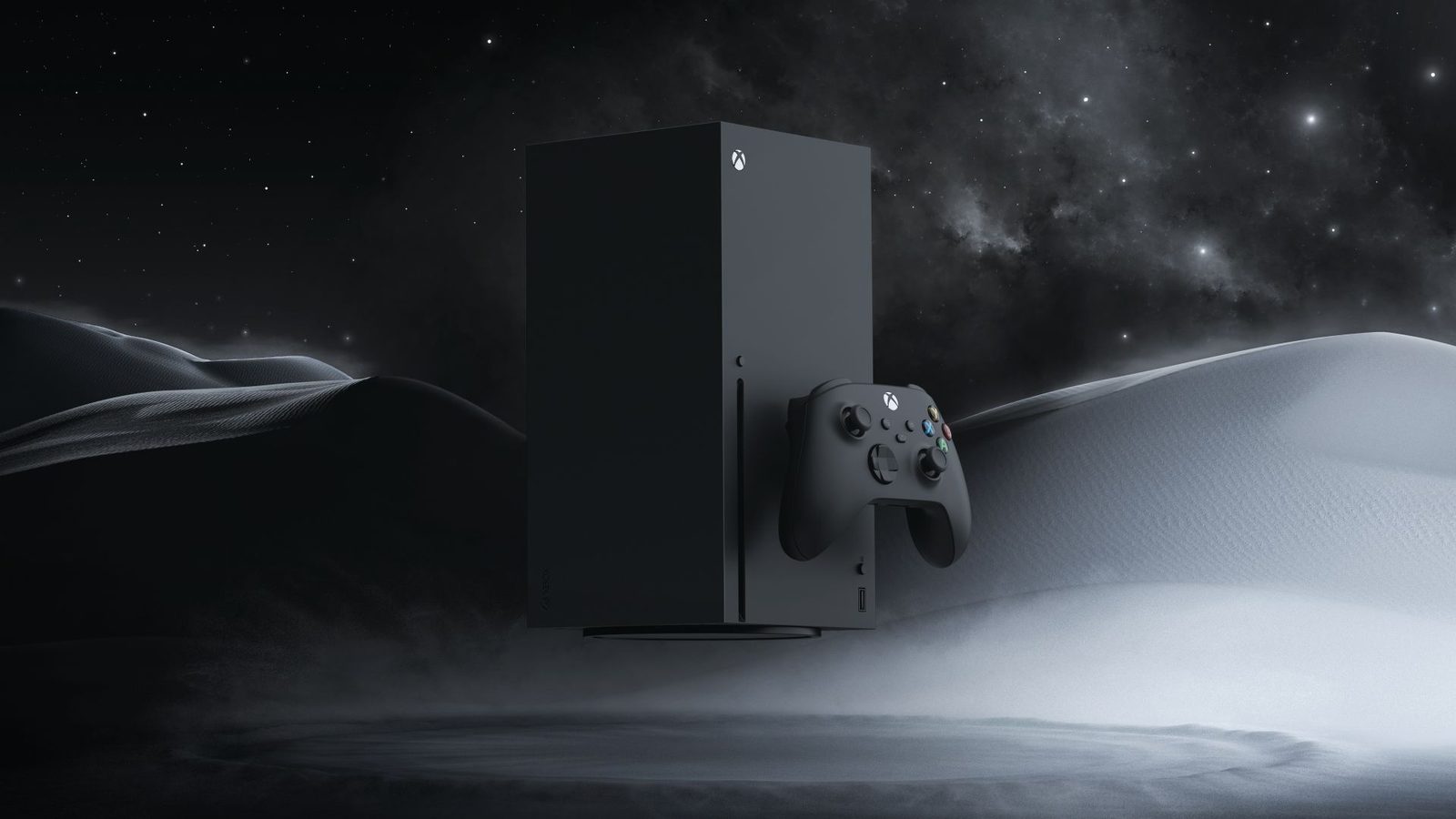
For a 2026 console, a TV ticks every box: HDMI 2.1, 4K 120 Hz, VRR, ALLM and a HDR that really wows you. Measurements reported by HelloTV give, for example, 5.7 ms of input lag for the Samsung S95H and 8.9 ms for the LG G6 in Game mode: unbeatable.
- OLED : perfect blacks, instant response, ideal in the evening.
- Mini LED : very bright, perfect for daytime gaming in a bright living room, with no risk of burn-in.
- Very large sizes : 85 to 100-inch TVs have become affordable, and they greatly narrow the gap with a projector.
A few big screens in the store
| Model | Gaming strength | Public price |
|---|---|---|
| TCL 75P89L (75") | Mini LED 144 Hz, Google TV | 1 099,99 € |
| TCL 85P89L (85") | Mini LED 144 Hz in a very large size | 1 499,99 € |
| Samsung TQ85QN80H (85") | Neo QLED 144 Hz, Gaming Hub | 2 499,99 € |
| Hisense 85UR8S (85") | Very bright Mini LED, rated up to 180 Hz | 2 799,99 € |
| Hisense 100U7Q (100") | Mini LED 165 Hz, the "projector" experience | 2 299,99 € |
| Sony Bravia 3 II K100XR35M2PB (100") | 120 Hz, four HDMI 2.1 | 2 799,99 € |
| LG OLED83C64LA (83") | The large OLED for demanding gamers | 4 999,99 € |
Nimestore list prices as of 15 October 2026. The product page is the reference, and Nimesclub members often get a reduced price. Projectors are not part of our TV range: for a projection project, ask our expert sales advisor.
Our big screens for gaming
 TV QLED SAMSUNG TQ85QN80H€2,006.00
 LED TV TCL 85P89L€1,406.00
 LED TV TCL 75P89L€1,067.00
 Mini LED TV HISENSE 100U7Q€1,992.00
 TV LED SONY K100XR35M2PB€2,556.00
 TV OLED LG OLED83C64LA€3,883.00
 TV MINILED HISENSE 85UR8S€2,657.00
 QLED TV TCL 65C89L€1,799.00
If you still choose a projector
Tempted by a projector? Here are the points to check on the spec sheet so it works well with a console:
- Input lag in Game mode, measured at the resolution and refresh rate you'll use (4K 60 Hz or 1080p 120 Hz). A figure quoted for 1080p 240 Hz tells you nothing about 4K.
- Real brightness, in ANSI or ISO lumens, not an inflated "LED lumens" figure.
- HDMI : at least one 4K-compatible port, ideally with eARC to send audio to a soundbar or amp.
- Throw ratio : an ultra-short-throw model sits right against the wall, while a standard model needs several metres of throw distance and often ceiling mounting.
- The screen : a white wall will do in a pinch, but a proper screen, ideally one that resists ambient light, noticeably improves contrast.
- Noise : a fan at 30 decibels near the sofa can be heard during quiet scenes.
Also plan for a proper audio system: the built-in speakers on projectors are often modest, and the sound then comes from behind you rather than from the picture.
Three situations, three answers
A TV
You game often, by day or in the evening, and the TV is also for the whole family: choose a 120 Hz TV with HDMI 2.1, OLED or Mini LED, as large as your room allows.
65 to 85 inches
A projector, too
If you have a room you can make pitch-black, a low-lag gaming projector becomes a fantastic bonus for film nights and get-togethers with friends.
100 inches and up
A TV, without hesitation
Online shooters, fighting games or racing: a TV's OLED latency and VRR make all the difference.
42 to 65 inches
Before buying a projector to game on, ask yourself a simple question: can I make the room completely dark on a summer afternoon? If the answer is no, an 85-inch TV will make you happier. And for the right diagonal, allow roughly 1.5 times the diagonal as viewing distance for a 4K TV: it's explained in our guide what size TV to choose.
Our verdict
For gaming, the TV clearly wins. It's brighter, more responsive, much better at HDR, and it makes full use of today's consoles: 4K 120 Hz, VRR, ALLM. The projector keeps one unique advantage, image size, and it has its place in a home cinema room as a complement. But if you only have room for one screen for your PS5, Xbox or Switch 2, choose a TV, as big as possible.
Next, think about sound with our guide soundbar or headset for gaming, and about settings with our feature setting up your TV for gaming. And to see the difference for yourself, pop into our Temploux store: our big screens are switched on.
Frequently asked questions
Does a projector have too much lag for gaming?
Not necessarily: gaming-focused projectors have a low-lag mode, sometimes close to a TV at 1080p. But many models, especially 4K or entry-level ones, remain slower. Check the lag figure quoted for Game mode, at the resolution and refresh rate you'll use.
Can you game on a projector in broad daylight?
Not easily. Even a bright projector loses a lot of contrast as soon as daylight gets in. You need blackout shutters or curtains and ideally a suitable projection screen.
Does a projector support 120 Hz and VRR?
Some gaming models offer 120 Hz or even higher, often at 1080p. VRR and 4K 120 Hz remain rare. Read the spec sheet carefully before buying.
What TV size should replace a projector?
An 85 to 100-inch TV already gives a very immersive picture at three or four metres. See our guide to TV sizes to find the right diagonal for your viewing distance.
Play on a screen worthy of the game
120 Hz, VRR, low latency: come and try our gaming TVs at our Temploux store, or ask our expert salesperson for advice.
Read next
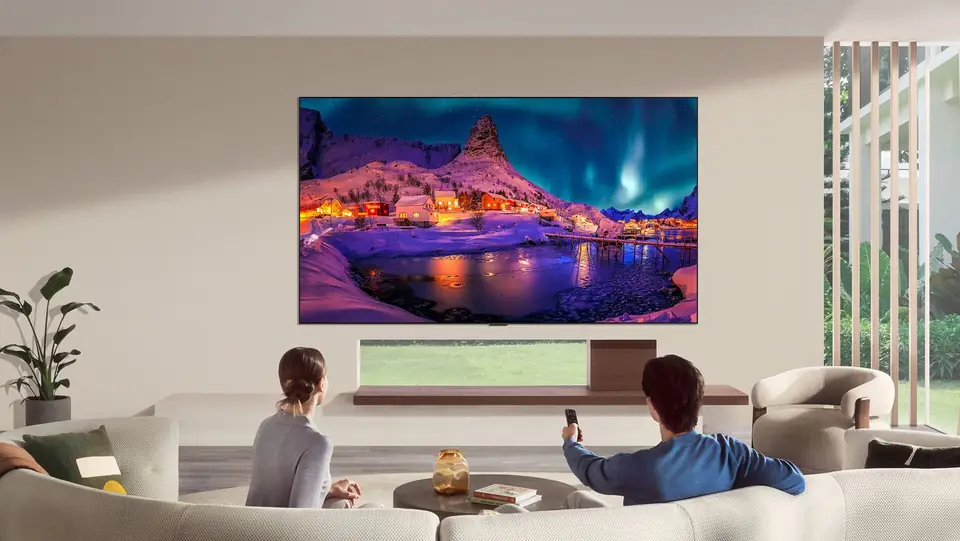 Buying guideWhich TV size for your living room?The question we're asked most often in store. Good news: there's a very simple rule, and it almost always leads to a bigger screen than you had in mind.3 min read
 Buying guideWhich TV for gaming on PS5, Xbox or PC?A next-gen console deserves a TV to match. Good news: in 2026 you no longer need to go high-end to game in 4K 120 Hz. Here's what really matters, and what's just marketing.3 min read
 CaseSetting up your TV for gaming: Game mode, VRR, 120 Hz, HDR and cablesA gaming TV set up badly plays worse than an average TV set up well. Here, in plain language, are the settings that really matter on the TV, the right cable, then the steps to follow on PS5, Xbox Series and Switch 2.7 min read