
Sound for gaming: soundbar or gaming headset?
In a game, sound tells you where danger is coming from, carries the emotion and makes explosions rumble. Soundbar for the living room or headset for late-night play without disturbing anyone? Here's how to choose, console by console.
- Soundbar : for multiplayer and films
- Headset : for precise 3D sound and playing at night
- Plug the soundbar into the HDMI eARC, the console into the TV
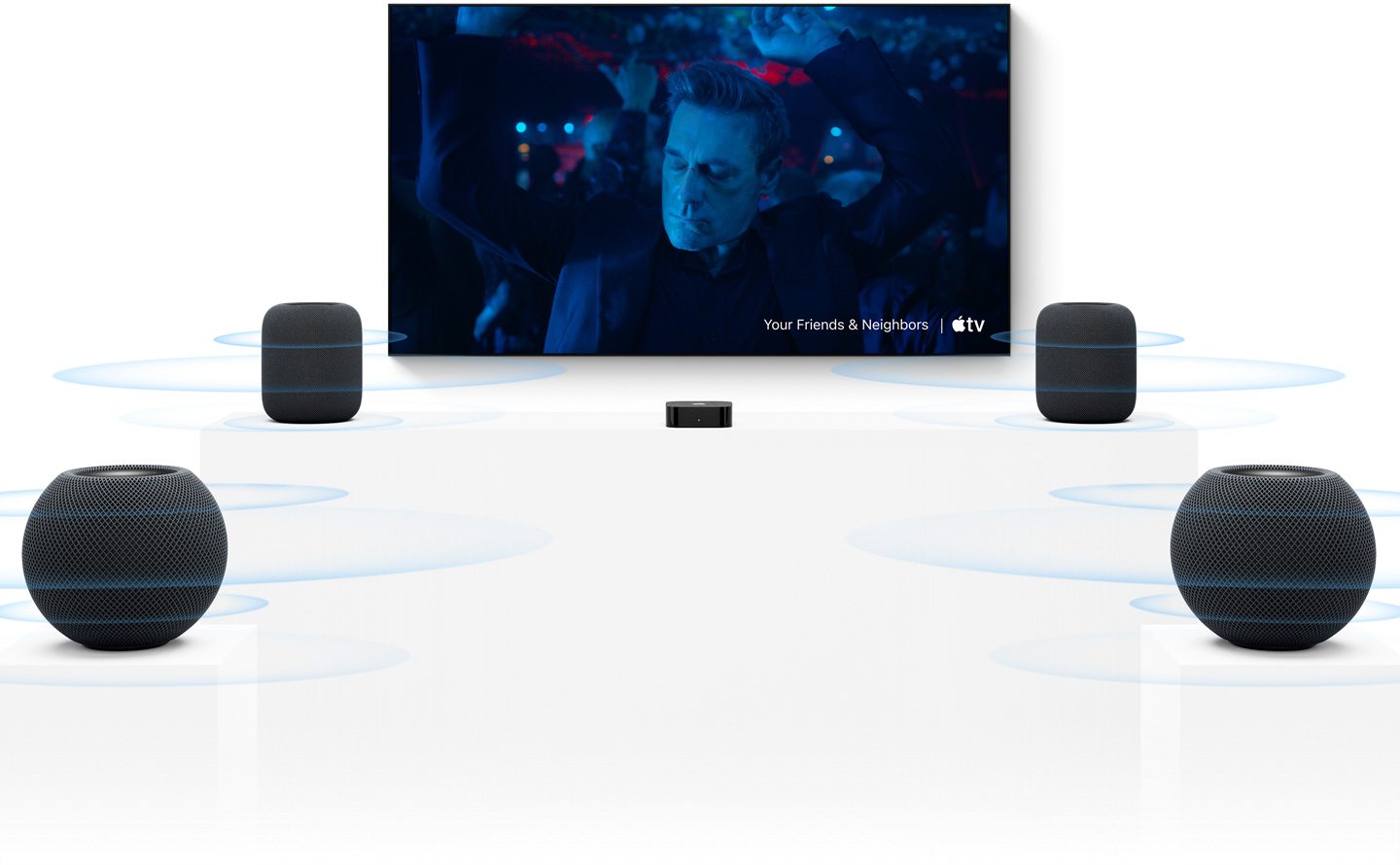
- The PS5 relies on its Tempest 3D audio, the Xbox on the Dolby Atmos
Soundbar or headset: the showdown
| Criterion | Soundbar | Gaming headset |
|---|---|---|
| Playing with others | Yes, the whole living room benefits | No, just one player |
| 3D sound precision | Good with Dolby Atmos and rear speakers | Excellent, especially on PS5 and with Atmos on Xbox |
| Playing at night | Night mode, though it's audible | Ideal |
| Bass, sensation | Very good with a subwoofer | Less physical |
| Films and series | Yes, it's a real home cinema | Possible, but less sociable |
| Chatting online | You need a separate mic | Built-in microphone |
In reality, many players have both: the soundbar for family evenings and films, the headset for online or late-night sessions.
The soundbar for gaming
The right connection: eARC
A recent console should be plugged in into the TV, into an HDMI 2.1 port, to keep 4K 120 Hz and VRR. The soundbar then plugs into the HDMI eARC eARC port on the TV. eARC sends the console's sound to the soundbar, in multichannel and up to Dolby Atmos, without affecting the picture.
Which soundbar should you choose?
- 2.1 or 3.1 soundbar with subwoofer : a good starting point. The subwoofer adds weight to explosions, and the centre channel (the ‘3') keeps dialogue clear.
- 3.1.2 or 5.1.2 Dolby Atmos soundbar : upward-firing speakers add height. Ideal with the Xbox Series and for films.
- Rear speakers : only real speakers behind you create sound that fully surrounds you. Some soundbars offer them as an option.
- Same brand as your TV : handy extras (Samsung Q-Symphony, LG WOW Orchestra, Sony Acoustic Center Sync), but not essential.
To understand everything about soundbars, read our guide your TV's sound: do you need a soundbar?. Soundbars and packages are in our department Home cinema.
Audio latency
The soundbar doesn't slow down the picture: only the sound can arrive a touch late if the soundbar applies a lot of processing. Turn on the TV's Game Mode, avoid the heaviest ‘virtualiser' modes if you notice a delay, and use the audio sync setting (often called ‘AV Sync' or ‘audio delay') on the TV or soundbar.
The gaming headset
Wired, wireless with dongle, or Bluetooth?
- Wired : plugged into the headset jack on the PS5 or Xbox controller. No latency, no battery, and often the cheapest option.
- Wireless with dongle or dedicated connection : the USB adapter or the console's proprietary connection gives very low latency. It's the most comfortable option.
- Standard Bluetooth : best avoided for gaming. Sound arrives late, and the PS5 doesn't support Bluetooth headphones without an adapter. The Switch 2 accepts Bluetooth earbuds, though you should keep latency in mind.
PS5: Tempest 3D audio
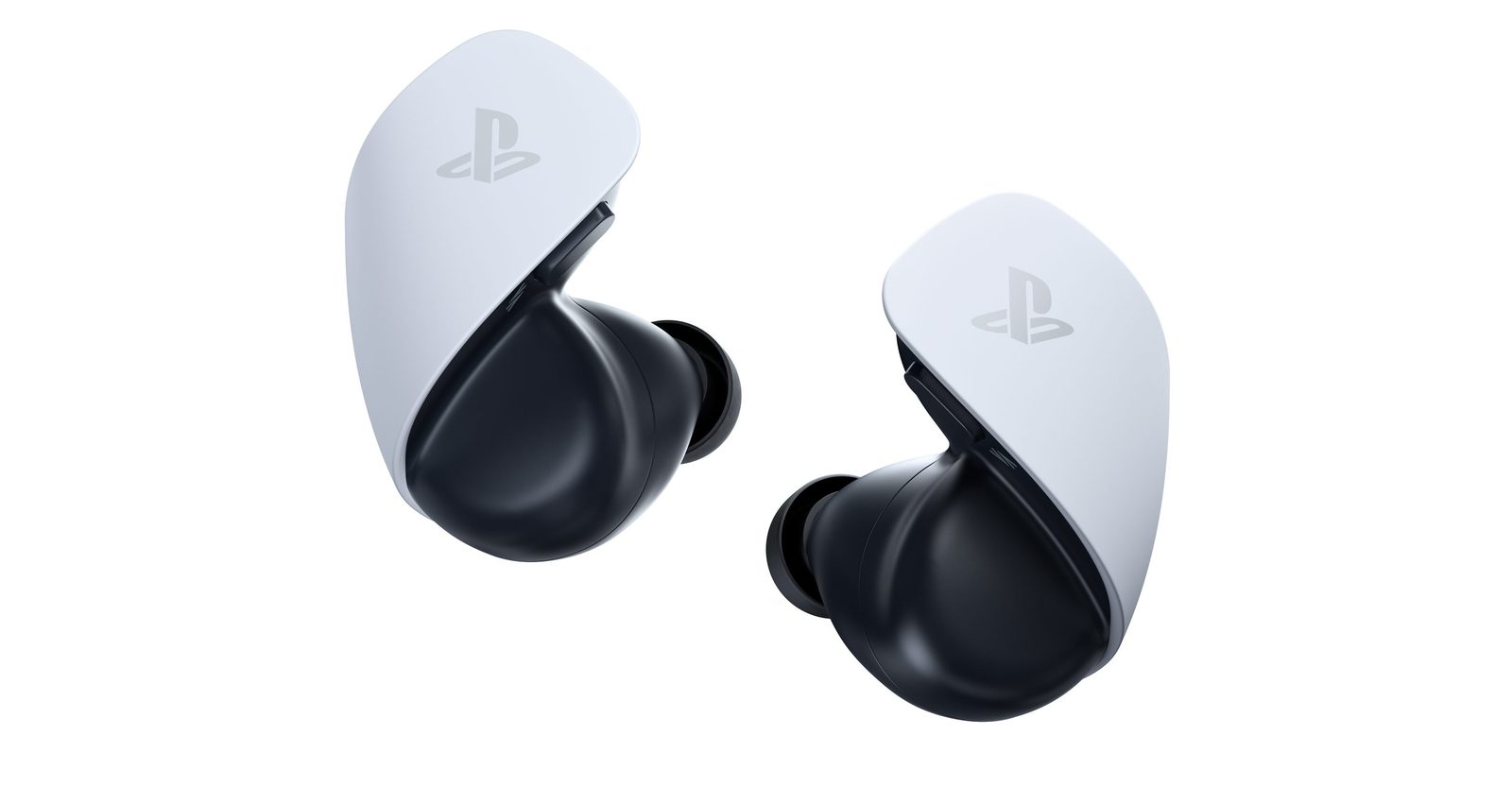
The PS5 has its own three-dimensional sound technology, Tempest, which Sony is promoting particularly for GTA VI. It works with any headset, but Sony's headsets (Pulse Elite, Pulse 3D) and the Pulse Explore earbuds are designed for it, with the low-latency PlayStation Link wireless technology. Sony also says Tempest works through the TV's speakers in compatible games.
Xbox: Dolby Atmos and Windows Sonic
The Xbox Series handles Dolby Atmos Dolby Atmos in games, both over headphones and to a soundbar or compatible amplifier, as well as Windows Sonic, Microsoft's spatial sound. Atmos over headphones runs through the Dolby Access app. Microsoft also sells its own wireless headset, which connects directly to the console.
Switch 2: simple and family-friendly
The Switch 2 connects to the TV and so uses the TV's or soundbar's sound. In handheld mode, it has a headphone jack and accepts Bluetooth. For online games, the console offers GameChat, with a built-in microphone.
Our console-by-console table
| Games console | Soundbar | Headset |
|---|---|---|
| PS5 and PS5 Pro | Multichannel surround via the TV over eARC, no Dolby Atmos in games | Best choice: Tempest 3D audio, wired headset or PlayStation Link |
| Xbox Series X and S | Dolby Atmos in games with a compatible soundbar | Dolby Atmos (Dolby Access) or Windows Sonic |
| Switch 2 | TV sound goes to the soundbar via eARC | Headphone jack in handheld mode or Bluetooth |
| PC | Via the TV or directly over HDMI | USB or wireless dongle headset |
Exactly what's possible depends on each game, the console's software update and the soundbar model. Check Dolby Atmos support in the soundbar's spec sheet and in the console's audio settings.
For a gamer who shares the living room, I almost always start with a 3.1 soundbar with subwoofer: it's the one that gets used every day, for games, football and films. Then a simple wired headset for late-night sessions. And if you play a lot online on PS5, a headset designed for 3D sound makes a real difference: you can hear footsteps behind you.
Settings to check
- The soundbar is plugged into the HDMI eARC port on the TV, and eARC is switched on in the TV's sound settings.
- The TV is set to output ‘Passthrough' or ‘Auto' (not ‘PCM Stereo') so multichannel audio can pass through.
- On the console, the audio output is set to Bitstream or multichannel, depending on what the menu offers.
- If there's a delay, adjust the audio sync in the TV first.
For the picture, check out our feature setting up your TV for gaming. Come and listen to our soundbars in store in Temploux: after ten seconds of gaming, the difference is obvious.
Frequently asked questions
Does a soundbar add lag in games?
It doesn't slow down the picture. Sound can arrive a few milliseconds late depending on the soundbar's processing. In practice, with a soundbar connected over eARC and the TV's Game Mode on, it's rarely noticeable; otherwise, use the audio sync setting.
Does the PS5 support Dolby Atmos?
Not in games: the PS5 uses its own 3D sound technology, Tempest, designed mainly for headphones. To a soundbar, it sends standard multichannel surround sound. The Xbox Series, on the other hand, supports Dolby Atmos in games.
Should you get a wireless or wired headset?
A wired headset plugged into the controller has no latency and never needs charging. A wireless headset with its own dongle (USB adapter) offers very low latency and plenty of freedom. Standard Bluetooth, on the other hand, often adds annoying lag: the PS5 doesn't support it for audio headsets, in fact.
Isn't the TV's sound enough?
For a relaxed game, it'll do the job. But slim TVs have small speakers: the bass is missing and dialogue gets lost in the effects. Even a simple soundbar with a subwoofer changes the experience.
Can you connect the console to the soundbar?
You can, but we don't recommend it with a recent console: many soundbars don't pass through 4K 120Hz or VRR. Connect the console to the TV, and the soundbar to the TV's eARC port.
Play on a screen worthy of the game
120 Hz, VRR, low latency: come and try our gaming TVs at our Temploux store, or ask our expert salesperson for advice.
Read next
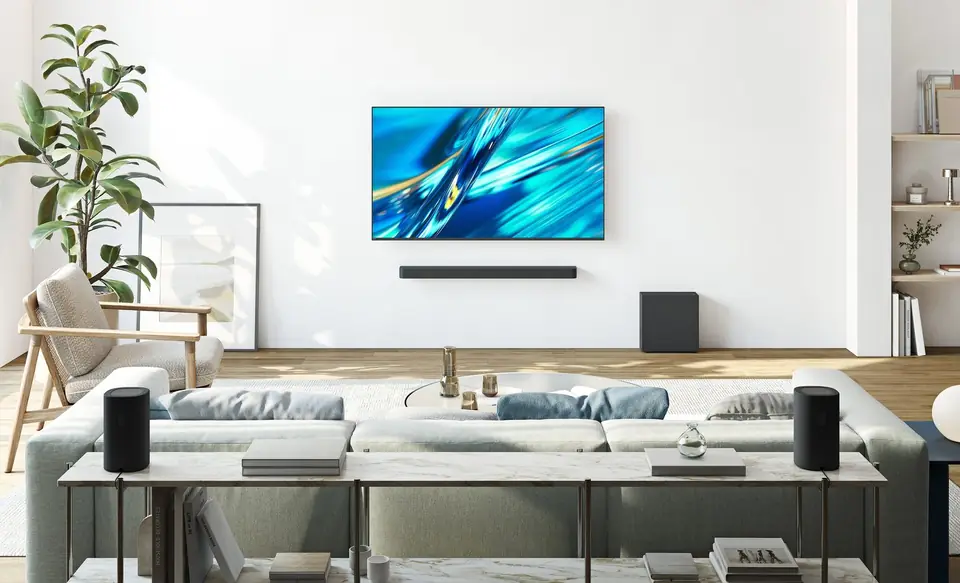 Buying guideYour TV's sound: do you need a soundbar?TVs have never been so slim, and that's exactly what hurts the sound. Muffled dialogue, missing bass: don't worry, there's a simple fix, and it doesn't necessarily cost much.2 min read
 CaseSetting up your TV for gaming: Game mode, VRR, 120 Hz, HDR and cablesA gaming TV set up badly plays worse than an average TV set up well. Here, in plain language, are the settings that really matter on the TV, the right cable, then the steps to follow on PS5, Xbox Series and Switch 2.7 min read
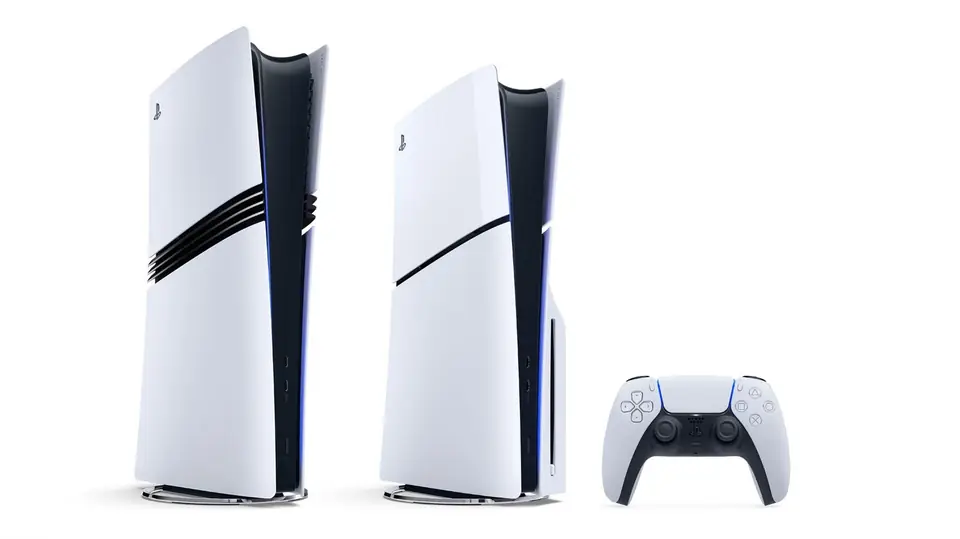 Buying guidePS5, Xbox, Switch 2 or laptop PC: which console to choose at the end of 2026?Console prices have shifted a lot in 2026, and GTA VI arrives on 19 November: now is the time to take stock. Here is each machine with its official price in Belgium, the player it suits and the TV to pair it with.7 min read