
Filmmaker mode and cinema modes: watching a film as the director intended
Your TV hides a mode designed with Hollywood directors. It switches off all the processing that distorts the picture and respects the colours, frame rate and lighting intended by the film's team. Here's what it's for and how to turn it on.
- The Filmmaker mode turns off smoothing, sharpening and forced colours
- It exists on LG, Samsung, Panasonic, Philips and others
- Dolby Vision IQ and Netflix Calibrated follow the same idea
- Ideal in the evening, in a dimly lit room
Where this mode comes from
Filmmaker Mode came about at the request of the American directors' association and the UHD Alliance, which brings together studios and manufacturers. Their observation: TVs were shipped with processing that changes the film, such as motion smoothing. Filmmaker Mode switches all of it off at once and sets the colour to the standard used in studios.
What Filmmaker mode does
- it switches off motion smoothing : the film keeps its frame rate of 24 frames per second;
- it switches off artificial sharpening and the noise reduction ;
- it sets the colour temperature to the studio standard (‘D65' white);
- it preserves the aspect ratio without cropping.
Where to find it
Filmmaker Mode
In the picture modes. It can switch on automatically when an app requests it (‘Auto-start Filmmaker Mode' option).
Filmmaker Mode
Settings › Picture › Picture Mode › FILMMAKER MODE.
Professional
Sony doesn't use this name: the Professional (or ‘Custom') plays the same role. In Dolby Vision, choose ‘Dolby Vision Dark'.
Filmmaker or Cinema
Depending on the model, Filmmaker is available in the picture mode list; otherwise, choose Cinema or Film.
The other ‘faithful' modes
Dolby Vision IQ adapts a Dolby Vision film to the light in your room using the TV's sensor. Calibrated or Netflix Calibrated (on Sony) reproduce the look intended by the platform. They're good choices during the day, when Filmmaker Mode looks too dark.
Filmmaker Mode is designed for a dimly lit room. In broad daylight, raise the mode's brightness slightly, or switch to Standard mode for the news.
TVs with Filmmaker Mode
 TV OLED LG OLED42C64LA€1,120.00
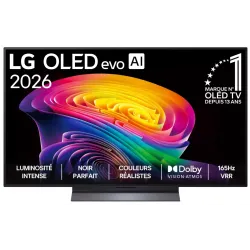 OLED TV LG OLED55C64LA€1,438.00
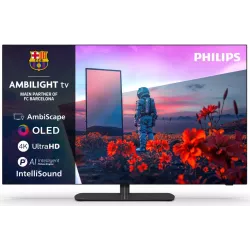 OLED TV PHILIPS 42OLED811/12€1,262.00
 OLED TV SAMSUNG TQ42S92H€1,048.00
 QLED TV TCL 65C89L€1,799.00
 Mini LED TV HISENSE 50U7SE€595.00
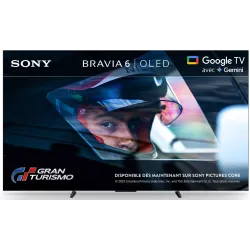 OLED TV SONY K55A65PB€1,193.00
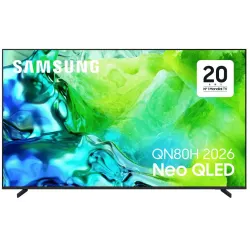 TV QLED SAMSUNG TQ65QN80H€961.00
Frequently asked questions
Is Filmmaker Mode good for sport?
Not really: without motion smoothing, fast movements can look judder-y on some TVs. Keep it for films and series.
Why does the picture look yellowish?
That's the studio white, warmer than the bluish white of showroom modes. After a few days, it's the showroom mode that will look too blue to you.
Do I need to turn it on for each app?
On most TVs, yes, the picture mode is set per source. Some TVs switch it on automatically when the film signals it.
Come and compare the screens in person
At our Temploux shop, we switch on TVs side by side with your content. Or ask our expert salesperson online, right now.
Read next
 Step by stepThe 5 settings to switch off on a new TVA TV leaves the factory set to dazzle in the shop, not in your living room. Five options switched on by default spoil films: smoothed motion, garish colours, lost detail. Switching them off takes five minutes and costs nothing.2 min read
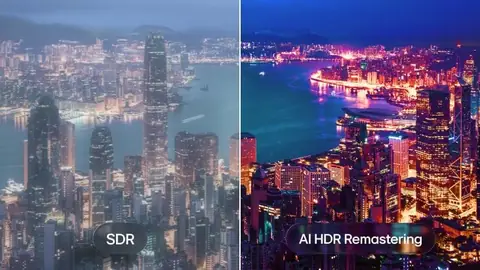 TechnologyHDR, Dolby Vision, HDR10+: what really changesHDR is what makes the difference between a 'clean' picture and one that really dazzles. But with all the logos, it's easy to get lost. We sort it out for you.3 min read
 Step by stepGetting the most from Netflix and Disney+ on your TV: picture, subscription, connectionPaying for 4K but the picture still looks blurry? The problem often lies with the subscription, the connection or an app setting. Here are the checks to make so you really get the most from Netflix, Disney+ and other streaming services.2 min read