
Philips TV: answers to your frequently asked questions
These are the questions we get every week in store about Philips TVs. Guarantee, Belgian apps, Ambilight, differences between similar models, minor faults: here are our clear and honest answers.
- Warranty : 2 years legal, 8 years of updates announced
- Titan OS : no Auvio, Pickx or Google Cast
- 811 or 851 : same TV, different stand
- Simple faults: checks before calling
Warranty, updates and service
Who provides after-sales service for a Philips TV?
Philips TVs are designed and marketed by TP Vision, under licence from Philips. During the statutory guarantee, the seller is your first point of contact: come and see us in store with your proof of purchase, and we'll guide you.
Is OLED burn-in covered?
We haven't found any Philips warranty that explicitly covers burn-in in Belgium. The risk remains low with varied use, thanks to pixel shifting, logo detection and automatic maintenance in standby. For a TV left on all day on a news channel, we recommend an LCD such as the PQS9001 instead.
Do new features arrive via software updates?
Yes. The Dolby Vision 2, for example, is announced via software update at the end of 2026 for the OLED811, the OLED+ models, the MLED981 and The One. Keep automatic updates turned on. Philips promises eight years of software support for 2026 models.
Titan OS and apps
Why did Philips leave Google TV?
In 2026, Philips is switching to Titan OS, a lighter and faster European system, well integrated with Ambilight. The downside: fewer apps than Google TV and no Google Cast. Only the OLED901 in 42 and 48 inch, from the 2025 platform, stays on Google TV.
Which Belgian apps are available?
According to the official Titan OS list for Belgium: VRT MAX, Streamz, VTM GO, RTL play and Play are included, as well as Netflix, YouTube, Prime Video, Disney+, Apple TV, HBO Max and DAZN. RTBF Auvio, Proximus Pickx and Telenet are not. The list changes: we check on the demo TV with you.
I'm a Proximus or Telenet customer: what should I do?
Keep your set-top box, connected via HDMI: you get all your channels back, and Ambilight also works with this source. An Apple TV is another option supported by Belgian operators.
Can I send my iPhone's screen?
Yes, on most 2026 models: AirPlay is listed as compatible on the PQS7801, PQS9001, OLED811/851, OLED+ and MLED981. It is not listed on the PQS6901 and PQS8601.
Does voice control work?
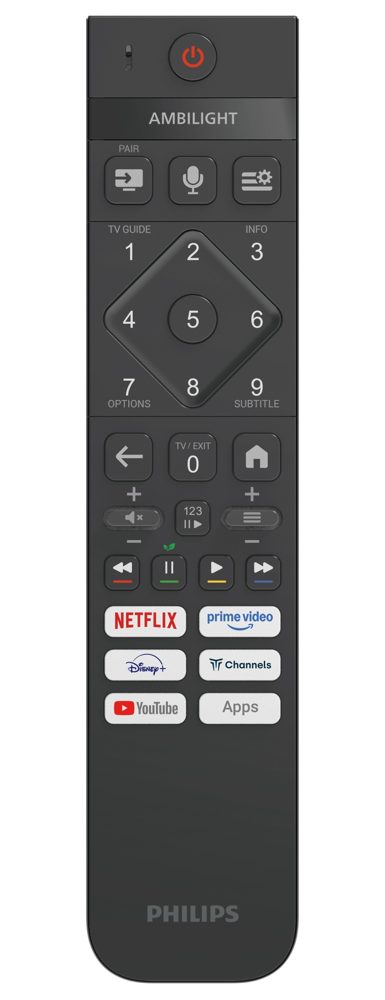
The remote has a microphone for voice search, and most 2026 models work with Google Home and Alexa. Voice search is however less advanced than on Google TV.
Ambilight and AmbiScape
Which Philips TVs have 4-sided Ambilight?
The OLED+911 and 951 (and the 2025 OLED950). Other models with Ambilight have it on three sides: left, right and top.
Do my Hue bulbs work with my Philips?
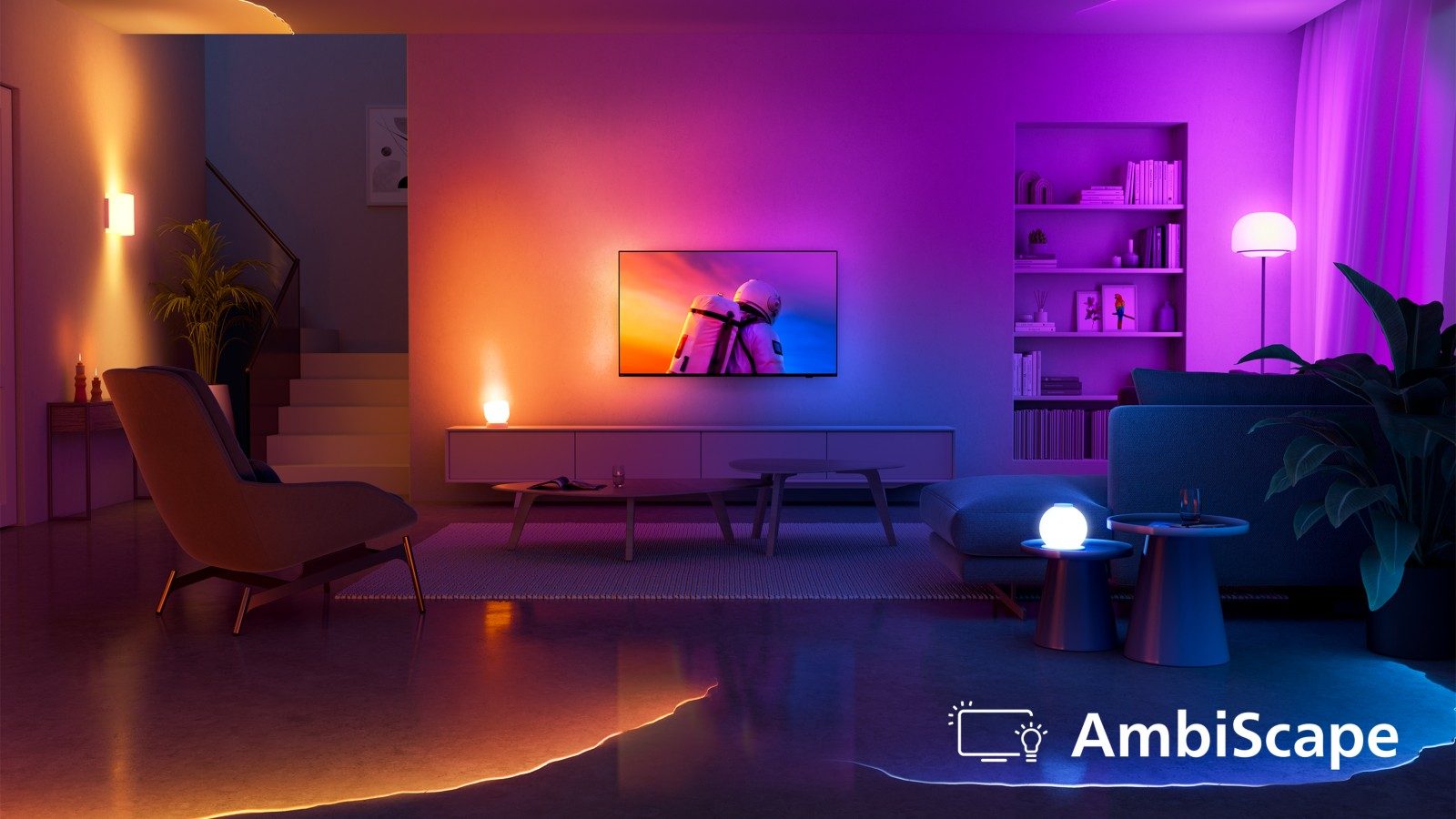
On 2026 models that support AmbiScape (PQS8601, PQS9001, OLED and MLED981), yes, via the Matter standard, up to four bulbs. You need Matter-compatible bulbs. On the PQS6901 and older models, no.
Differences between similar models
OLED811 or OLED+911?
The OLED+911 offers a brighter Tandem panel, 4-sided Ambilight and Bowers & Wilkins sound. Here in Belgium, the 55OLED911 is €1,999.99 versus €1,649.99 for the 55OLED851. If you already have a soundbar, the OLED811 or 851 is the best value for money.
PQS9001 or PQS8601?
The PQS9001 The One adds 120 Hz (144 Hz in VRR), four HDMI 2.1 ports, Dolby Vision and better sound from 50 inches up. The PQS8601 stays at 60 Hz, without Dolby Vision. For gamers, the PQS9001 is the clear choice; for TV and streaming, the PQS8601 is enough.
Is The One a Mini LED?
No. It's a QLED LCD with Micro Dimming, a software contrast processing. The only 2026 Philips Mini LED is the 85MLED981 (RGB Mini LED). We also sell the 55 and 65MLED910, 2025 Mini LEDs.
Are 2025 Philips TVs still good deals?
In some cases, yes: the 55MLED910 at €799.99 offers true local dimming, and the 65OLED950 at €2,499.99 is an OLED+ on Google TV, handy if you want that system.
Model numbers, countries and model names
Are model numbers different in France and Belgium?
No. Philips uses the same /12 model numbers on both sides of the border, with the same specifications. A 55OLED851/12 bought here is identical to the one sold in France.
How do you tell a model's year?
Look at the last digit of the model number: 1 for 2026 (OLED811, PQS9001), 0 for 2025 (OLED950, MLED910), 9 for 2024.
Sound and connections
Is my soundbar from another brand compatible?
Yes. Connect it to the HDMI port marked eARC and turn on HDMI CEC: the Philips remote controls volume and standby. Only brand-specific features (such as Samsung's TV and soundbar pairing) are not available.
Do you need a soundbar with a Philips?
On the 20 W models (PQS8601, PQS7801), a soundbar noticeably improves dialogue. The OLED811 (70 W) manages well. The OLED+911 and its Bowers & Wilkins system are enough for most living rooms.
Before buying a Philips, list your three must-have apps. If Auvio or Pickx are among them, add a stick or keep your set-top box, and everyone's happy. That's the only real question to settle with Titan OS.
Philips TVs in store
 TV QLED PHILIPS 32PQS6901/12€291.00
 TV QLED PHILIPS 43PQS8601/12€485.00
 TV QLED PHILIPS 65PQS9001/12€907.00
 OLED TV PHILIPS 42OLED811/12€1,262.00
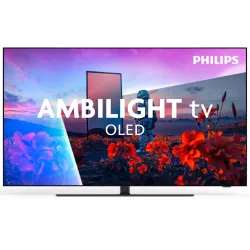 OLED TV PHILIPS 55OLED851/12€1,544.00
 TV OLED PHILIPS 55OLED911/12€1,999.00
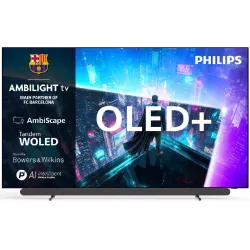 OLED+ TV PHILIPS 65OLED911/12€2,591.00
 OLED TV PHILIPS 77OLED811/12€2,717.00
Simple faults to check
The TV won't turn on
- Check the socket and power cable, try another socket.
- Press the physical button under the screen.
- Replace the remote's batteries.
The remote control no longer responds
Change the batteries, then hold the PAIR button to re-pair the remote, following the on-screen instructions.
No picture from the games console or set-top box
Check the selected HDMI source, reconnect the cable, then try another HDMI port. If the picture drops out at 4K 120 Hz, try the standard HDMI format to test, then a certified HDMI 2.1 cable.
Ambilight won't turn on
Press the Ambilight button on the remote and check that the intensity isn't set to zero. Reminder: the PQS7801 and the small PHS and PFS TVs don't have Ambilight.
An app won't launch anymore
Switch the TV off completely (hold the power button), wait a minute, then switch it back on. Also check that no update is pending.
The sound is out of sync with the picture
With a soundbar, look for the audio delay (audio sync) setting in the sound settings of the TV or the soundbar. Also check that the soundbar is connected to the eARC port and not to a standard HDMI port.
The picture looks too dark in HDR
It's often normal in the evening with a faithful picture style. During the day, choose a brighter HDR style and turn on the ambient light sensor. Also check that energy saving mode isn't reducing brightness.
For more, see our Philips settings guide, the 2026 range or return to the Philips space.
Frequently asked questions
What is the warranty on a Philips TV in Belgium?
Two years' statutory guarantee, owed by the seller. During those two years, a fault is presumed to have existed at the time of purchase. No Philips warranty specifically covering OLED burn-in has been found for Belgium.
Can I install Auvio on a 2026 Philips TV?
No, RTBF Auvio is not on the official list of Titan OS apps for Belgium. Use a Google TV stick, an Apple TV or your operator's set-top box.
How many years of updates for a 2026 Philips?
Philips promises eight years of updates for Titan OS and software, and seven years of spare parts according to the specialist press.
Does Chromecast work on a Titan OS Philips?
No built-in Google Cast. AirPlay is compatible with most 2026 models. A Google TV stick plugged into HDMI adds casting from Android.
What's the difference between the OLED811 and the OLED851?
No difference in picture, sound or gaming. The 851 has a dark grey 'Gun Metal' stand and only comes in 55 and 65 inch.
Does the PQS7801 have Ambilight?
No. Official Philips spec sheets don't list Ambilight on the PQS7801. For budget Ambilight, choose the PQS8601 or PQS6901.
Does a Samsung, Sony or Sonos soundbar work with a Philips?
Yes, via the HDMI eARC port and the HDMI CEC standard: the Philips remote controls the volume. The brand-specific synergy features are simply not available.
Come and compare the screens in person
At our Temploux shop, we switch on TVs side by side with your content. Or ask our expert salesperson online, right now.
Read next
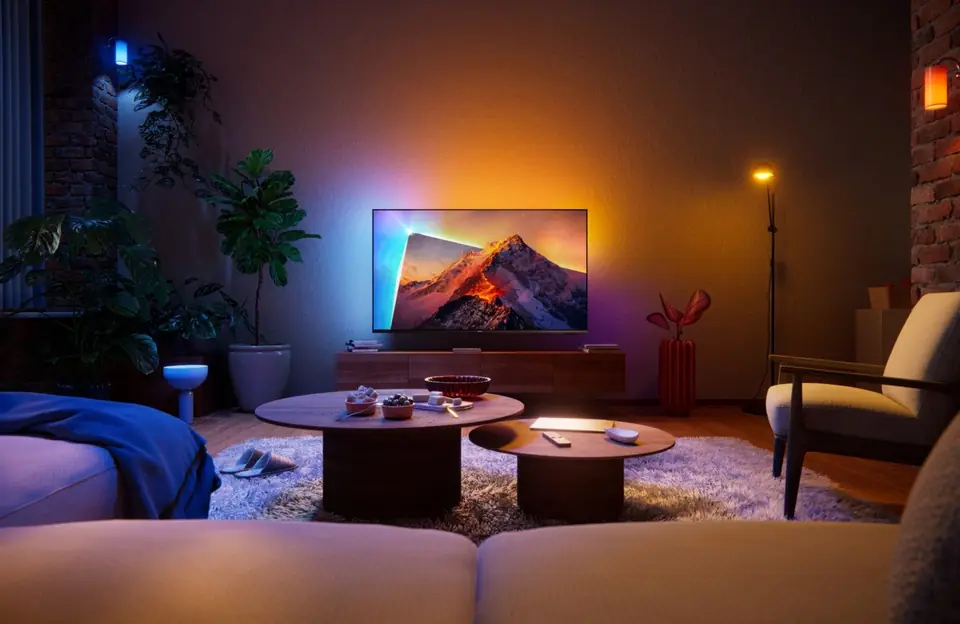 Brand spacePhilips TVs 2026: the full range of the Ambilight brandPhilips is the brand that spills the picture onto the wall thanks to Ambilight. In 2026 the range changes a lot: brighter new OLEDs, QLED TVs renamed PQS and a move to the Titan OS system. Here's everything you need to know before choosing.6 min read
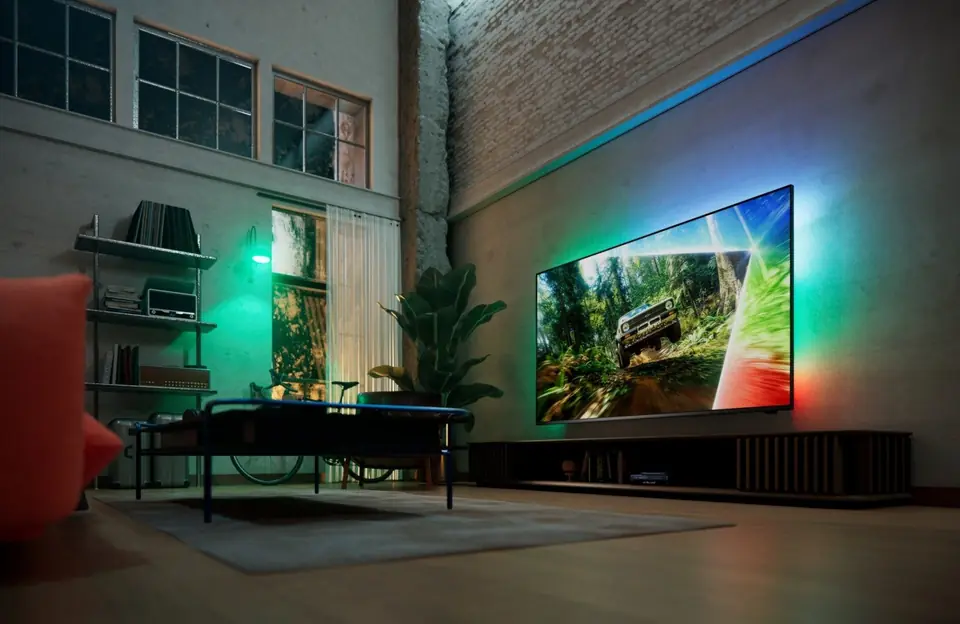 PracticalSetting up your Philips TV properly: picture, sound, gaming, Ambilight and Titan OSA properly set up Philips TV gains a lot in natural colour, smoothness and comfort. A few minutes is enough: choose the right picture mode, switch off two or three processing features, turn on game mode and adjust Ambilight. Here is our step-by-step method.6 min read
 2026 rangePhilips TV Range 2026: all the series in detailFrom the OLED+951 down to the small PQS6901, the Philips 2026 range includes about ten series. They look alike on paper, but not in gaming, brightness or Ambilight. Here is each series in detail, from top to bottom of the range, with the models we sell.7 min read