
Samsung TVs: frequently asked questions from our customers
In store, the same questions always come up about Samsung TVs: Dolby Vision, the different names in Belgium, apps, warranty. Here are our clear and honest answers, sorted by topic.
- No Dolby Vision on no Samsung
- 7 years of Tizen updates, 2 years' legal guarantee
- S92H = S93H / S94H in Belgium
- No app Pickx nor Telenet TV
Picture and HDR
Why does Samsung refuse Dolby Vision?
It's a strategic choice: Samsung backs the HDR10+, a rival format that does the same job (adjusting the picture scene by scene). Prime Video uses it. Netflix, Disney+ and Apple TV mostly use Dolby Vision; on a Samsung, these films play in HDR10. On a bright model with a good processor, most viewers won't notice any real difference. Dolby Vision 2, which arrived in 2026 on other brands, is not planned for Samsung either.
My picture is too blue and too 'flashy', is that normal?
Yes: many Samsungs come out of the box with a very vivid picture mode. Switch to Filmmaker mode for films and turn off motion smoothing. It's all explained in our Samsung settings.
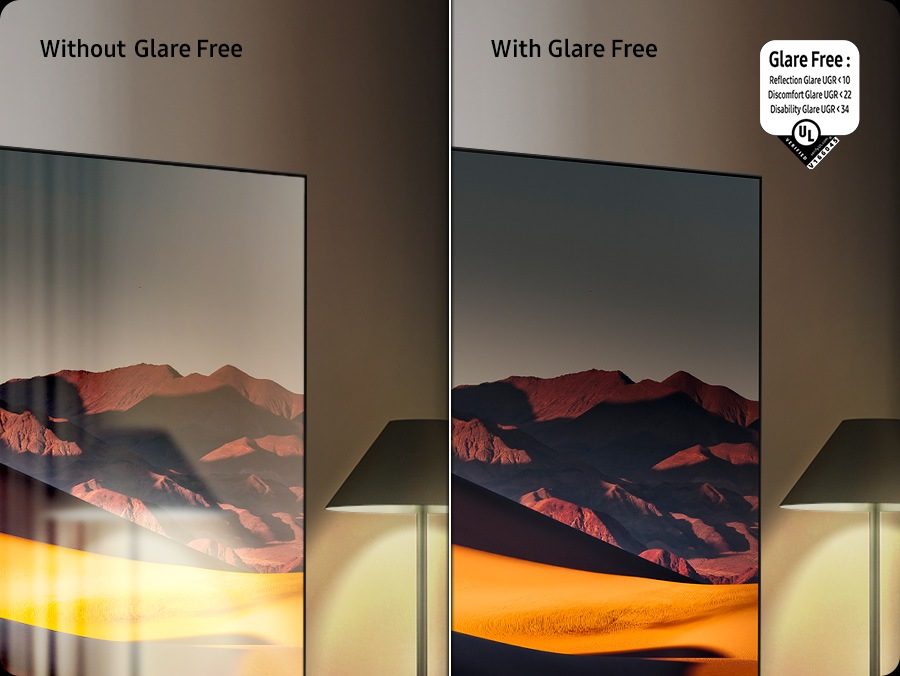
Is Glare Free on every Samsung?
No. It comes on the OLEDs S99H, S95H and S92H and the Micro RGB R95H. The Frame also has a matte screen. The S85H has only a simple anti-reflection filter, and the R85H, QN80H, QN70H and the Mini LEDs have a glossy screen.
Model names, countries and reference numbers
Why is my Samsung's name different from the one I read in a review?
Samsung changes names depending on the country and the retailer. Nimestore often sells the French references :
| At Nimestore (France) | Elsewhere | Difference |
|---|---|---|
| S92H | S93H, S94H (Belgium) | None |
| S92H | S90H (Belgium) | Same picture, simpler sound: 2.1, 40 W |
| S99H | S95H (United States) | Same TV |
| R95H, R85H | MR95H, MR86H (Benelux, according to HelloTV), R87H (Belgian Samsung store, for the R85H) | None announced |
| QN80H | QN82H (Belgian Samsung store) | None |
| QN70H | QN1EH (Belgian Samsung store) | None |
| M74H | M70H, M1EH | M74H = M70H; M1EH is similar |
TQ, QE, TU, UE: what do these letters mean?
They are the first letters of the reference number. In France: TQ for OLED, QLED, Neo QLED and The Frame, TU for Mini LED and Crystal UHD, TMR for Micro RGB. In Belgium: QE, UE and MRE. The next number is the screen size in inches, then comes the series, and the last letter of the series gives the year: H = 2026, F = 2025. A TQ and a QE from the same series are the same TV, with the same picture. The details are in our Range page.
Does a French reference work well in Belgium?
Yes. Recent TVs receive RTBF's digital terrestrial TV (DVB-T2 HEVC) and digital cable, and they have the Belgian apps. Only the reference suffix and the distribution channel differ. The 2-year legal guarantee is owed to you by the shop that sells you the TV.
Does the QN90H exist?
No. Samsung discontinued the QN90 series in 2026. If you see a QN90F, it's the 2025 model. The Micro RGB R85H now takes that place in the range.
Warranty, updates and lifespan
What warranty applies to a Samsung TV bought in Belgium?
The Belgian statutory 2-year guarantee. During these two years, if a fault appears, it is up to the seller to prove it did not exist at the time of purchase. Any commercial guarantees come on top: ask our expert salesperson what applies to your model.
Is my OLED at risk of burn-in?
The risk is low with varied use. It only appears with static elements displayed for hundreds of hours (24-hour news channel, PC interface). The TV's protections (pixel shifting, logo reduction, care during standby) do the rest, provided you don't unplug the TV from the socket. If you watch a news channel all day, a Mini LED or Micro RGB gives you more peace of mind.
What do the 7 years of updates cover?
Samsung commits to providing new versions of the Tizen system and its patches for 7 years. This doesn't make the TV more powerful: features that depend on hardware (processor, number of ports) remain as they were originally. Turn on automatic updates in the Support menu.
Sound and soundbars
Which soundbar should I connect to a Samsung?
Any soundbar with HDMI eARC works: plug it into the TV's HDMI port marked eARC. With a soundbar Samsung compatible, you also get Q-Symphony : the TV's speakers and the soundbar's play together. See our TV sound guide.
Is the TV's built-in sound enough?
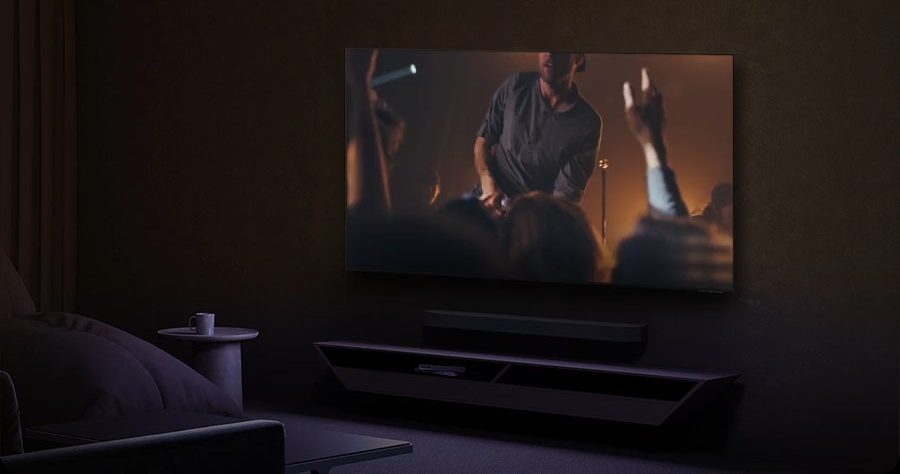
For TV shows, yes. The S99H, S95H and R95H already have a convincing 70 W sound, the S92H a good 60 W. On other models (20 to 30 W), a soundbar really changes films and sport.
Do Samsungs decode DTS?
DTS support is not confirmed for 2026 models. If you have DTS Blu-rays, connect the player directly to the soundbar or amplifier, or ask us to check on the model you're interested in.
Apps and Smart TV
Do I get Auvio, VRT MAX and Play on my Samsung?
Yes: Auvio (2019 models and later), VRT MAX (2018 and later) and Play (2019 and later) are available on Tizen, as are Streamz, VTM GO, Netflix, YouTube, Prime Video, Disney+ and Apple TV. For RTL Play, check on the model on display.
What about Pickx, Telenet, VOO?
There is there is no Pickx app (Proximus), nor Telenet TV, nor VOO TV+ on Samsung. Keep your provider's set-top box, or use an Apple TV or casting from your phone. The full rundown is in is built in for iPhone, iPad and Mac. From Android, YouTube and Netflix launch on the TV via their cast button, and Galaxy smartphones offer direct sharing (Tap View or Smart View). Samsung TVs don't have full Google Cast like a Google TV: for an app that only works with Chromecast, a Google TV Streamer solves the problem. The details by brand are in.
Can I send my phone's screen to the TV?
Yes. AirPlay is built in for iPhone and iPad. From Android, YouTube and Netflix launch on the TV via their cast button, and Galaxy smartphones share their screen with a single gesture. A Google TV Streamer dongle can fill the gap if needed.
Gaming
Is my Samsung '50 Hz' good for the PS5?
On European spec sheets, '50 Hz' refers to a 60 Hz panel. The PS5 works very well, but without 120 Hz mode. To play in 4K 120 Hz, you need a QN80H, a Micro RGB, The Frame 2026 or an OLED, and to enable Input signal plus on the HDMI port of the console.
Does 165 Hz matter for consoles?
No: PS5 and Xbox stop at 120 Hz. 144 or 165 Hz only benefits a PC with a powerful graphics card. It's a bonus, not a criterion for a console gamer.
Differences between similar models
S95H or S99H?
Nearly identical picture, the S99H being slightly brighter. The S99H focuses on design (a "floating" screen in front of a metal frame), but its wireless One Connect box is optional. The S95H has One Connect box included (from 55 to 77 inches). For most of our customers, the S95H is the best buy.
QN70H or M74H?
Two Mini LED 60 Hz sets for TV and series. The QN70H has a more advanced processor (NQ4 AI); the M74H is cheaper at the same size. Neither is made for 120 Hz gaming, and the QN70H spec sheet mentions neither Dolby Atmos nor VRR.
R85H or QN80H?
Both reach 144 Hz with four HDMI 2.1 ports. The R85H brings the colours of Micro RGB; the QN80H costs less and comes in a 50-inch size. Neither has Glare Free.
Before calling a repair technician, go through the simple checks below: in the vast majority of cases, the problem comes from a source, a cable or a setting. And if that isn't enough, bring your receipt to us: we'll look at it together.
The Samsung models people talk about most
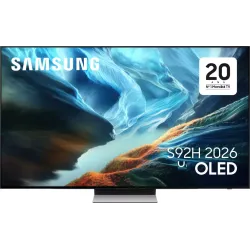 OLED TV SAMSUNG TQ55S92H€1,416.00
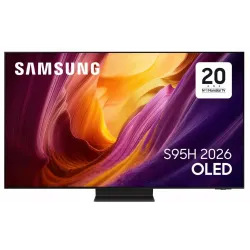 OLED TV SAMSUNG TQ55S95H€1,763.00
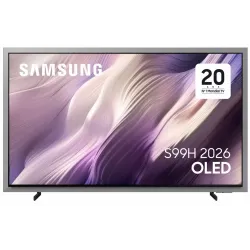 OLED TV SAMSUNG TQ55S99H€2,264.00
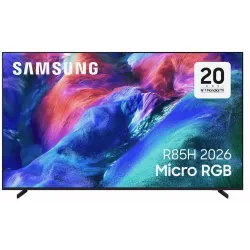 TV LED SAMSUNG TMR65R85H€1,879.00
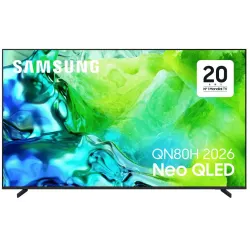 TV QLED SAMSUNG TQ65QN80H€961.00
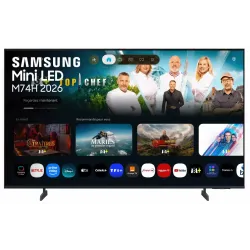 LED TV SAMSUNG TU55M74H€556.00
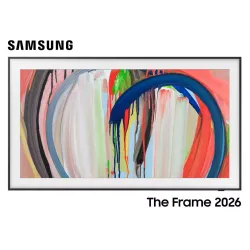 QLED TV SAMSUNG TQ55LS03HA€1,180.00
Simple faults you can check yourself
- No picture with an HDMI device : check the selected source, try another port and another cable. For a console in 4K 120 Hz, enable Enhanced Signal on that port.
- The remote control no longer responds : recharge it via USB-C (SolarCell remote), then re-pair it by holding down the Back and Play/Pause buttons, pointing it at the TV. In the meantime, the SmartThings app can act as a remote.
- An app won't launch anymore : update the TV and the app, then switch the TV off and on again.
- No sound from the soundbar : check that the soundbar is connected to the eARC HDMI port, that device control (Anynet+) is enabled, and that the TV's audio output is set to the soundbar.
- The picture gets darker by itself : this is often energy saving or brightness optimisation. On an OLED, dimming on a static image is normal panel protection.
- The Wi-Fi keeps dropping : restart the router, move it closer, or switch to an Ethernet cable.
- Still having a problem? Run theself-diagnostic from the Support menu (picture, sound, network), then contact us.
To view the whole brand again, return to our Samsung section.
Frequently asked questions
Do Samsung TVs have Dolby Vision?
No, none of them. Samsung uses its own HDR10+ format. Dolby Vision content from Netflix or Disney+ is displayed in HDR10, with a very good picture on bright models.
How long is a Samsung TV updated for?
Samsung promises 7 years of Tizen system updates for its recent TVs. It's the longest commitment among the major brands.
Is OLED burn-in covered by the warranty?
You have 2 years of statutory warranty. However, no Samsung warranty explicitly covering burn-in has been found for Belgium. With varied use, the risk is low.
S92H, S93H, S94H: is it the same TV?
Yes. The S92H sold in France and at Nimestore corresponds to the Belgian S93H and S94H. The Belgian S90H has the same picture, but simpler sound (2.1, 40 W instead of 2.1.2, 60 W).
Can I watch Pickx or Telenet on my Samsung?
Not with an app: they don't exist on Tizen. Use the operator's set-top box, an Apple TV or casting. Auvio, VRT MAX and Play are, however, available.
Which Samsung should I choose for 120 Hz gaming?
A QN80H, a Micro RGB R85H or R95H, The Frame 2026 or an OLED. The QN70H and M74H are 60 Hz panels ("50 Hz" on the spec sheet).
My Samsung TV has no sound or picture: what should I do?
Check the selected source and the HDMI cable, then switch the TV off with the remote and back on. If the problem persists, run the self-diagnostic in the Support menu, then contact us.
Come and compare the screens in person
At our Temploux shop, we switch on TVs side by side with your content. Or ask our expert salesperson online, right now.
Read next
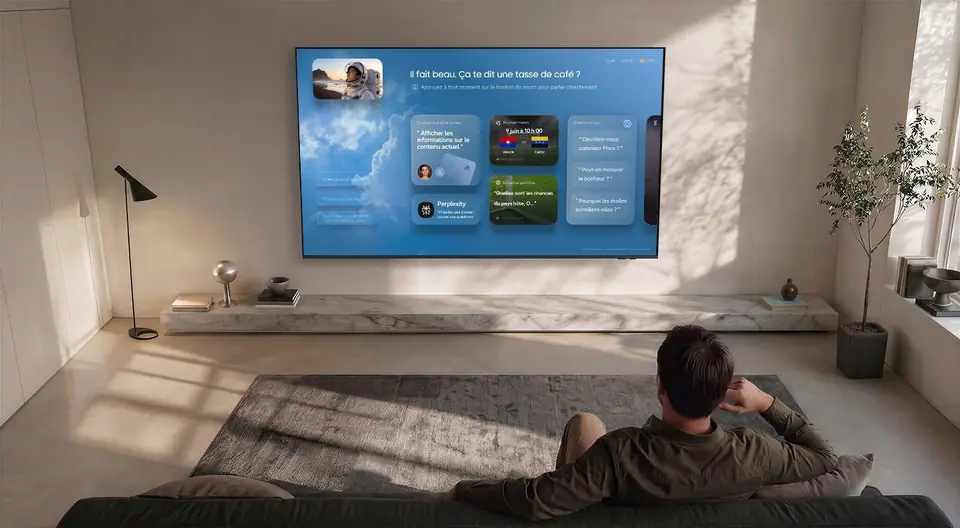 Brand spaceSamsung hub: everything you need to know about 2026 Samsung TVsSamsung is the world's best-selling TV brand, and its 2026 range is one of the richest on the market. In this section, we explain simply what it does very well, what it doesn't, and which model to choose for your living room.6 min read
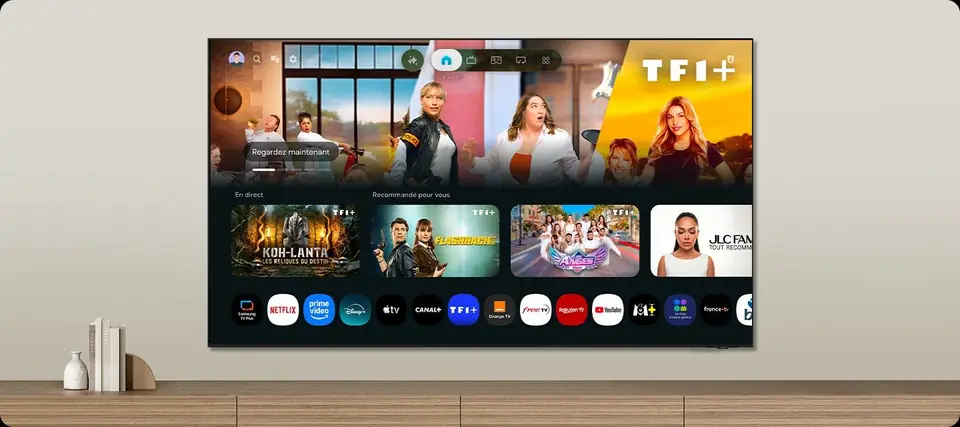 PracticalSetting up your Samsung TV properly: picture, sound, gaming and appsA Samsung comes out of the box with a picture that is often too dazzling. In ten minutes, you can make it much more accurate, enjoy 120 Hz with your console and find your apps. Here are our salesperson's settings, step by step.7 min read
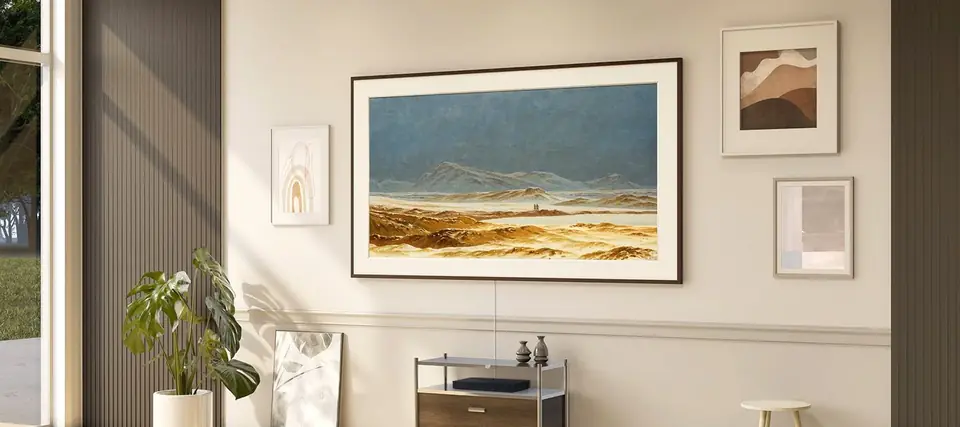 Buying guideWhich Samsung TV should you choose in 2026? The salesperson's guideFrom €499.99 to over €6,000, the Samsung range is huge. This guide takes you to the right model for your budget, your room and what you watch, with our real prices. And we also tell you when a model isn't right for you.6 min read