
TV glossary from A to Z: every term explained simply
On a TV spec sheet, one word in two is an acronym. Here's our salesperson's glossary, from A to Z: every term explained in a sentence or two, with what it really changes for you.
How to read this glossary
Terms are arranged alphabetically, with numbers first. Where a topic deserves more than a definition, we refer you to the article explaining it in detail. Names followed by a brand in brackets are commercial names: they often designate a technology that other brands sell under a different name.
0-9
- 4K (UHD) : 3,840 × 2,160 pixels, four times Full HD. It is the standard for all TVs from 43 inches up. See 4K, 8K and upscaling.
- 8K : 7,680 × 4,320 pixels. In 2026, Samsung is the only major manufacturer selling them, and there is almost no 8K content.
- 24p : cinema is shot at 24 frames per second. A 120 Hz panel displays it without uneven judder, as 120 is a multiple of 24.
A
- AirPlay : Apple's system for sending a video, photo or music from an iPhone, iPad or Mac to the TV. Available on LG, Samsung, Philips, Hisense and others.
- ALLM (Auto Low Latency Mode): the TV switches to game mode automatically when the console turns on, then returns to normal mode. Convenient, with no setup needed.
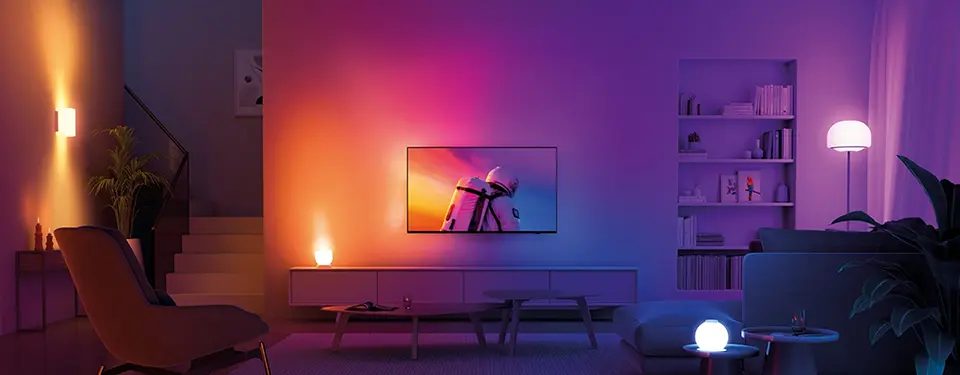
- Ambilight (Philips): LEDs at the back project the image's colours onto the wall. The screen looks bigger and your eyes tire less in the dark. Exclusive to Philips.
- AmbiScape (Philips): Ambilight also controls connected bulbs in the room.
- Viewing angle : does the picture stay good when you sit off to the side? Excellent on OLED, good on IPS panels, weaker on VA.
- Anti-glare : surface treatment of the screen to limit reflections from windows and lamps. Decisive next to a large window.
- ARC : HDMI port that sends the TV's sound back to a soundbar. Limited to compressed audio (Dolby Digital Plus). See eARC.
B
- Blooming (halo) : a faint glow around a bright object on a black background (subtitles, stars). Affects local-dimming LCD screens, not OLED.
- BT.2020 : the colour palette targeted by HDR films. The more of it a TV covers, the richer the colours. RGB models claim close to 100%.
- Burn-in : see Image retention.
C
- Calibrated (mode) : picture mode set to respect the colours intended by studios (Filmmaker, Cinema, Studio Calibrated on Sony). The most accurate.
- Casting (Google Cast, Chromecast) : send a video from your smartphone app to the TV. Built into Google TV and webOS 2026.
- CEC (HDMI-CEC) : one remote to control the TV, soundbar and set-top box. Each brand gives it a name: Anynet+ (Samsung), SimpLink (LG), Bravia Sync (Sony), EasyLink (Philips).
- CI+ : slot at the back of the TV for a module and operator card (mainly satellite). Less and less useful in Belgium.
- Contrast : gap between the brightest white and the deepest black. Infinite on OLED, from 1,000:1 (IPS) to 7,000:1 (VA) on an LCD without local dimming.
D
- DCI-P3 : colour palette of digital cinema, smaller than BT.2020. A good HDR TV covers more than 90%.
- DLG (Dual Line Gate): a trick that doubles the displayed frequency (240 or 288 Hz) by halving the vertical resolution. A marketing point, useful only to a few PC gamers.
- Dolby Atmos : three-dimensional sound, with effects coming from overhead. The TV decodes it, but a compatible soundbar reproduces it far better.
- Dolby Vision : HDR format that adjusts the picture scene by scene. Used by Netflix, Disney+, Apple TV and many 4K Blu-ray discs. Samsung doesn't support it.
- Dolby Vision 2 : new version launched in 2026, in two tiers (Dolby Vision 2 and Dolby Vision 2 Max). Arrives on Hisense, TCL and Philips via software update, not on LG or Sony in 2026.
- Dolby Vision IQ : Dolby Vision adjusts the picture to the room's light using a sensor.
- DTS:X : a 3D sound format competing with Dolby Atmos, common on Blu-ray discs. Support varies by brand.
- DVB-T2, DVB-C, DVB-S2 : the tuners for aerial (digital terrestrial TV, TNT), cable and satellite. See receiving TV in Belgium.
E
- eARC : an upgraded version of ARC. It sends high-quality audio to the soundbar or amplifier (full Dolby Atmos, Dolby TrueHD, DTS:X). Essential if your sources are plugged into the TV.
- Edge LED : backlighting from LEDs along the edges of the screen. Slim and cheap, but less uniform.
- Soap opera effect : an overly smooth, “home video” look caused by motion smoothing. See refresh rate and smoothness.
- EPREL : the European energy label database, accessible via the QR code on the label. See energy consumption and energy label.
F
- Filmmaker Mode : a picture mode created with filmmakers: it switches off the “enhancements” that distort the film. Our first setting tip.
- FreeSync (AMD): tear-free image system (VRR) for AMD graphics cards and Xbox consoles. Premium and Premium Pro tiers.
- Full Array : LEDs spread behind the entire panel, more uniform than Edge LED. Essential for true local dimming.
- Full HD : 1,920 × 1,080 pixels. Sufficient for a 24 to 32-inch screen, or for a bedroom.
G
- Glare Free (Samsung): matte anti-reflection coating on high-end OLED and Micro RGB models. Very effective in bright rooms.
- Google TV : Google's Smart TV system (Sony, TCL, Thomson, some Hisense). The largest choice of apps, including those of Telenet, VOO and Orange.
- Local dimming : see Local dimming.
- G-Sync Compatible (NVIDIA): VRR certified for NVIDIA graphics cards. Mainly found on LG and Philips OLEDs.
H
- HDMI 2.0 : the standard HDMI port, 4K at 60 frames per second. Enough for the set-top box, Apple TV and Blu-ray player.
- HDMI 2.1 : 48 Gbit/s, for 4K at 120 Hz and above, VRR and ALLM. Useful for PS5, Xbox Series X and PC. See HDMI and connections.
- HDMI 2.2 : the next standard (96 Gbit/s). No TV has it in 2026; the first devices are expected in 2027.
- HDR (High Dynamic Range): an extended dynamic range picture, with brighter whites and more shades in the shadows. See HDR, Dolby Vision and HDR10+.
- HDR10 : the basic HDR format, read by all HDR TVs.
- HDR10+ : scene-by-scene HDR, used by Prime Video. Samsung, Philips, Hisense and TCL support it; LG and Sony do not.
- HEVC (H.265) : a video compression format. Required to receive RTBF's digital terrestrial broadcasts.
- HGiG : an HDR setting for gaming: the console sets the brightness itself, without the TV adding any.
- HLG : HDR for live broadcasts (TV, YouTube). Supported by all HDR TVs.
- Hz (hertz) : the number of images the panel displays per second. 50/60 Hz at entry level, 100/120 Hz for smoothness and gaming.
I
- IMAX Enhanced : certification for films remastered in IMAX format, with DTS sound. Found on Hisense and TCL.
- Input lag : the delay between pressing the controller and the action on screen. Under 10 ms is excellent; over 40 ms is noticeable.
- IPS : an LCD panel type with wide viewing angles, but lower contrast. Handy for a corner sofa.
L
- LCD : a screen that filters the light from a backlight. LED, QLED, Mini LED and RGB Mini LED are all LCDs.
- LED : on a TV, it refers to an LCD lit by LEDs. Nothing to do with OLED.
- Motion smoothing : the TV invents intermediate frames to smooth motion. Good for sport, best switched off for films.
- Local dimming (local dimming): the backlight is divided into zones that switch on or off depending on the picture. The more zones there are, the better the blacks and the less blooming there is.
M
- Burn-in (burn-in): a permanent mark left on an OLED by a static image displayed for hundreds of hours (news channel logo, game interface). Low risk with varied use.
- MEMC : the technical name for motion smoothing (TCL, Hisense, Thomson).
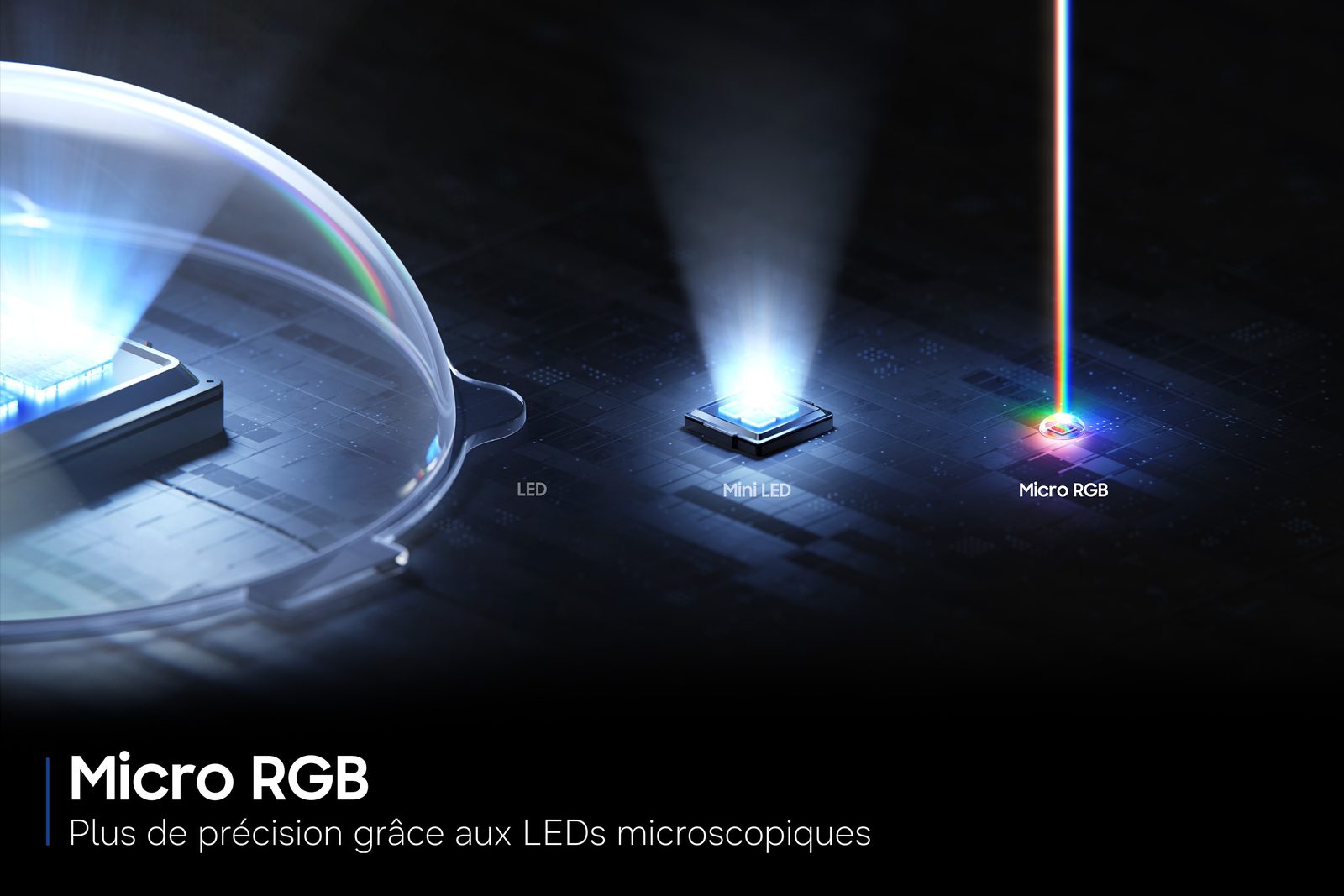
- Micro RGB (Samsung, LG): LCD backlighting with microscopic red, green and blue LEDs. The high-end LCD of 2026. This is not MicroLED.
- MicroLED : a self-emissive screen with microscopic LEDs, one per sub-pixel. Priced in five or six figures: not a consumer product in 2026.
- Mini LED : an LCD lit by thousands of very small LEDs, so lots of zones. Very bright, with no standard branding. See Mini LED and QLED explained.
- Game Mode : a mode that switches off image processing to minimise input lag.
N
- NanoCell (LG): LG LCD with a nanoparticle colour filter, entry level.
- Nits (cd/m²) : unit of brightness. 500 nits: modest HDR. 1,000 nits and above: convincing HDR. 2,000 and above: high-end.
O
- OLED : each pixel produces its own light and switches off completely. Perfect blacks, no halo, wide viewing angles. See OLED explained.
- OLED evo (LG): brand name for brighter LG OLEDs (C, G, W series).
- One Connect (Samsung): separate box that houses all the sockets, connected to the screen by a thin cable or wirelessly. Ideal for wall mounting. LG offers the wireless equivalent, Zero Connect.
P
- Pixel shift (pixel shifting): the OLED moves the image very slightly to prevent burn-in. Invisible to the eye.
- Processor : the chip that processes picture and sound (α11 at LG, NQ4 at Samsung, XR at Sony, P5 at Philips, AiPQ at TCL, Hi-View at Hisense). It matters just as much as the panel.
Q
- QD-OLED : quantum dot OLED from Samsung Display (Samsung S95H, Sony Bravia 8 II). Very bright colours, extreme viewing angles.
- QLED : LCD with a quantum dot layer for more vivid colours. Brand name (Samsung, TCL, Hisense, Philips): does not guarantee local dimming or 120 Hz.
- QMS : prevents the one-second blackout when the source changes refresh rate (film, menu).
- QNED (LG): LG quantum dot LCD, often Mini LED on the 'evo' series.
- Quantum dots : nanocrystals that convert blue light into very pure red and green.
R
- Resolution : number of pixels in the image (HD, Full HD, 4K, 8K).
- RGB Mini LED : Mini LED whose backlight uses separate red, green and blue LEDs. Richer colours at high brightness. See RGB Mini LED and Micro RGB.
S
- SDR : standard picture, non-HDR (live TV, most programmes).
- Smart TV : internet-connected TV with apps. Platforms: webOS, Tizen, Google TV, Titan OS, VIDAA.
- SQD-Mini LED (TCL): Mini LED with enhanced quantum dots ('Super Quantum Dot').
- Subpixel : each pixel is made up of small red, green and blue dots (and white in WOLED).
T
- Tandem (Primary RGB Tandem): OLED panel with several stacked layers, brighter and more durable. On LG G6, C6 77 and 83-inch, Philips OLED+ 911 and 951.
- Titan OS : Smart TV platform across the whole Philips 2026 range. Simple and smooth, with a smaller app catalogue.
- Tizen : Samsung's Smart TV platform, with 7 years of updates promised.
- DTT : aerial television. In Wallonia and Brussels, RTBF broadcasts its channels free of charge in DVB-T2 HEVC.
- True RGB (Sony): Sony's name for RGB Mini LED (Bravia 9 II and 7 II).
- Tuner : the built-in receiver for aerial, cable or satellite.
U
- Upscaling : the processor converts HD footage to 4K by recreating missing detail, now with AI. It's what determines the quality of live TV.
V
- VA : LCD panel type with good contrast but narrower viewing angles. Ideal for watching head-on.
- VESA : standard for the mounting holes on the back of the TV (for example 300 × 300 mm). See mounting your TV on the wall.
- VIDAA : Hisense's Smart TV platform, fast and simple, with up to 8 years of updates promised.
- VRR (Variable Refresh Rate): the TV matches the exact frame rate of the console or PC. Removes screen tearing and stutter in games.
W
- webOS : LG's Smart TV platform, with a pointer remote and 5 years of new versions (Re:New).
- Wi-Fi 6 / 6E : newer, more stable Wi-Fi, found on high-end models. An Ethernet cable remains the most reliable option.
- WOLED : LG Display OLED with white subpixel (LG, Philips, Sony Bravia 6, some Samsung sizes). Very deep blacks, even in a lit room.
Z
- Local dimming zones : number of independent backlight zones. From a few dozen on entry-level models to more than 20,000 on the TCL X11L.
Don't choose a TV based on the number of acronyms on the box. Three questions are enough: is your room bright, do you play on console at 120 Hz, and do you mainly watch Netflix or Prime Video? With those answers, half the words in this glossary no longer matter to you. The rest, we'll show you in store.
TVs to bring these terms to life
 OLED TV LG OLED55C64LA€1,438.00
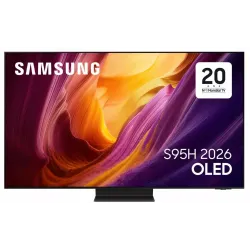 OLED TV SAMSUNG TQ65S95H€2,415.00
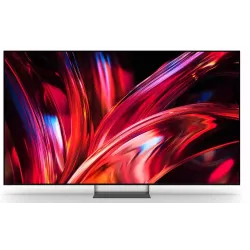 LED TV SONY K65XR95M2PB€2,633.00
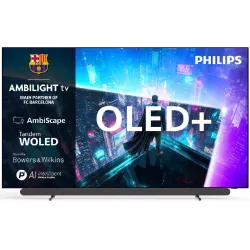 OLED+ TV PHILIPS 65OLED911/12€2,591.00
 QLED TV TCL 65C89L€1,799.00
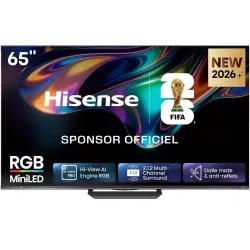 MINILED TV HISENSE 65UR8S€1,481.00
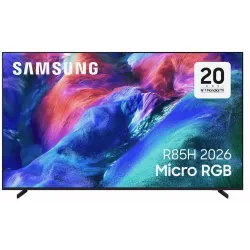 TV LED SAMSUNG TMR65R85H€1,879.00
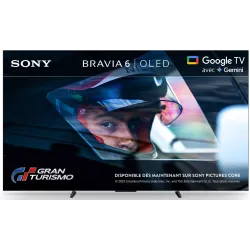 OLED TV SONY K55A65PB€1,193.00
Trade names mentioned belong to their respective brands. Features vary from model to model: the product sheet is the reference.
Frequently asked questions
What's the difference between OLED and QLED?
OLED produces its own light pixel by pixel: perfect blacks, no halo. QLED is an LCD screen lit from behind, with a quantum dot layer for more vivid colours. It is brighter and carries no risk of burn-in.
What does HDR10+ mean?
It's an HDR format with scene-by-scene information, used mainly by Prime Video. Samsung, Philips, Hisense, TCL and Panasonic support it; LG and Sony don't. Netflix and Disney+ mostly use Dolby Vision.
Do nits matter?
Yes, for HDR and bright rooms. From around 1,000 nits peak, HDR becomes convincing. But a quoted figure doesn't tell the whole story: picture processing and anti-reflection coating matter just as much.
Do you really need HDMI 2.1?
Only if you play on PS5, Xbox Series X or PC at 4K 120 Hz. For TV, streaming and Blu-ray, HDMI 2.0 is enough. However, eARC is valuable if you have a Dolby Atmos soundbar.
Come and compare the screens in person
At our Temploux shop, we switch on TVs side by side with your content. Or ask our expert salesperson online, right now.
Read next
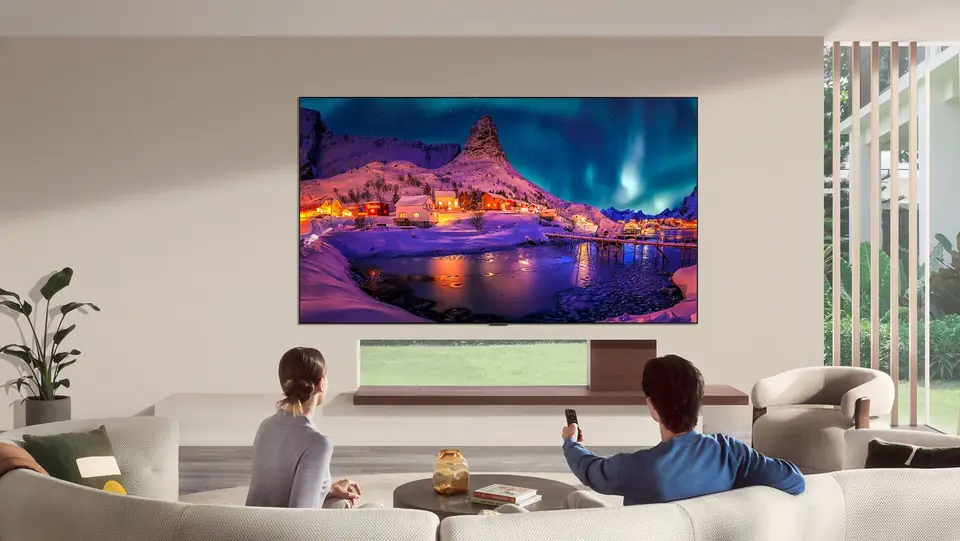 Buying guideChoosing the right TV in 2026: the complete guideOLED, Mini LED, RGB, 120 Hz, Dolby Vision… Choosing a TV has never offered so much, or been so confusing. Here's our sales team's method, in six questions, to find the TV that really suits you.3 min read
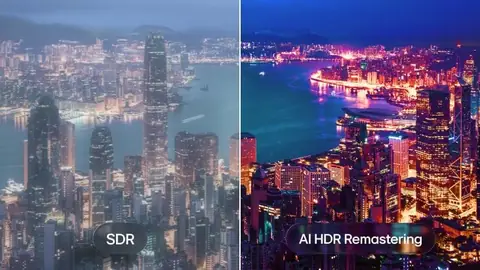 TechnologyHDR, Dolby Vision, HDR10+: what really changesHDR is what makes the difference between a 'clean' picture and one that really dazzles. But with all the logos, it's easy to get lost. We sort it out for you.3 min read
 PracticalHDMI, eARC and TV connections: the guide to plugging everything in correctlyA console that won't output 120 Hz, a soundbar that won't play Dolby Atmos, a picture that cuts out: nine times out of ten, it's a matter of port or cable. Here's how to read the connections on a 2026 TV and plug everything in correctly.7 min read