
Which Sony TV to choose in 2026? Our guide by profile
Six series, sizes from 43 to 100 inches and prices from €699.99 to €4,999.99: choosing a Sony takes a bit of method. Here are our recommendations based on your budget, your room and how you use it, with the real models we sell and the pitfalls to avoid.
- Under €1,000 : Bravia 3 II, the smart choice
- Dark room : OLED Bravia 6 or Bravia 8 II
- Bright room : True RGB Bravia 7 II or 9 II
- Several consoles : Bravia 3 II or Bravia 6 (4 HDMI 2.1)
The three questions to ask yourself
- What is the light level in the room? Bright living room or floor-to-ceiling windows: True RGB (Bravia 7 II or 9 II). Dimly lit room, TV mostly in the evening: OLED (Bravia 6 or 8 II).
- What do you watch most? Live TV and sport: the XR processor and 120 Hz matter. Films: contrast and Dolby Vision. Gaming: the number of HDMI 2.1 ports.
- What distance is there between the sofa and the screen? It gives you the right size. See our size guide.
By budget
| Budget | Our Sony pick | Why | Public price |
|---|---|---|---|
| Under £700 | Bravia 2 II 43" (K-43S25M2) | Small 4K Google TV for a bedroom or kitchen | 699,99 € |
| £700 to £870 | Bravia 3 II 50" or 55" (K-55XR35M2) | 120 Hz, 4 HDMI 2.1, Dolby Vision, XR processor | £799.99 and £899.99 |
| €1,000 to €1,500 | Bravia 3 II 65" or 75" | Large screen for the family and sport | £1,099.99 and £1,299.99 |
| €1,000 to €1,500 | Bravia 6 55" (K-55A65) | OLED for cinema in the evening | 1 299,99 € |
| £1,300 to £1,750 | Bravia 6 65" or Bravia 7 II 65" (K-65XR75M2) | OLED in a dark room, True RGB in a bright room | £1,599.99 and £1,799.99 |
| £1,750 to £3,000 | Bravia 9 II 65" (K-65XR95M2) or Bravia 8 II 55" | The best of Sony, in LCD or OLED | £2,599.99 and £2,199.99 |
| Over £3,000 | Bravia 9 II 85" or Bravia 7 II 85" | Very large high-end screen | £4,299.99 and £3,099.99 |
Nimestore public prices as of 15 October 2026, the product sheet takes precedence. Nimesclub members often get a reduced price, sometimes by several hundred euros on large models.
Depending on size
| Sofa-to-screen distance | Recommended size | Sony to watch |
|---|---|---|
| 1.5 to 2 m | 43 to 50" | Bravia 3 II 43" or 50", Bravia 6 48" |
| 2 to 2.5 m | 50 to 55" | Bravia 3 II 55", Bravia 6 55", Bravia 7 II 55" |
| 2.5 to 3 m | 55 to 65" | Bravia 6 65", Bravia 7 II 65", Bravia 9 II 65" |
| 3 to 3.5 m | 65 to 75" | Bravia 3 II 75", Bravia 7 II 75", Bravia 9 II 75", Bravia 6 77" |
| 3.5 to 4 m | 75 to 85" | Bravia 3 II 85", Bravia 6 83", Bravia 7 II 85", Bravia 9 II 85" |
| More than 4 m | 85 to 100" | Bravia 3 II 100" (£2,799.99) |
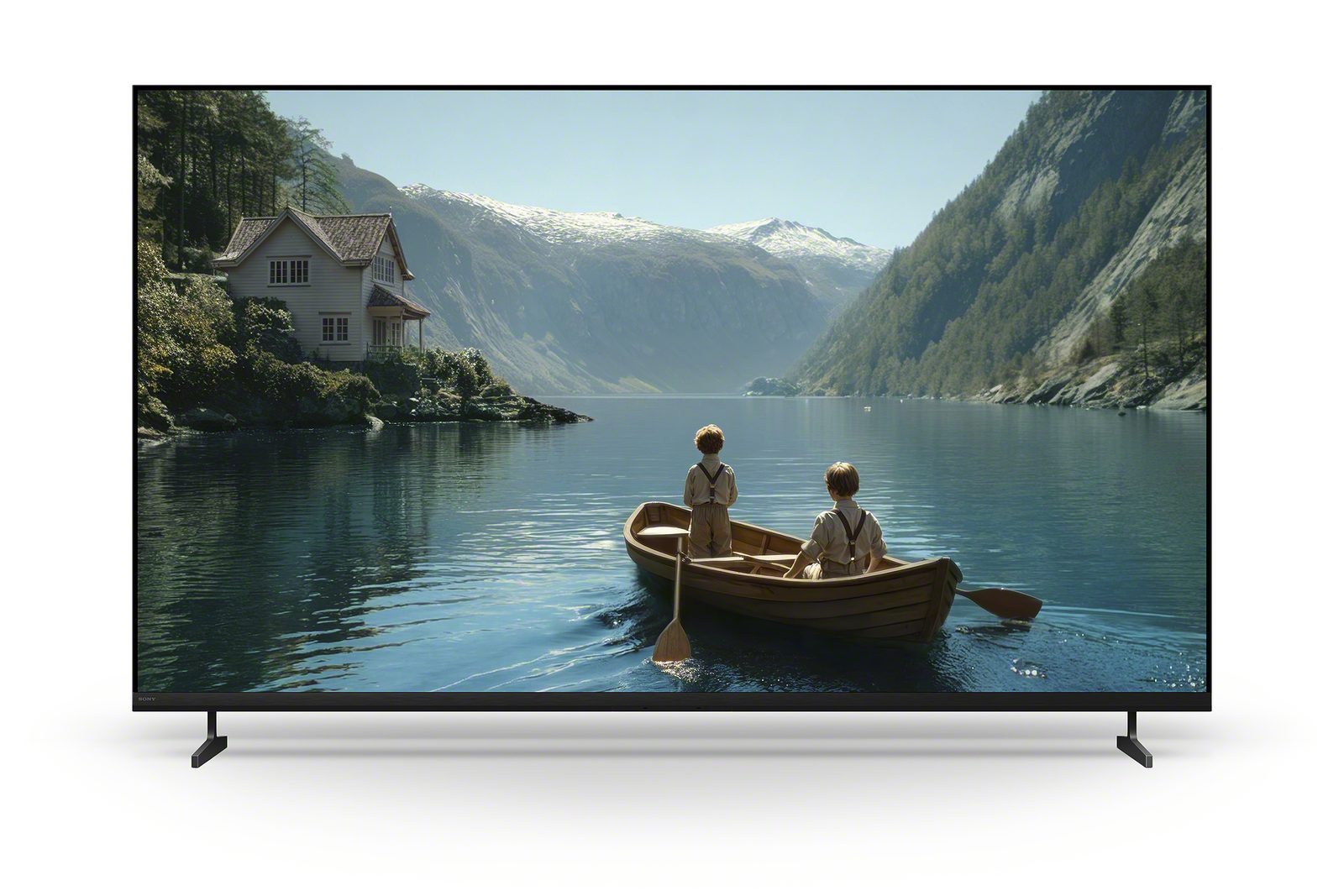
The Bravia 3 II is the most affordable way to get a very large Sony screen: 1 999,99 € for 85 inches, 2 799,99 € for 100 inches. Remember to measure your unit and check door clearance for the larger sizes.
Depending on the room: bright or dark
Bravia 9 II or 7 II
True RGB reaches high brightness and keeps colours rich in broad daylight. Facing a bay window, the anti-glare filter of the Bravia 9 II makes a real difference.
65" from 1 999,99 € (7 II) to 2 999,99 € (9 II)
Bravia 6 or 8 II
The perfect blacks of OLED are what make a film night so special. The Bravia 8 II is brighter and more refined, the Bravia 6 more affordable.
55" from 1 299,99 € (6) to 2 499,99 € (8 II)
Bravia 7 II
A good compromise: bright during the day, with effective local dimming in the evening. Only the blacks fall a notch short of OLED.
55" 1 899,99 € · 65" 1 999,99 €
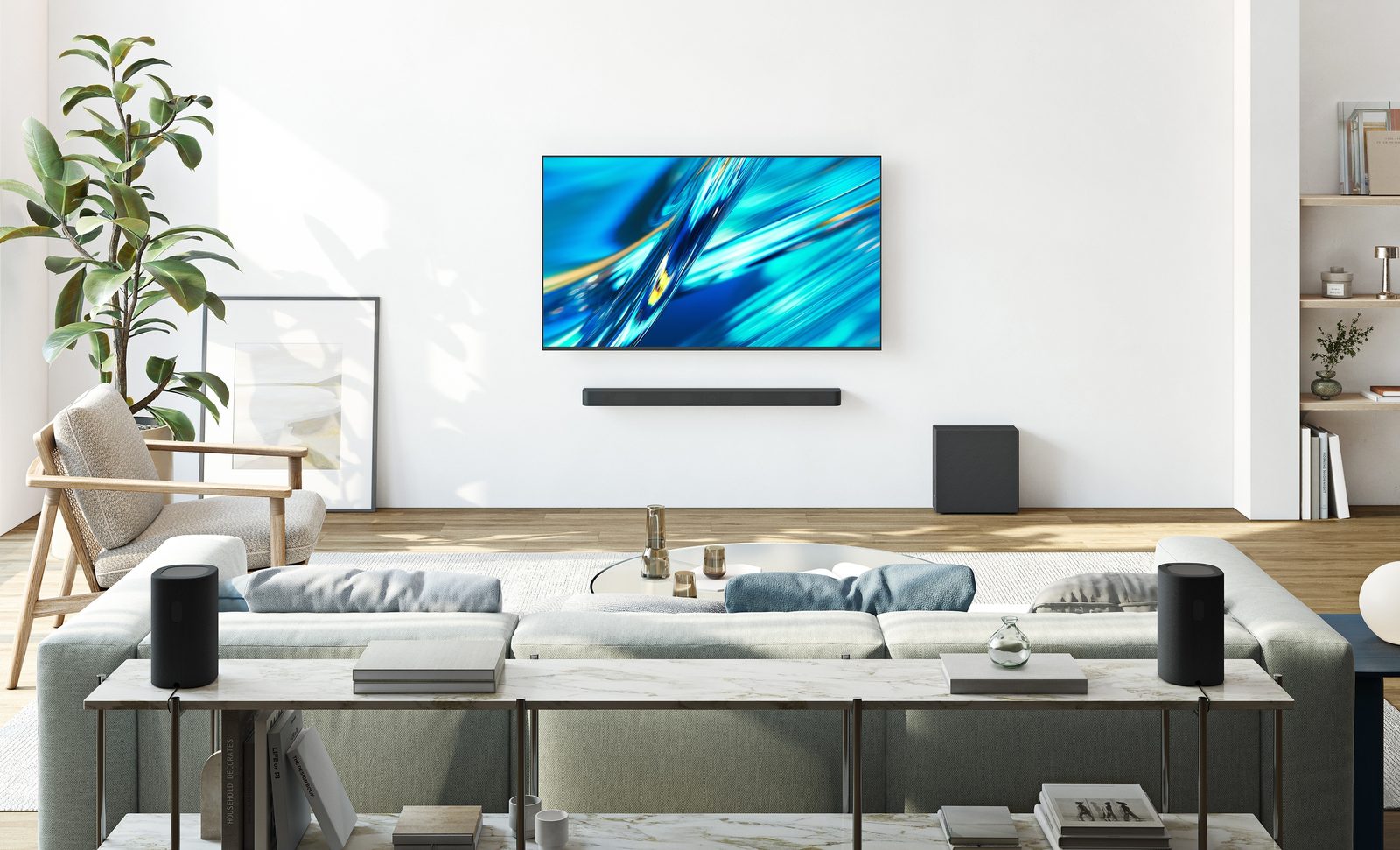
Depending on your use
Cinema
For films in the dark, OLED Bravia 8 II remains our Sony benchmark: perfect blacks, QD-OLED colours, sound that comes from the screen and Studio Calibrated modes. The Bravia 6 offers the essentials of the OLED experience at a gentler price, but without Studio Calibrated modes. Either way, budget for a soundbar for action films: see our TV sound guide.
Sport
Sport demands good motion handling and a bright picture in daytime. Sony's XR processor is a real asset here. Our pick: Bravia 3 II in 65 or 75 inches for the price, Bravia 7 II for the quality. If the whole family watches from the side, OLED holds its colours better.
Gaming: PS5, Xbox and PC
| Model | HDMI 2.1 | PS5 features | Our verdict |
|---|---|---|---|
| Bravia 3 II | 4 | Yes | The best budget choice for gamers |
| Bravia 6 | 4 | No | Very responsive OLED, ideal for several consoles |
| Bravia 7 II / 9 II | 2 | Yes | Perfect for a single console and a soundbar |
| Bravia 8 II | 2 | Yes | Superb picture, but only two inputs |
| Bravia 2 II | 0 | No | 60 Hz: not for gaming |
For the PC, Sony caps out at 120 Hz. A PC gamer wanting 144 or 165 Hz should look at an LG or Samsung instead. More details in our TV and gaming guide.
The bedroom
In a bedroom, you often watch in the dark and from close range. A Bravia 3 II 43-inch (799,99 €) is an excellent choice; the Bravia 2 II 43-inch (699,99 €) is plenty for catching the news or an episode before bed. For a film lover's bedroom, the Bravia 6 48-inch (1 199,99 €) brings OLED in a compact size.
If you're torn between two sizes, go for the bigger one: it's the regret I hear most often. And if you're choosing between a large LED and a smaller OLED, ask yourself just one question: do you mostly watch TV during the day as a family, or films in the evening?
The Sonys we recommend
 LED TV SONY K43S25M2PB€601.00
 LED TV SONY K43XR35M2PB€665.00
 TV LED SONY K55XR35M2PB€822.00
 LED TV SONY K65XR35M2PB€1,107.00
 LED TV SONY K75XR35M2PB€1,431.00
 LED TV SONY K85XR35M2PB€1,935.00
 TV LED SONY K100XR35M2PB€2,556.00
 OLED TV SONY K55A65PB€1,193.00
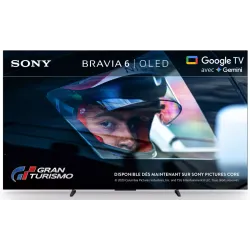 OLED TV SONY K65A65PB€1,490.00
 LED TV SONY K65XR75M2B€1,864.00
 LED TV SONY K65XR95M2PB€2,633.00
 OLED TV SONY K65XR8M25B€2,421.00
Pitfalls to avoid
- The Bravia 6 in a very bright living room : it's an entry-level OLED, not very bright and prone to reflections. Facing a bay window, a Bravia 7 II will be much more pleasant.
- Three gaming devices on a Bravia 9 II, 7 II or 8 II : only two HDMI 2.1 ports, one of which is shared with the soundbar.
- Waiting for HDR10+ : it isn't coming to Sony. If you watch a lot of Prime Video in HDR10+, be aware those films display in HDR10.
- Thinking that 'Mark II' means high-end : the Bravia 2 II is an entry-level model. Only the series number counts (9 sits above 8, 7, 6, 3 and 2).
- Relying on a US review : model numbers differ in the US. Always compare the series (for example Bravia 7 II) rather than the model number.
- Forgetting the sound : 20 W on the Bravia 6, 3 II and 2 II is fine for TV, just about enough for films. Set aside budget for a soundbar.
To revisit each series in detail, see our page Sony 2026 range, or go back to theSony hub.
Frequently asked questions
What's the best Sony under 1 000 €?
The Bravia 3 II in 50 or 55 inches: 120 Hz, four HDMI 2.1 ports, Dolby Vision and XR processor. It's the best value in the range.
Which Sony for a very bright room?
The Bravia 9 II, thanks to its high brightness and anti-glare filter. The Bravia 7 II is also very bright, but without the anti-glare filter. Avoid the Bravia 6, an OLED that isn't very bright and handles reflections poorly.
Which Sony for a PS5 and an Xbox?
The Bravia 6 (OLED) or the Bravia 3 II (LED): these are the only ones with four HDMI 2.1 ports. The Bravia 9 II, 7 II and 8 II have only two, one of which is shared with the soundbar.
What size Sony for my living room?
Allow around 65 inches from 3 metres' viewing distance and 75 inches from 4 metres. Most customers regret buying too small, rarely too big.
Is a large Bravia 3 II better than a smaller Bravia 6?
For family TV and sport, a 75-inch Bravia 3 II will be more enjoyable. For evening films in a dark room, a 55 or 65-inch Bravia 6 will deliver a far more cinematic picture.
Come and compare the screens in person
At our Temploux shop, we switch on TVs side by side with your content. Or ask our expert salesperson online, right now.
Read next
 Buying guideWhich TV for gaming on PS5, Xbox or PC?A next-gen console deserves a TV to match. Good news: in 2026 you no longer need to go high-end to game in 4K 120 Hz. Here's what really matters, and what's just marketing.3 min read
 Buying guideWhich TV size for your living room?The question we're asked most often in store. Good news: there's a very simple rule, and it almost always leads to a bigger screen than you had in mind.3 min read
 2026 rangeSony Bravia 2026 TV range: all the series explainedIn 2026 Sony is focusing on a short, clear range: two True RGB TVs, two OLEDs and affordable 4K LEDs. Here is each series in detail, from top to entry level, with its features, sizes and our prices.8 min read