
Sony Bravia technologies: True RGB, XR and Acoustic Surface explained
Sony gives its technologies very marketing-driven names: XR Triluminos Pro, Acoustic Multi-Audio+, Immersive Black Screen Pro. Behind them, there are real ideas. Here, without jargon, is what each one really changes in front of your screen, and which models you'll find it on.
- True RGB : red, green and blue LEDs, purer colours
- XR Processor : the brain, absent from the Bravia 6 and 2 II
- Studio Calibrated : the picture intended by the studio, without adjustment
- Sound : the screen that vibrates on the Bravia 8 II
Panels: True RGB, QD-OLED, WOLED and LED
Sony uses four types of screen in 2026. Each has its own character, and the right choice depends mostly on the light in your room.
True RGB (Bravia 9 II and 7 II)
A classic LCD screen lets through light from a backlight, usually blue or white LEDs, turned into colours by filters or quantum dots. With the True RGB, Sony replaces this backlight with separate red, green and blue LEDs, controlled zone by zone by a chip called "RGB Backlight Master Drive Pro". The colour is therefore made right at the light source.
- What you see : purer, more saturated colours, even in very bright scenes, and less coloured halo around light objects.
- Its strengths : high brightness, ideal in a bright room, and no risk of burn-in.
- Its limits : it remains an LCD. Blacks are not as perfect as on OLED, a slight halo may appear around subtitles, and the viewing angle is weaker.
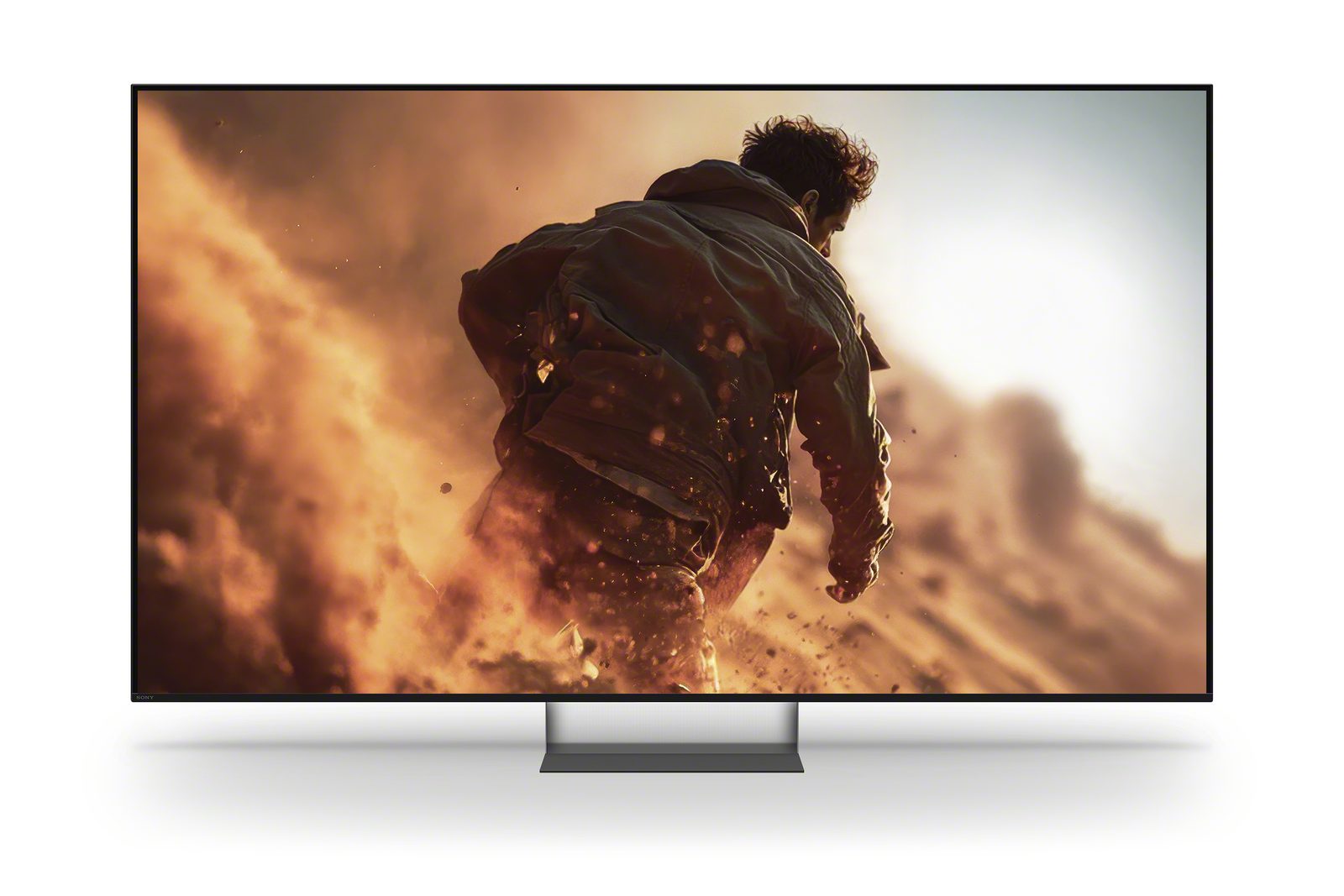
QD-OLED (Bravia 8 II)
In an OLED, each pixel produces its own light and switches off completely: perfect black, infinite contrast, no halo. The QD-OLED, made by Samsung Display, adds quantum dots for very bright colours and an extreme viewing angle. In a very brightly lit room, blacks can look slightly greyed.
WOLED (Bravia 6)
The Bravia 6 uses an OLED panel with white subpixels (WOLED), LG Display's technology. Same principle of perfect blacks, with more modest brightness: it's an entry-level OLED, best reserved for a dimmed or moderately lit room.
Direct LED (Bravia 3 II and 2 II)
LEDs placed behind the whole screen, but without local dimming : the backlight does not switch off zone by zone. The picture is clean and even for everyday TV, but blacks stay grey in the dark and HDR lacks punch.
The XR processor and artificial intelligence
The XR processor (Cognitive Processor XR) is Sony's picture processing chip. Its idea: analyse the image as our brain would, spot the point the eye is looking at (a face, a ball) and prioritise refining that area. It works on colour, contrast, sharpness and motion.
- Where it is : Bravia 9 II, 7 II, 8 II, 3 II (and Bravia 5). The "XR" in the reference indicates it.
- Where it isn't : the Bravia 6 (Sony lists "Processor: No" on its spec sheet) and the Bravia 2 II (4K X1 processor, simpler).
- When it makes the difference : TV channels in HD, old series, sport, low-quality sources. On a 4K film in Dolby Vision, the difference is smaller.
Picture processing
- XR Clear Image : reduces noise and restores detail, especially on low-quality sources.
- XR Contrast Booster : drives the backlight zone by zone to boost contrast (on models with local dimming).
- XR Triluminos Pro : widens the colour palette, with natural tones, especially for skin.
- Motionflow XR : the motion processing. Spec sheets quote '400/480' or '200/240': these are marketing figures. The real refresh rate is 120 Hz (or 60 Hz for the Bravia 2 II).
- Studio Calibrated : picture modes calibrated for Netflix, Prime Video and Sony Pictures Core, which reproduce the image as seen in the studio without any adjustment. Found on the XR models, absent from the Bravia 6.
- Sony Pictures Core (formerly Bravia Core): Sony's film streaming service, at very high bitrate. Film credits are included depending on the model (for example 10 credits over 24 months for the Bravia 9 II, 5 credits over 12 months for the Bravia 6).
- Ambient Optimization : sensors adjust brightness and sound to your room.
As for HDR formats, Sony supports Dolby Vision, HDR10 and HLG (the Bravia 2 II lacks Dolby Vision). No HDR10+ or Dolby Vision 2. To understand the formats, see our article on HDR.
Anti-reflection and viewing angle
The Bravia 9 II gets a matte filter called Immersive Black Screen Pro, in 65, 75 and 85 inch sizes (not 115 inch). It noticeably reduces reflections from a window or lamp. The Bravia 7 II doesn't have one. Both have X-Wide Angle, which improves the picture seen from the side on these LCD panels.
Sony sound
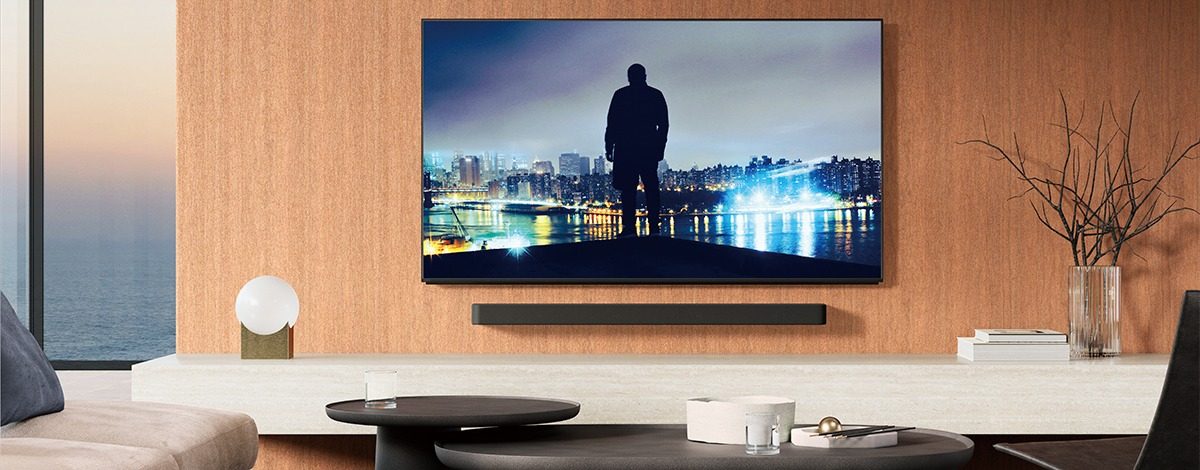
- Acoustic Surface Audio+ (Bravia 8 II): small actuators make the OLED panel vibrate, turning the screen itself into the speaker. The sound really does come from the actors' mouths.
- Acoustic Multi-Audio+ (Bravia 9 II and large sizes of the 7 II): speakers spread around the screen, with beam-forming tweeters on the 9 II, so the sound follows the picture.
- Voice Zoom 3 : artificial intelligence isolates and boosts dialogue. On the XR models, not on the Bravia 6.
- Acoustic Center Sync : with a compatible Sony Bravia Theatre soundbar, the TV's speakers become the centre channel.
- Dolby Atmos and DTS:X : across the whole 2026 range.
Gaming features
- 4K 120 Hz, VRR and ALLM : across all series except the Bravia 2 II. VRR eliminates screen tearing, and ALLM switches the TV to game mode as soon as the console is turned on.
- Number of HDMI ports : four HDMI 2.1 ports on the Bravia 3 II and 6, only two (HDMI 3 and 4) on the Bravia 9 II, 7 II and 8 II.
- Auto HDR Tone Mapping (PS5): the console automatically matches the TV's HDR capabilities.
- Auto Genre Picture Mode (PS5): the TV switches to Game mode for gaming and Cinema mode for films automatically.
- Both PS5 features are available on the XR models (including the Bravia 3 II), not on the Bravia 6.
- Drawback : 120 Hz maximum, no 144 or 165 Hz for PC. Everything is detailed in our TV and gaming guide.
Design and features specific to Sony
- Multi-position stands : on many models, the stand can be set at several heights to slide a soundbar in front of the screen (two heights on the Bravia 6, for example).
- Built-in microphone : on most 2026 models, a microphone in the TV lets you talk to Google without a remote. A switch lets you turn it off.
- Google TV with Gemini : search for a film by speaking naturally ('a funny adventure film to watch as a family').
- CalMAN calibration : on high-end models, a professional can calibrate the TV with this software. Not available on the Bravia 6.
Don't be won over by the names: what matters is the panel type and whether there's an XR processor. In practice, I look at three things with the customer: the light in their living room, the number of consoles to connect, and whether they mainly watch live TV or films.
These technologies in store
 LED TV SONY K65XR95M2PB€2,633.00
 LED TV SONY K75XR95M2PB€3,263.00
 LED TV SONY K65XR75M2B€1,864.00
 TV LED SONY K55XR75M2B€1,638.00
 OLED TV SONY K65XR8M25B€2,421.00
 OLED TV SONY K65A65PB€1,490.00
 OLED TV SONY K55A65PB€1,193.00
 LED TV SONY K65XR35M2PB€1,107.00
Sony glossary: marketing names explained in plain English
| Sony name | In plain terms | Models |
|---|---|---|
| True RGB | Backlight with separate red, green and blue LEDs | 9 II, 7 II |
| RGB Backlight Master Drive Pro | The chip that drives these LEDs zone by zone | 9 II, 7 II |
| XR Processor | The high-end AI picture processor | 9 II, 7 II, 8 II, 3 II |
| Processeur 4K X1 | Simpler processor, no AI | 2 II |
| XR Triluminos Pro | Wider colour palette | XR models |
| XR Clear Image | Noise reduction and detail enhancement | XR models |
| Motionflow XR 400/480 | Motion processing (the panel stays at 120 Hz) | Whole range |
| Luminance Booster | Boosts peak brightness | 9 II (Pro), 7 II |
| Immersive Black Screen Pro | Matte anti-glare filter | 9 II (except 115") |
| X-Wide Angle | Better picture from the side | 9 II, 7 II |
| Studio Calibrated | Picture modes calibrated like in a studio | XR models |
| Sony Pictures Core | Sony film streaming service, at very high bitrate | Whole range unless stated |
| Acoustic Surface Audio+ | The screen vibrates and produces sound | 8 II |
| Acoustic Multi-Audio+ | Speakers spread around the screen | 9 II, 7 II (large sizes) |
| Voice Zoom 3 | Dialogue enhanced by AI | XR models |
| Acoustic Center Sync | The TV acts as the centre speaker for the Sony soundbar | Depending on model |
| Ambient Optimization | Picture and sound adapted to the room | Depending on model |
| Perfect for PlayStation 5 | Automatic HDR and picture mode settings with the PS5 | XR models |
Exact features vary by size and model: the product sheet takes precedence. To see which series features which technologies, check our page Sony 2026 range.
Frequently asked questions
What's the difference between True RGB and OLED?
True RGB is an LCD screen lit by red, green and blue LEDs: very bright, ideal for well-lit rooms, with no risk of burn-in. OLED produces its light pixel by pixel: perfect blacks and wider viewing angles, ideal for darker rooms.
Does the XR processor really make a difference?
Yes, especially on HD TV, older series and sport: it improves sharpness, reduces noise and makes motion smoother. On a good 4K Dolby Vision film, the difference is smaller.
What is Studio Calibrated mode?
These are picture modes calibrated for Netflix, Prime Video and Sony Pictures Core. They reproduce the picture as seen in the studio, with no manual adjustment required. They are available on models with the XR processor, but not on the Bravia 6 or Bravia 2 II.
Does Acoustic Surface replace a soundbar?
It is remarkable for a TV: the sound really comes from the picture. For deep bass and a true cinema effect, a soundbar with a subwoofer is still a real plus.
Does Sony have Dolby Vision 2?
No, not in 2026. Sony TVs support standard Dolby Vision (except the Bravia 2 II), HDR10 and HLG, but neither Dolby Vision 2 nor HDR10+.
Come and compare the screens in person
At our Temploux shop, we switch on TVs side by side with your content. Or ask our expert salesperson online, right now.
Read next
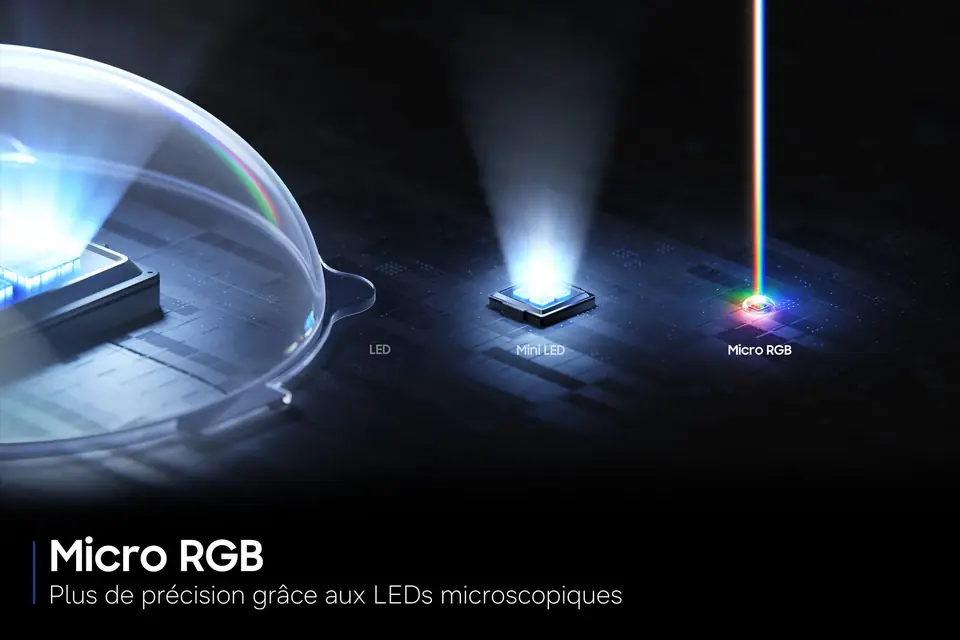 TechnologyRGB Mini LED, Micro RGB, True RGB: the big new thing for 2026It's THE trend of the year: all the major brands are launching TVs with RGB backlighting. Samsung talks about Micro RGB, Sony about True RGB, and Hisense and TCL about RGB Mini LED. Behind the names is a simple idea that delivers spectacular colours.2 min read
 TechnologyOLED explained simply (WOLED, QD-OLED, Tandem)Perfect blacks, infinite contrast, a picture that still looks great from the side: OLED is a dream. But how does it work, what's the difference between WOLED and QD-OLED, and what about the famous burn-in: myth or reality? We tell you everything.3 min read
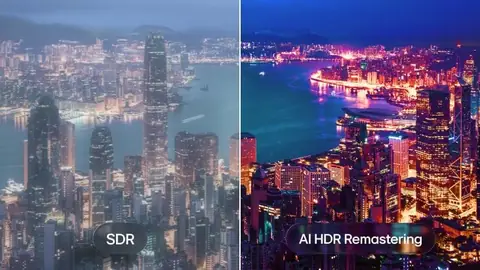 TechnologyHDR, Dolby Vision, HDR10+: what really changesHDR is what makes the difference between a 'clean' picture and one that really dazzles. But with all the logos, it's easy to get lost. We sort it out for you.3 min read